Scaffold inspections,
done on site
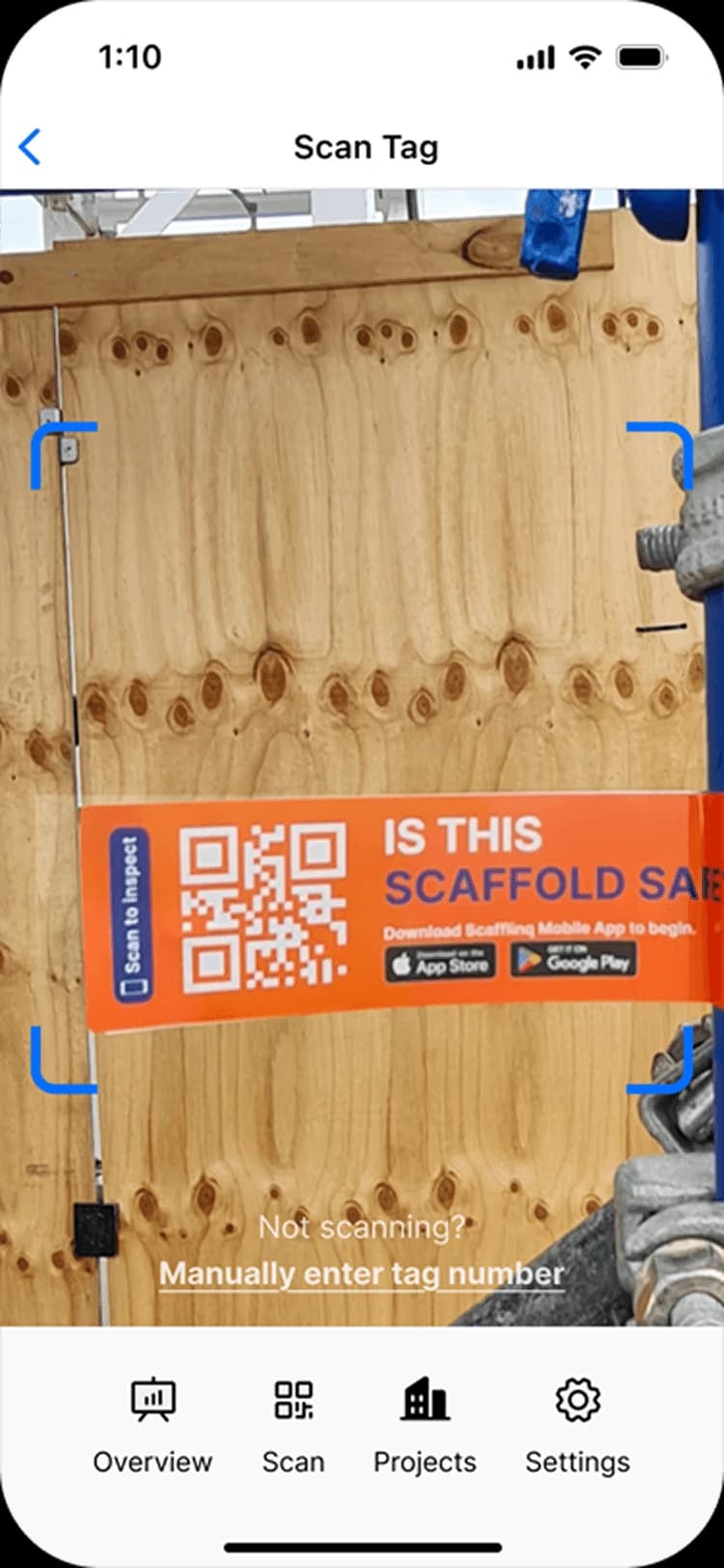
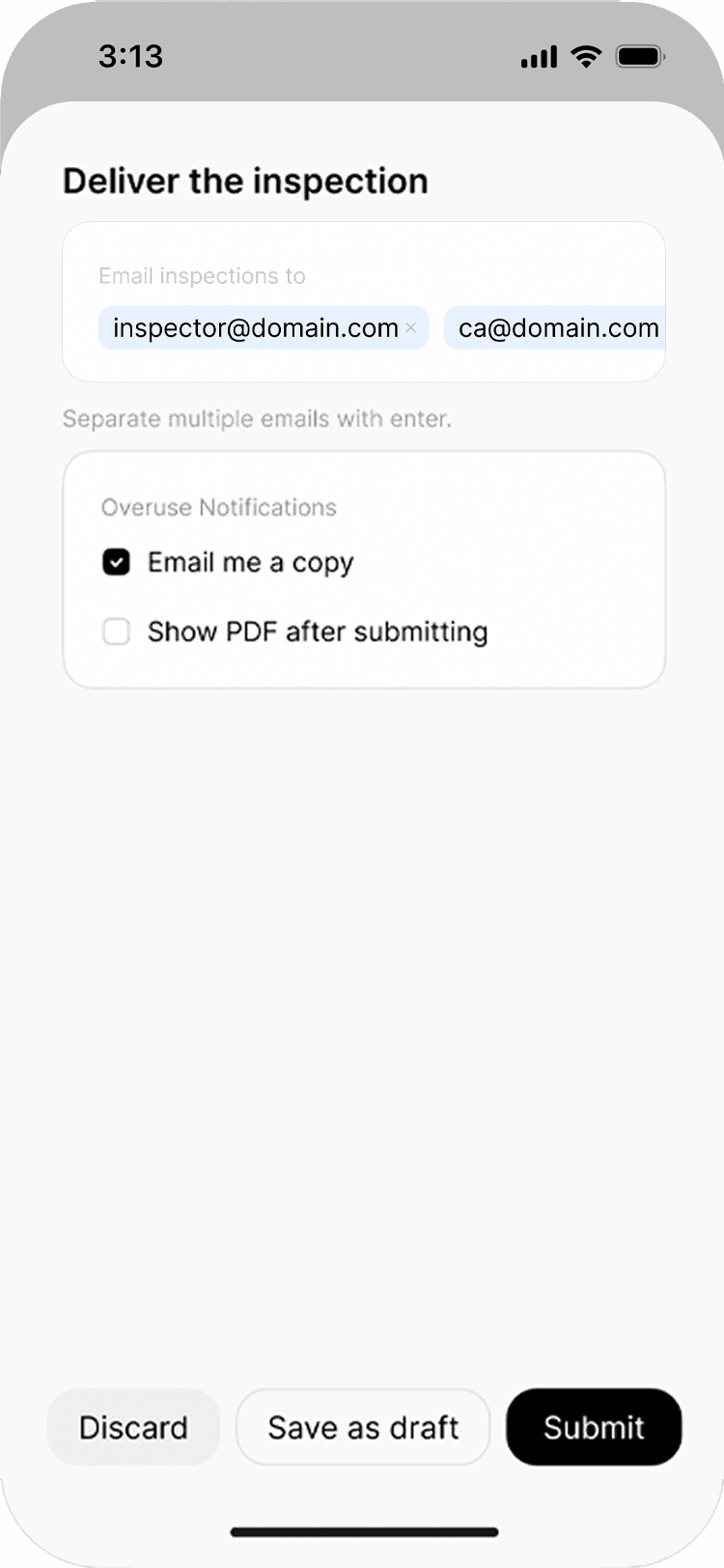
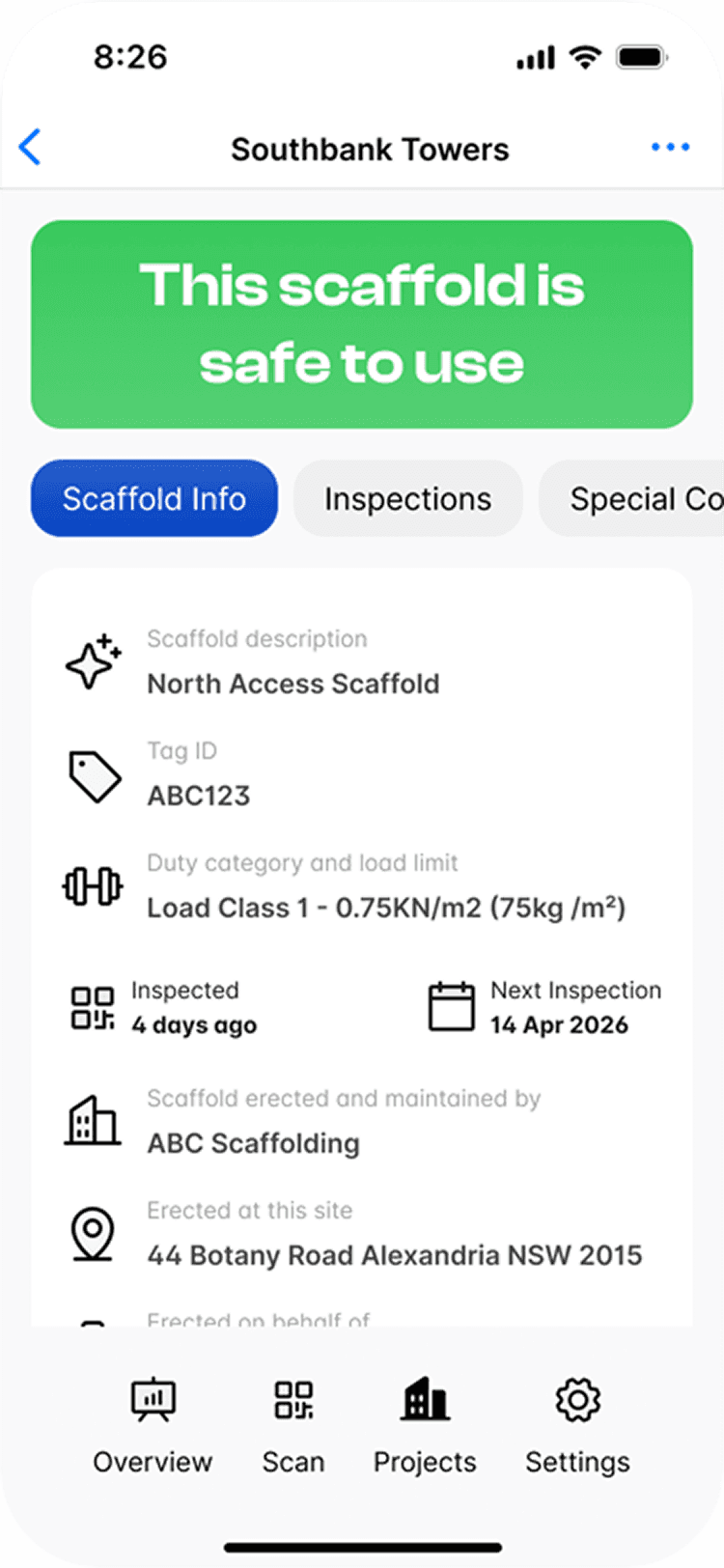
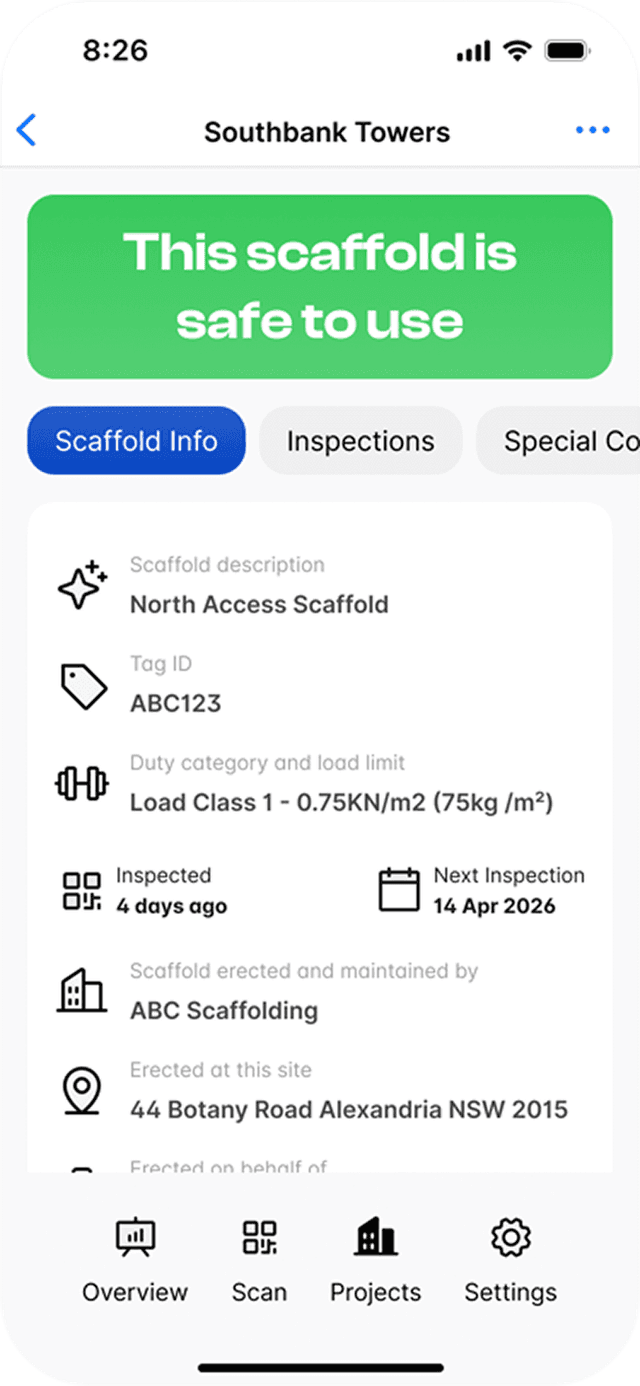
Scan the scaffold’s tag, work through your own checklist, add photos and sign off on the phone. The handover certificate is generated and emailed, and the scaffold’s status updates for everyone who scans it.

Key capabilities
Your checklist,
your standard
- Custom checklistsYour own groups, questions, order and default answers.
- Photos and sign-offUp to 10 photos per inspection, with the outcome signed on the phone.
- Handover emailedThe handover certificate goes to your recipients when you submit.
…and more additional features
- Scan to startScan the tag, or enter the tag number by hand.
- Mandatory photosSet how many photos every inspection must include.
- Inspection scheduleA default inspection interval for new scaffolds.
- Customer sign-offMake the customer’s signature required, optional or hidden.
- Special conditionsRecord conditions against a scaffold that everyone sees.
- Load classesPreloaded for AS/NZS 1576, BS EN 12811-1, IS 3696 and OSHA 1926 / ANSI A10.8, or add your own.
- History keptChecklist changes never alter past inspections.
- Maya, if you want herSpeak your notes and review Maya’s suggested answers.
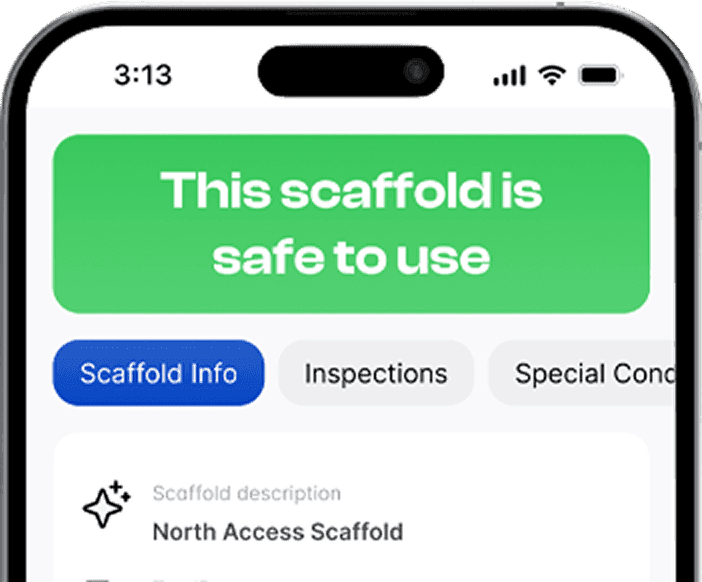
- Status updatesThe scaffold’s tag shows the new result the moment you submit.
Features
Every inspection consistent.Every answer on record.Every handover sent.

Custom checklists
Inspect to your own checklist
Build the checklist your inspectors work through, from the web portal.
Create, rename and reorder your own groups and questions.
Set default answers of Yes, No or N/A.
Changes apply to future inspections and never alter completed ones.
Sign-off
Signed off the way your clients expect
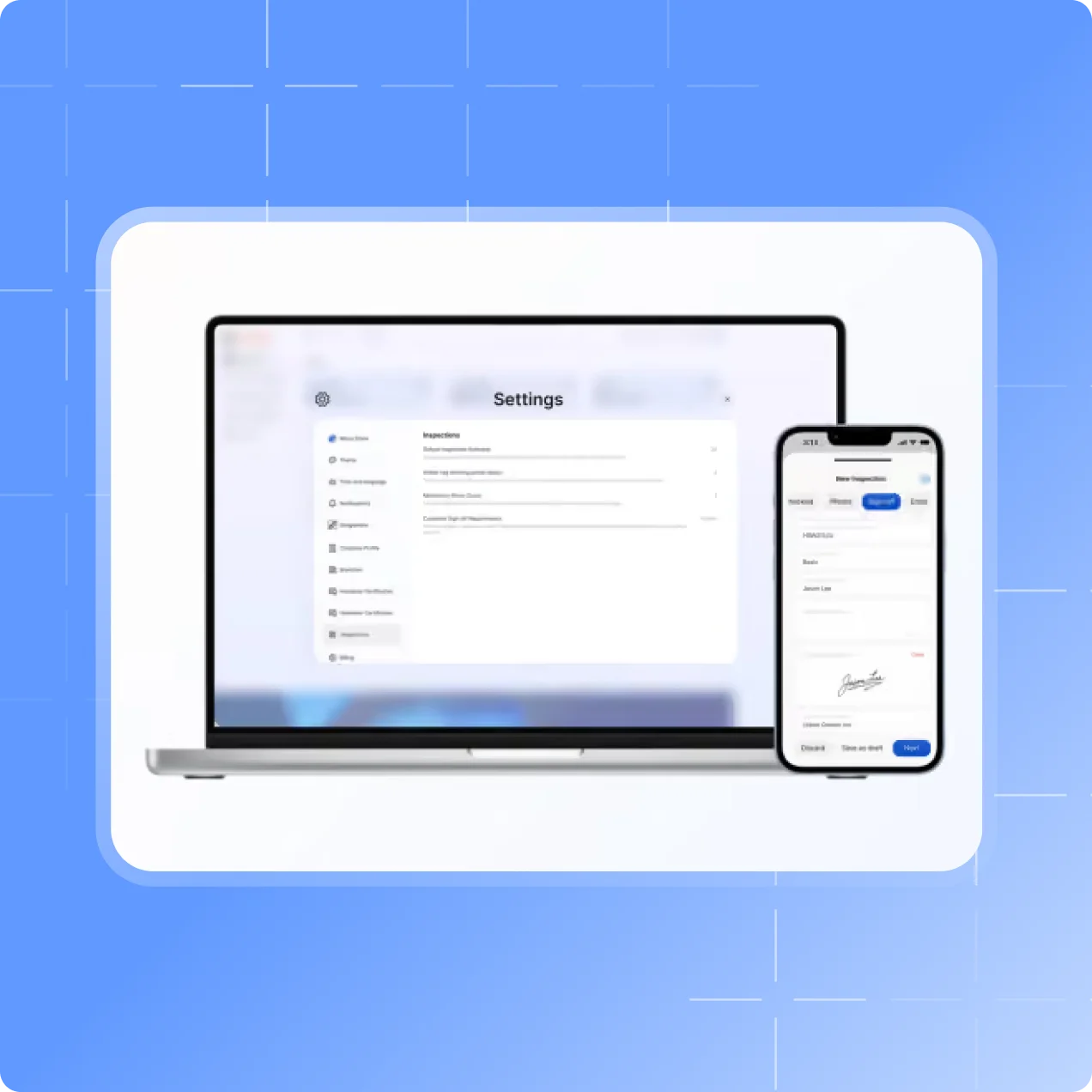
Choose the outcome, add up to 10 photos from the camera or phone album, and sign the inspection off on site.
Set a mandatory number of photos for every inspection.
Make the customer’s sign-off required, optional or hidden.
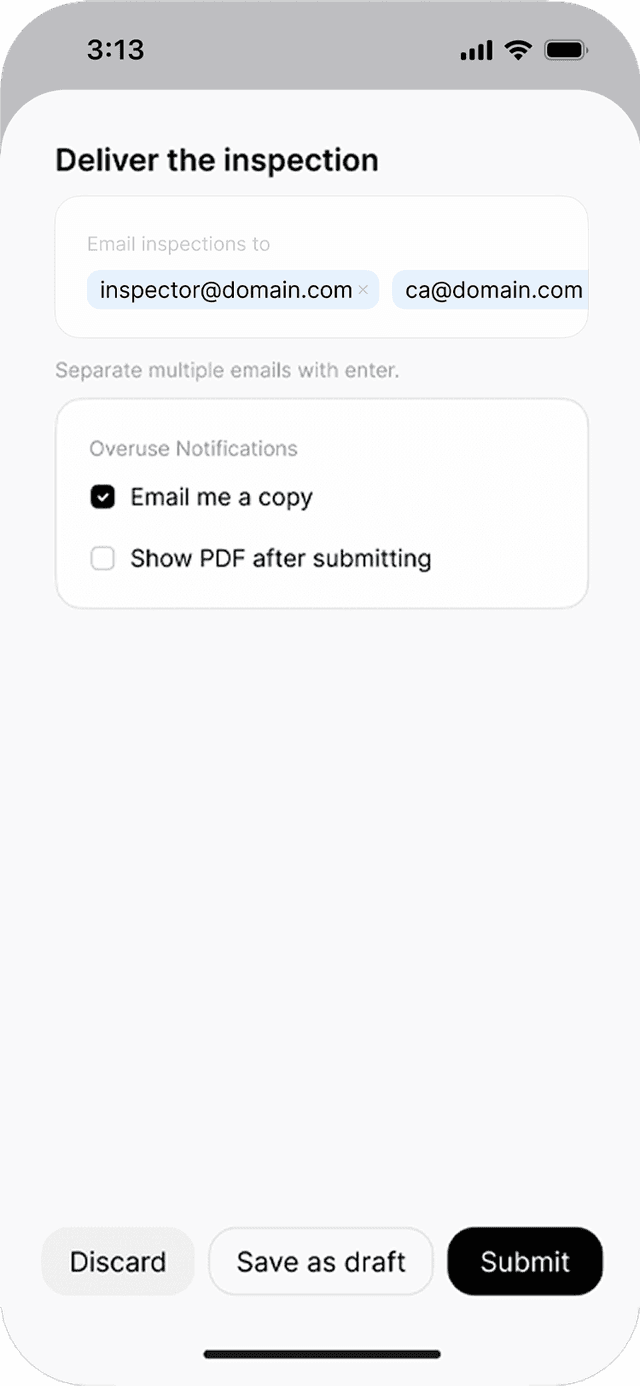
Choose who receives the handover certificate, and whether you get a copy.
Your standards
Set up for the way you work
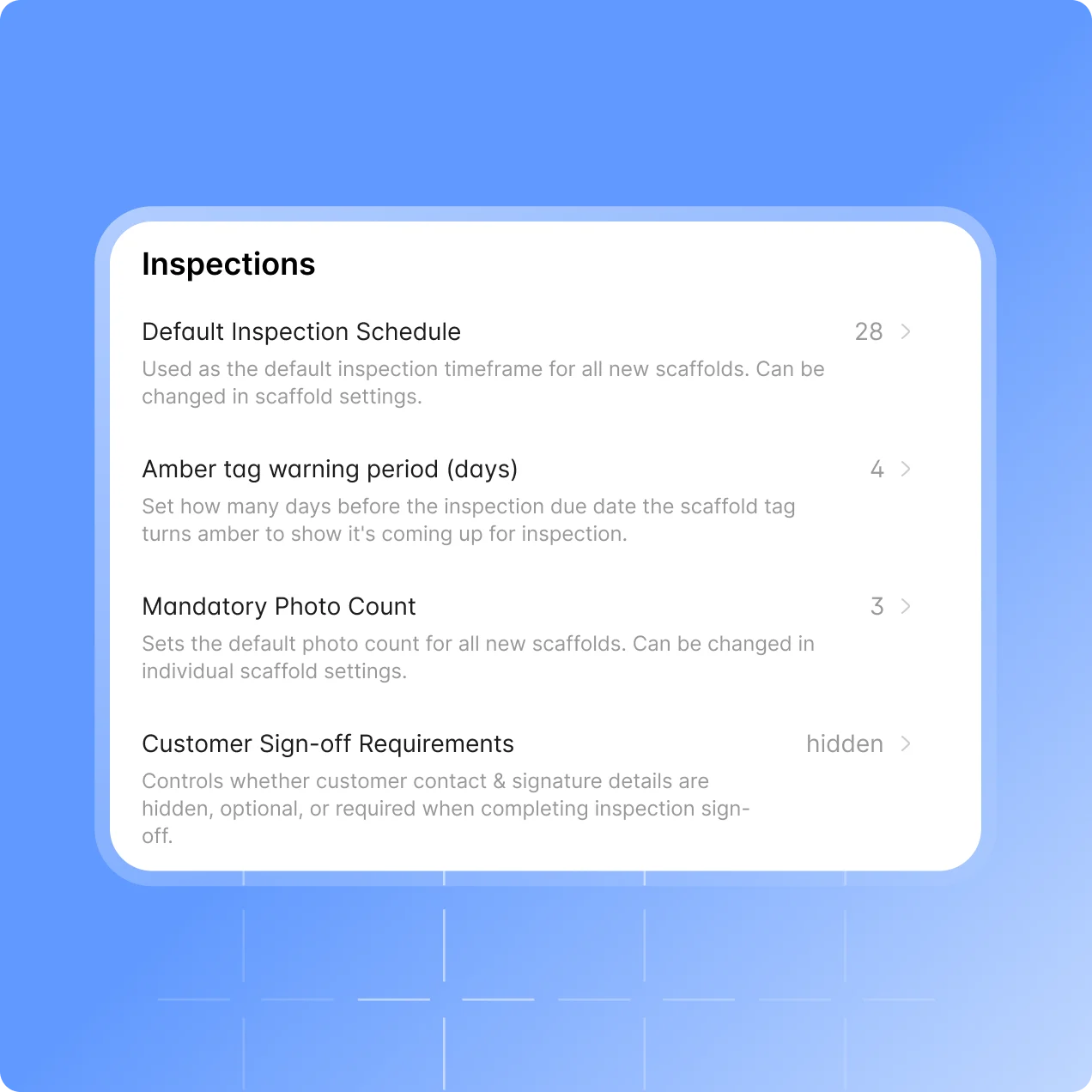
Company-wide settings in the web portal keep every inspector to the same standard.
A default inspection schedule for new scaffolds.
Load classes and duty ratings preloaded by standard, or add and edit your own.
Let inspectors create projects and scaffolds from the app, or keep that to managers.
Maya AI Assistant
Inspect faster with Maya
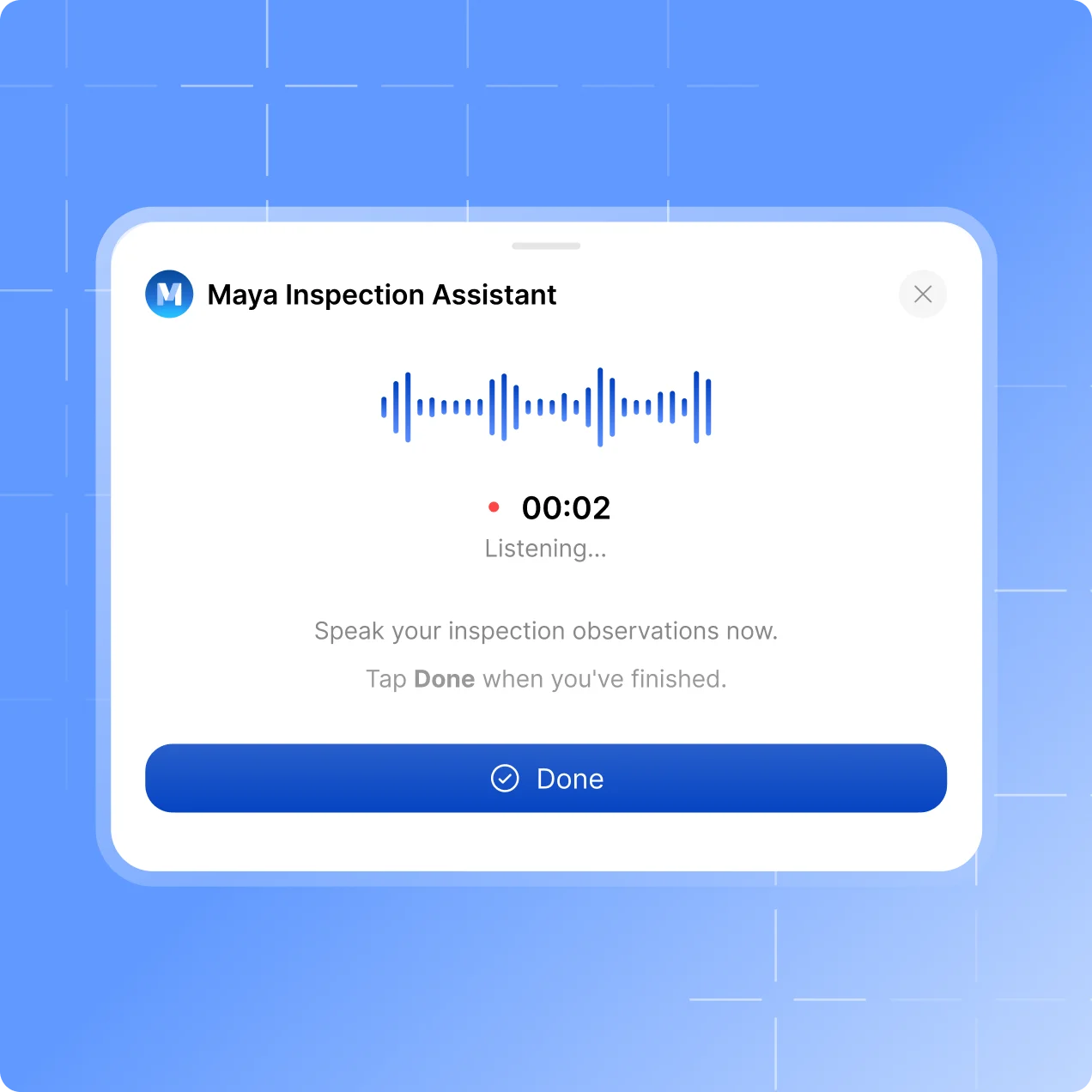
Complete the checklist by hand as usual, or speak your notes and let Maya suggest the answers.
Maya suggests YES, NO or N/A against the checklist you already use.
Nothing is applied until the inspector accepts it.
The inspector reviews every answer and signs off.
How it works
From scan to
signed handover
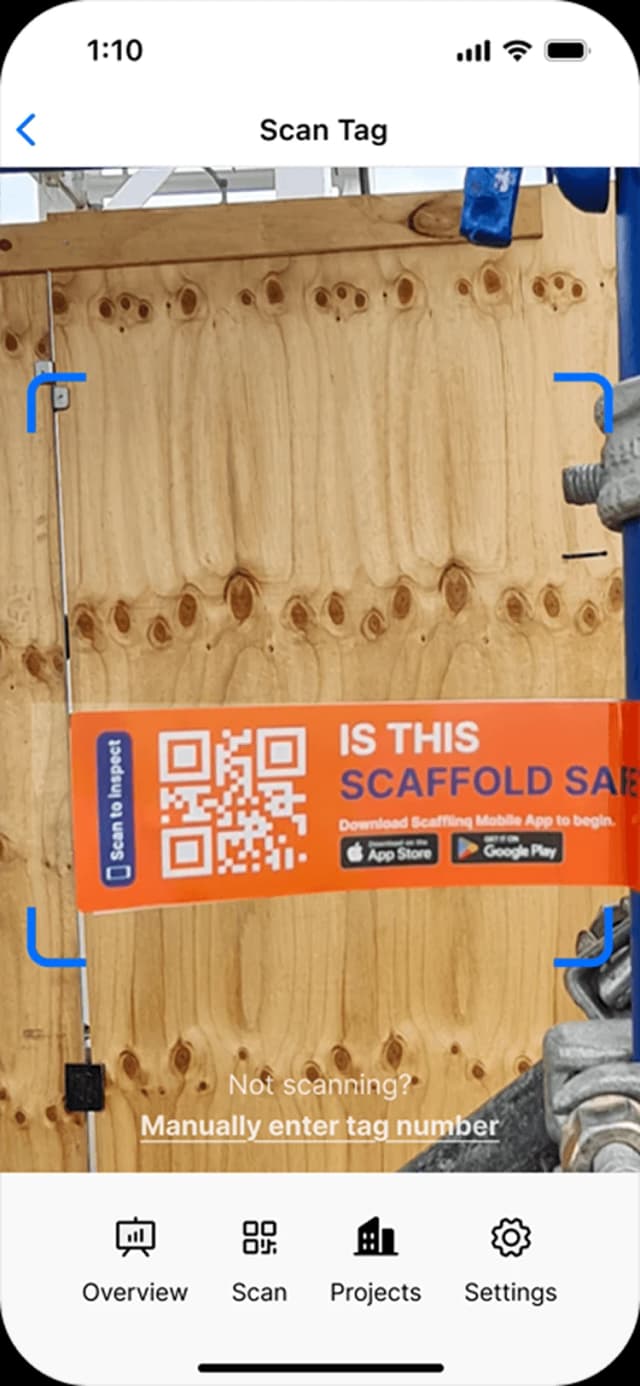
Scan the tag
Open the scaffold in the mobile app by scanning its tag.

Inspect and sign
Work through your checklist, add photos and sign the outcome off.
Status and handover
The tag shows the new status and the handover certificate is emailed.
Testimonials
What teams say
About Scafflinq
Vicky Amato
Australian Scaffold
Scafflinq has made our inspection and compliance processes faster, clearer, and far more efficient. It’s been a great tool for improving visibility across our projects and ensuring everything stays up to date.
Daniel Lake
Elevate Access Solutions
Scafflinq has been a game changer for our Inspections and Handovers, all our scaffolds on one platform makes it very easy to manage. Our customers love it, it makes our operation a lot more efficient.
Andres Van der Welt
Rohrig Constructions
Thanks to Scafflinq, we never have to worry about losing inspection records again. It’s always there, ready for us to access.
Shane Youssef
FC Building
Scafflinq has revolutionized the way we track scaffold inspections. It’s simple, easy to use, and gives us complete peace of mind.
Kate Paterson
Melbourne Scaffold Solutions
This innovation allows us to efficiently hand over scaffolds and keep meticulous track of inspections.
Isi Talanoa
Proview Scaffolding
Scafflinq has made scaffold handovers more efficient and helps us keep accurate, up-to-date records of every inspection.
Al Ibrahim
Buildum Construction
Scafflinq is a must-have for any builder serious about safety. It’s easy to use and gives us complete visibility into our scaffolding structures.
Mohamed Trad
Phoenix Developments
Scafflinq has made our scaffolding site safer than ever. It’s a reliable solution that we can trust.
Roi Cifti
Richard Crookes
With Scafflinq, I can access scaffold inspection history from anywhere, anytime. It’s a game-changer for our business.
Kurt Vengers
Dartanyon Developments
Scafflinq has saved us countless hours of paperwork and admin. We can now focus on our core business knowing that our scaffolding is always safe and compliant.


Vicky Amato
Australian Scaffold
Scafflinq has made our inspection and compliance processes faster, clearer, and far more efficient. It’s been a great tool for improving visibility across our projects and ensuring everything stays up to date.
Daniel Lake
Elevate Access Solutions
Scafflinq has been a game changer for our Inspections and Handovers, all our scaffolds on one platform makes it very easy to manage. Our customers love it, it makes our operation a lot more efficient.
Andres Van der Welt
Rohrig Constructions
Thanks to Scafflinq, we never have to worry about losing inspection records again. It’s always there, ready for us to access.
Shane Youssef
FC Building
Scafflinq has revolutionized the way we track scaffold inspections. It’s simple, easy to use, and gives us complete peace of mind.
Kate Paterson
Melbourne Scaffold Solutions
This innovation allows us to efficiently hand over scaffolds and keep meticulous track of inspections.
Vicky Amato
Australian Scaffold
Scafflinq has made our inspection and compliance processes faster, clearer, and far more efficient. It’s been a great tool for improving visibility across our projects and ensuring everything stays up to date.
Daniel Lake
Elevate Access Solutions
Scafflinq has been a game changer for our Inspections and Handovers, all our scaffolds on one platform makes it very easy to manage. Our customers love it, it makes our operation a lot more efficient.
Andres Van der Welt
Rohrig Constructions
Thanks to Scafflinq, we never have to worry about losing inspection records again. It’s always there, ready for us to access.
Shane Youssef
FC Building
Scafflinq has revolutionized the way we track scaffold inspections. It’s simple, easy to use, and gives us complete peace of mind.
Kate Paterson
Melbourne Scaffold Solutions
This innovation allows us to efficiently hand over scaffolds and keep meticulous track of inspections.
Isi Talanoa
Proview Scaffolding
Scafflinq has made scaffold handovers more efficient and helps us keep accurate, up-to-date records of every inspection.
Al Ibrahim
Buildum Construction
Scafflinq is a must-have for any builder serious about safety. It’s easy to use and gives us complete visibility into our scaffolding structures.
Mohamed Trad
Phoenix Developments
Scafflinq has made our scaffolding site safer than ever. It’s a reliable solution that we can trust.
Roi Cifti
Richard Crookes
With Scafflinq, I can access scaffold inspection history from anywhere, anytime. It’s a game-changer for our business.
Kurt Vengers
Dartanyon Developments
Scafflinq has saved us countless hours of paperwork and admin. We can now focus on our core business knowing that our scaffolding is always safe and compliant.
Isi Talanoa
Proview Scaffolding
Scafflinq has made scaffold handovers more efficient and helps us keep accurate, up-to-date records of every inspection.
Al Ibrahim
Buildum Construction
Scafflinq is a must-have for any builder serious about safety. It’s easy to use and gives us complete visibility into our scaffolding structures.
Mohamed Trad
Phoenix Developments
Scafflinq has made our scaffolding site safer than ever. It’s a reliable solution that we can trust.
Roi Cifti
Richard Crookes
With Scafflinq, I can access scaffold inspection history from anywhere, anytime. It’s a game-changer for our business.
Kurt Vengers
Dartanyon Developments
Scafflinq has saved us countless hours of paperwork and admin. We can now focus on our core business knowing that our scaffolding is always safe and compliant.
FAQs
Frequently asked questions
Quick answers about carrying out scaffold inspections in Scafflinq.
In the Scafflinq mobile app. Scan the scaffold’s tag, or enter the tag number by hand, then work through the checklist, add photos, choose the outcome and sign it off. The web portal is where you set up your checklist and company settings, and review results.

Inspect to your own standard
Start free with 5 tags. Your checklist, photos and sign-off, with the handover emailed from site.