Everything
Scafflinq does
Replace plastic tags and paper forms with Scafflinq tags, mobile inspections, site records and live dashboards.

Who it’s for
Who Scafflinq
is for
Built for every team that depends on scaffold safety. Scaffold contractors, builders and safety teams all see the same live record.
Owners & directors
See every scaffold’s status and overdue inspections across every project.
Safety & WHS managers
Standardise inspections, reduce admin, and maintain an audit trail you can trust.
Project & site managers
Check a scaffold’s status from the tag, avoid delays and keep handovers moving.
Scaffold supervisors
Plan and assign inspections, capture photo evidence, and prove scaffolds are safe to use.
Builders & clients
Scan to see a scaffold’s status and inspection history, with no app.
Procurement/Estimators
Compare Scafflinq tags with plastic tags, and price inspections and handovers into your bids.
Key features
Standout features built for
scaffold compliance

Live dashboards
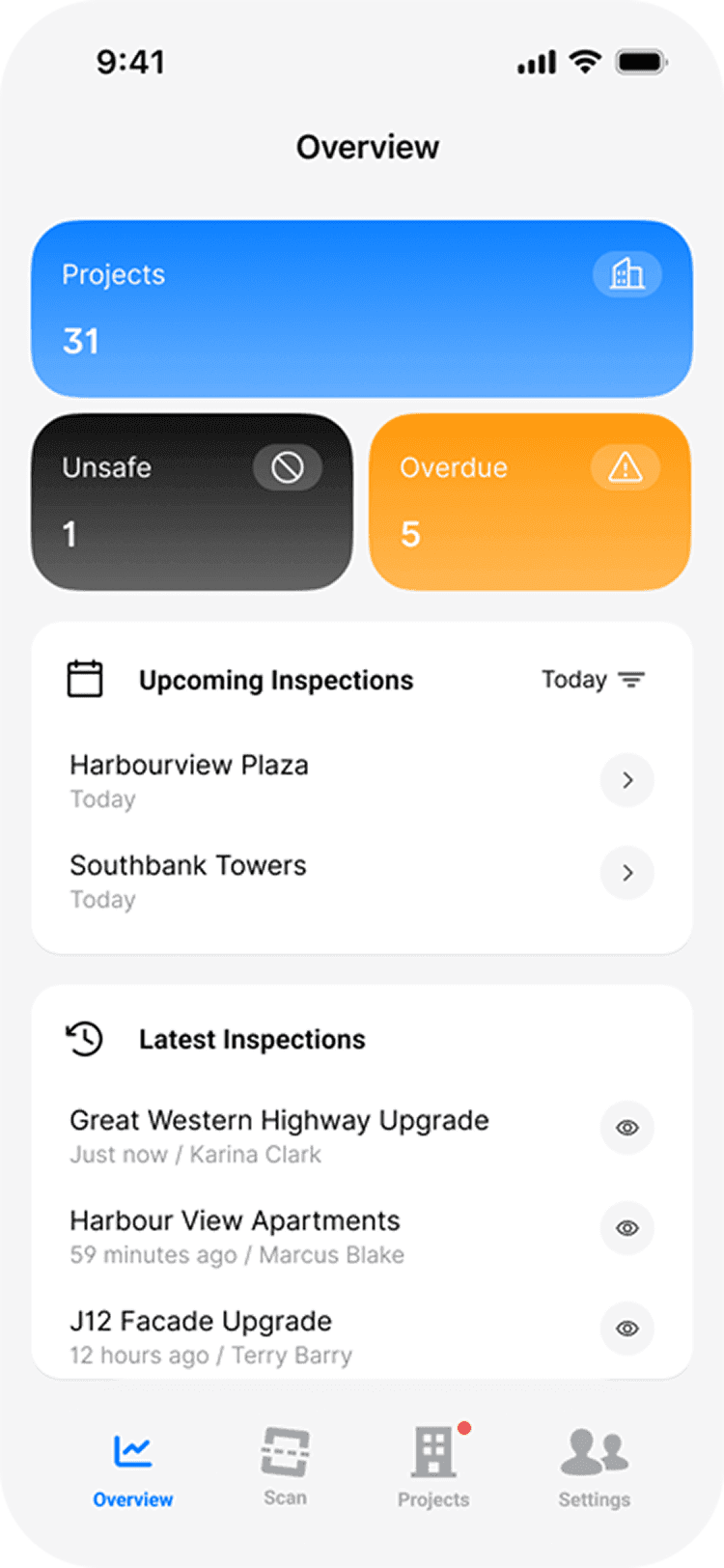
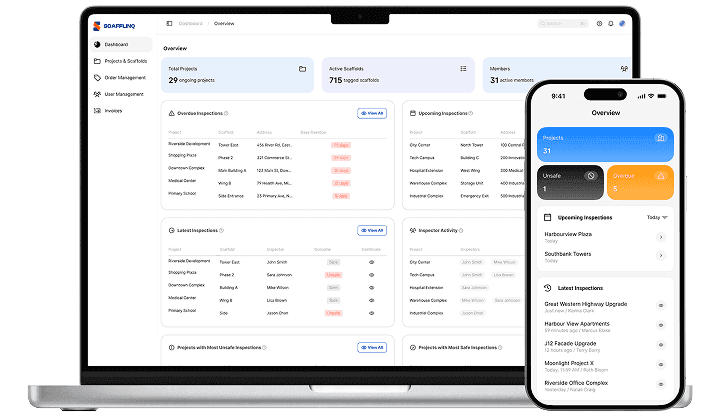
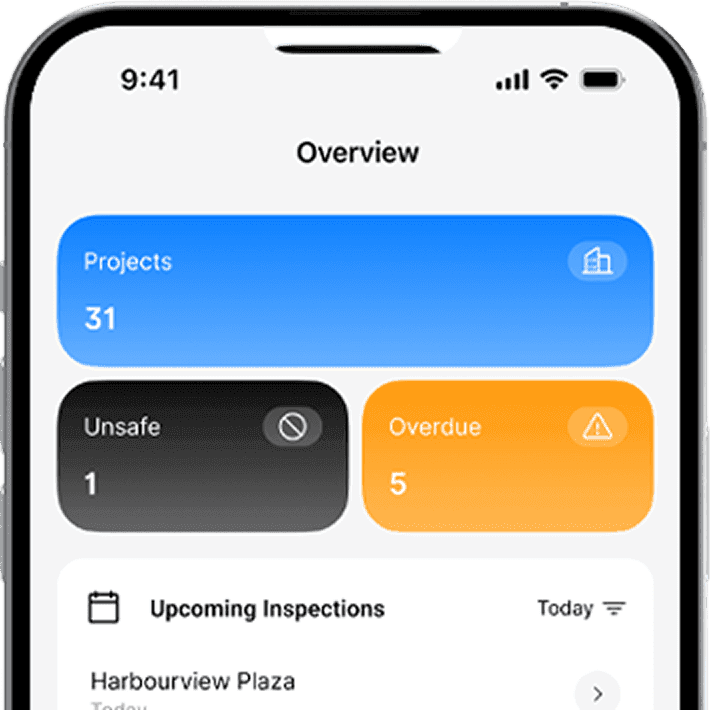
See what’s overdue, what’s upcoming and where attention is needed across projects.

Fast inspections
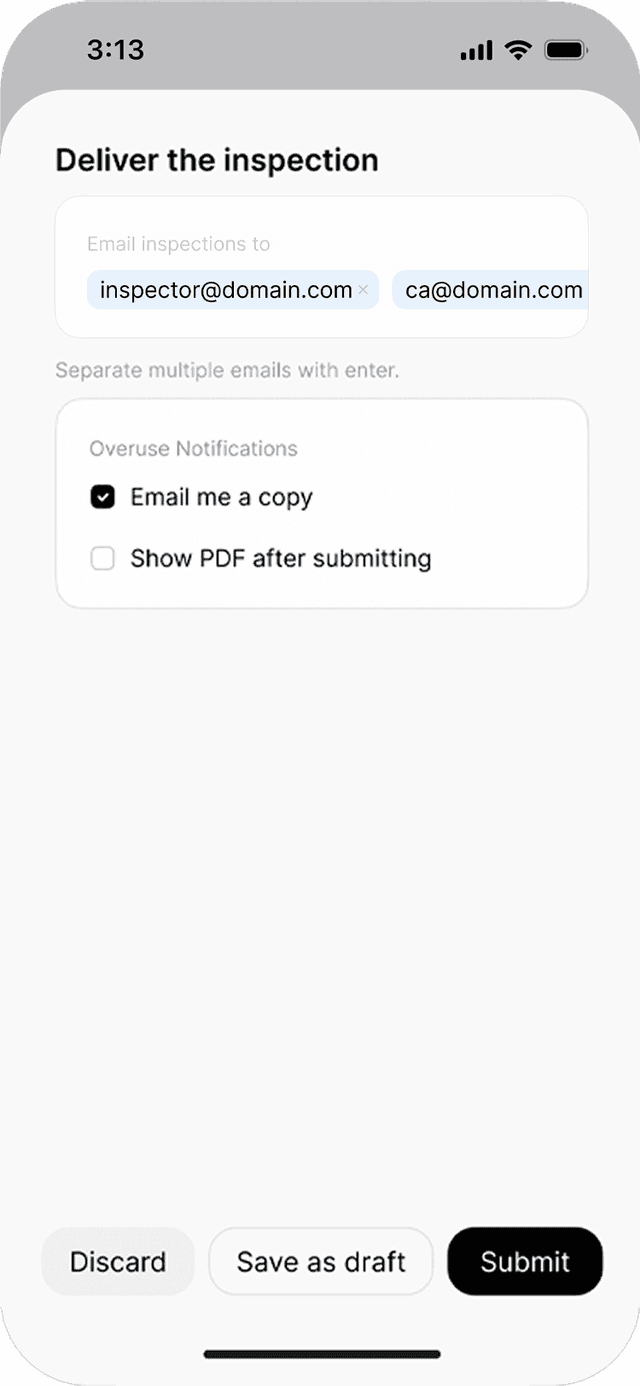
Scan a tag, complete your checklist, add photos and sign off on the phone.


Digital handovers & certificates
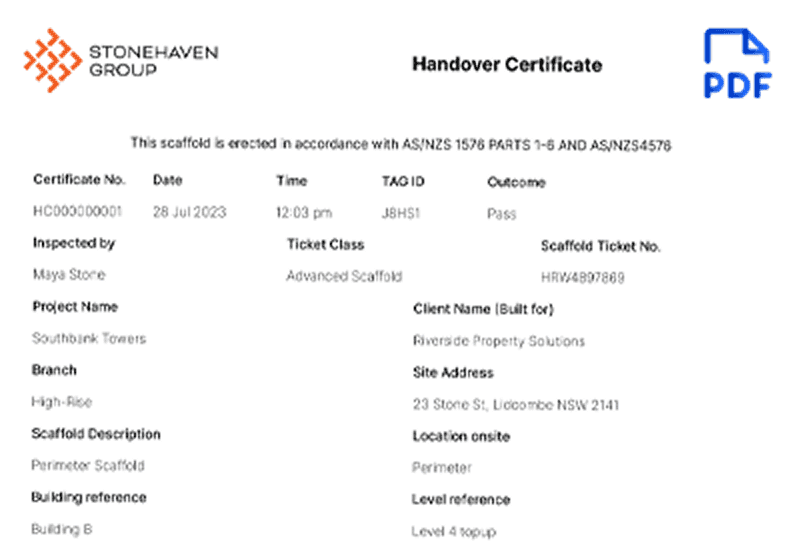
Handover certificates generated from every inspection and emailed from site.


Start using Scafflinq
Features
What you can do
with Scafflinq
Maya AI Assistant
Speak your notes, review the suggestions
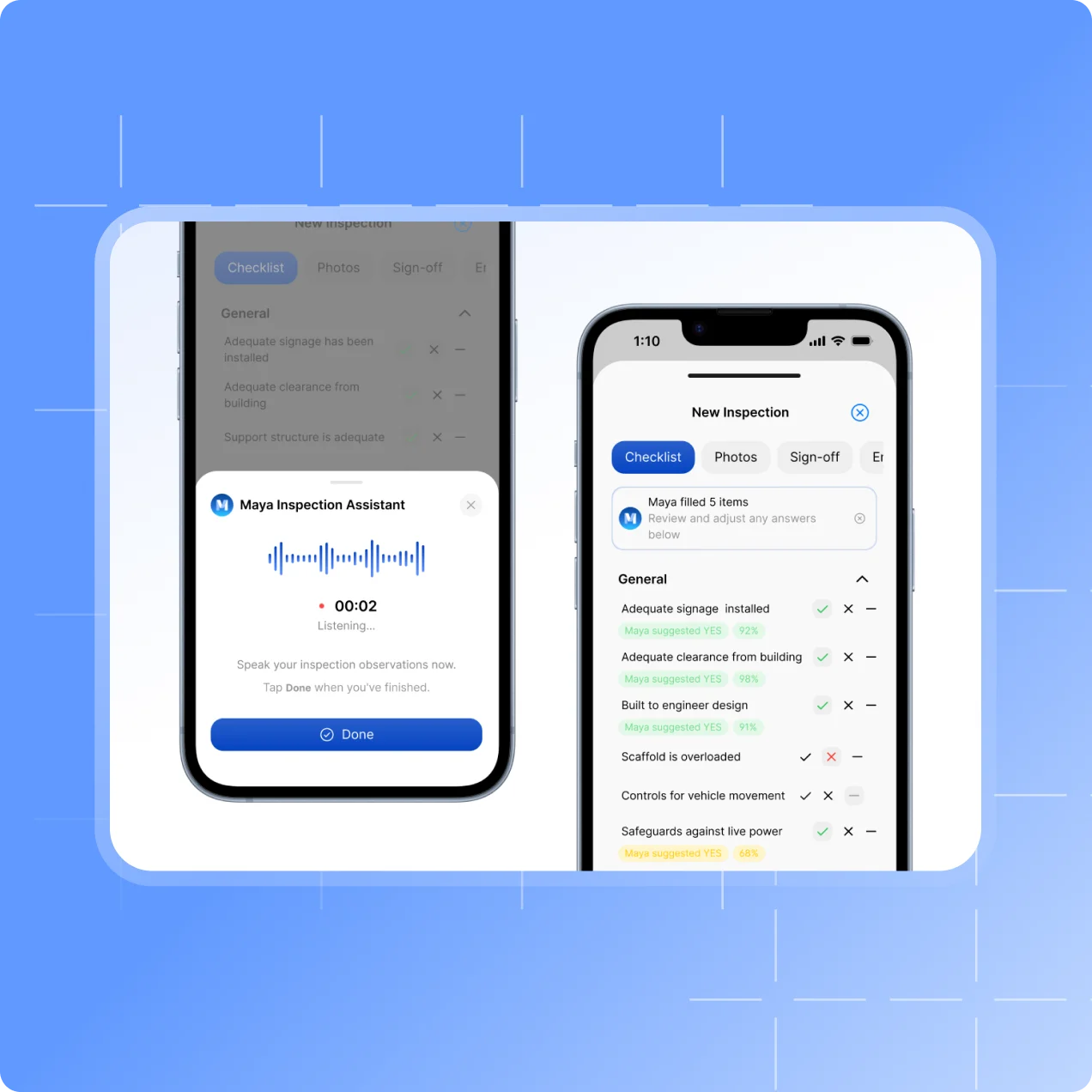
Complete the checklist by hand as usual, or describe what you’ve checked and Maya suggests YES, NO or N/A answers for you to review.
- Issues you mention are flagged, and sections that don’t apply are suggested as N/A.
- Nothing is applied until the inspector accepts it.
Site Records
Day dockets, signed on site
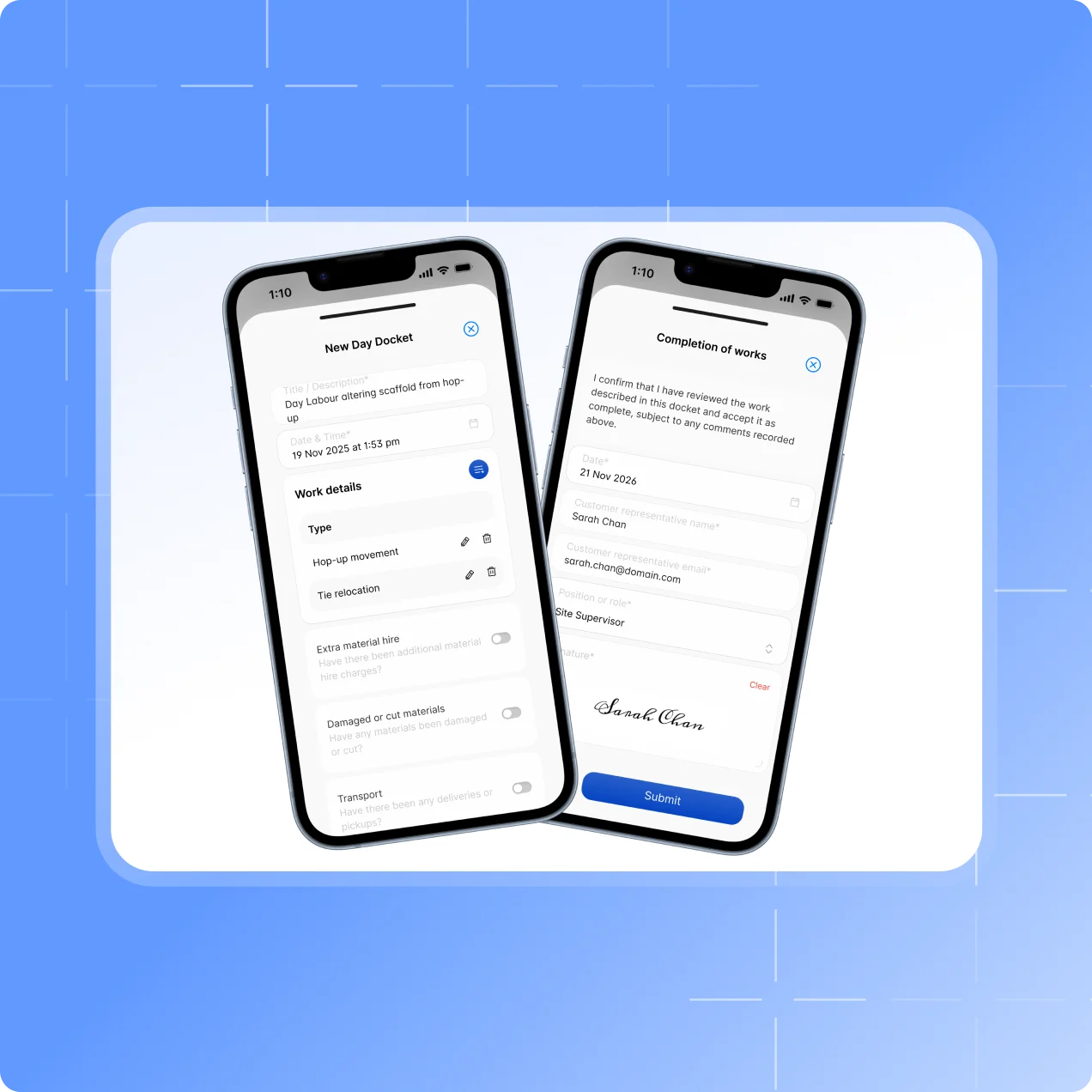
Record variation work as it’s done, and have the customer sign it on the phone before your crew leaves.
- Work, crew, hours, materials and transport on one docket.
- The signed PDF is emailed to the customer and your office.
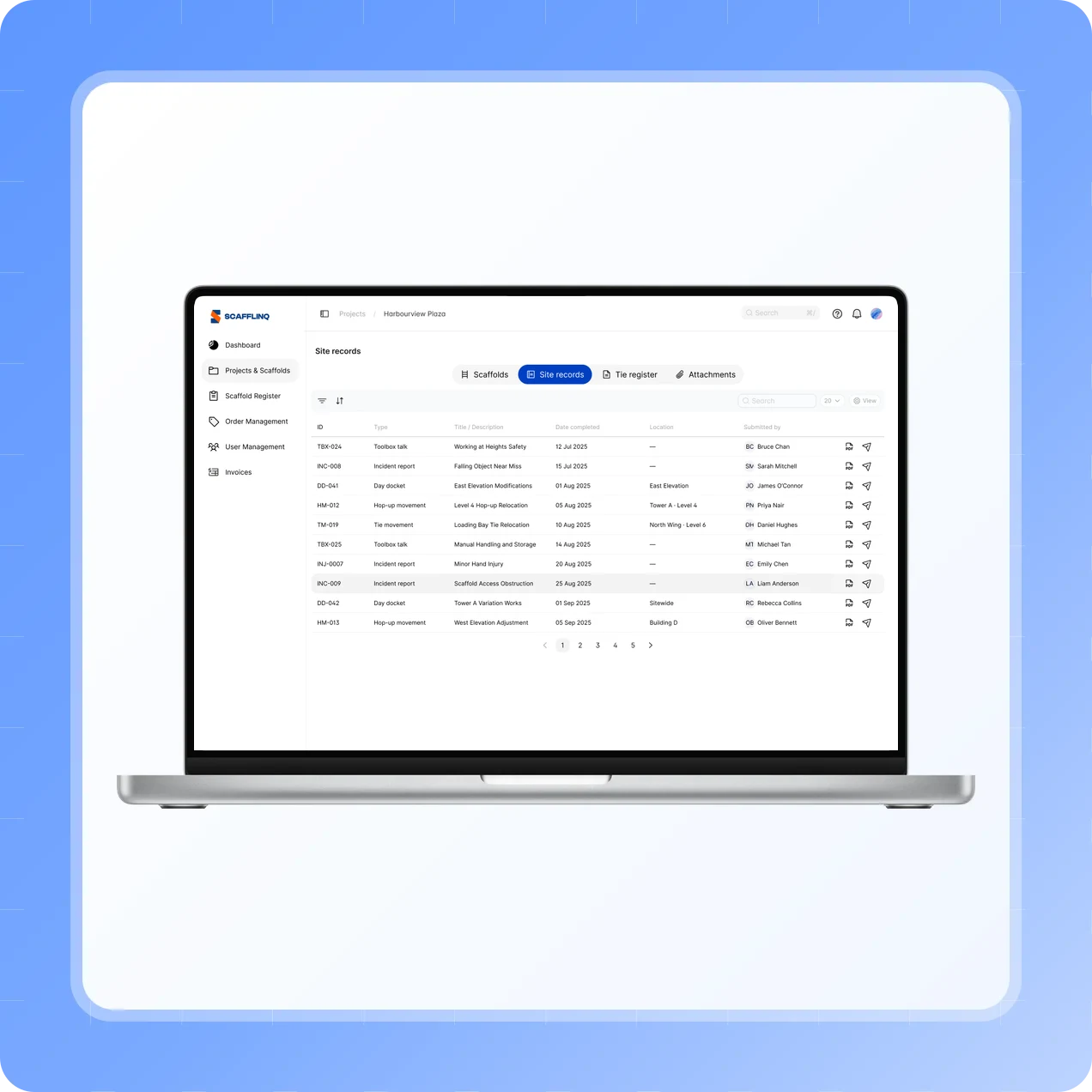
Site Records
Every site record, filed against the project
Day dockets, hop-up and tie movements, toolbox talks and incident reports, listed in the project’s Site records tab.
- Open or resend any PDF from the web portal.
- Included on every plan.
Built for your workflow
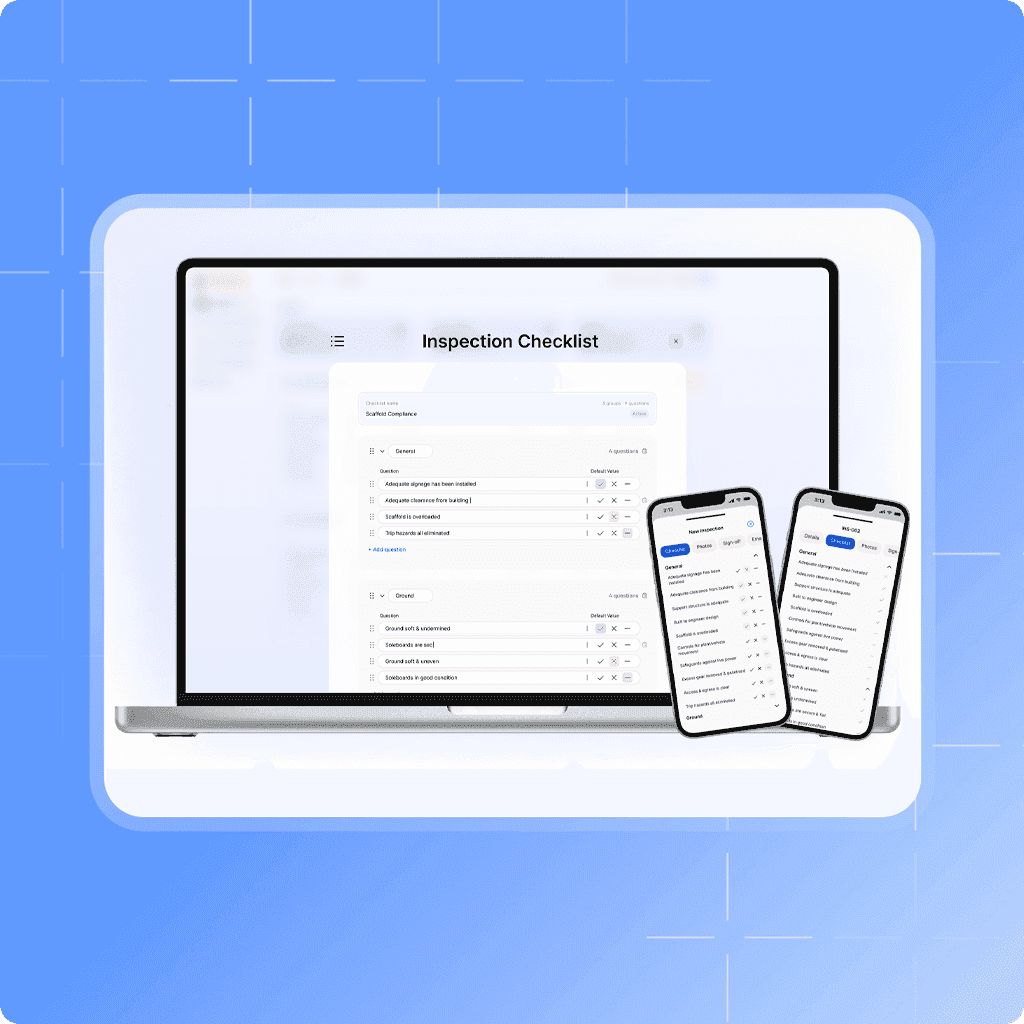
Custom inspection checklists
Build inspections around your business, without changing past records.
- Customise your inspection checklists.
- Create, rename, and reorder groups & questions.
Improve safety and compliance
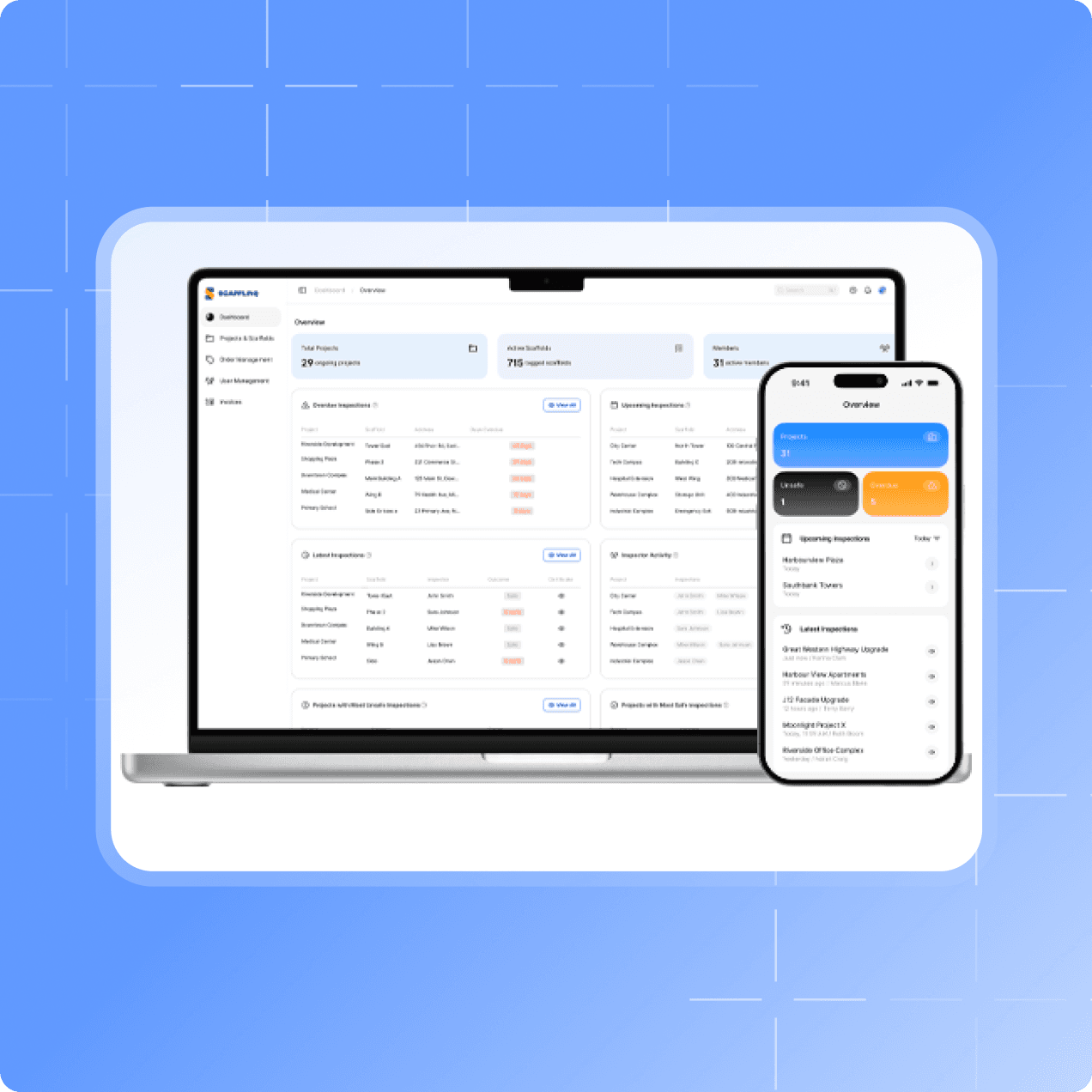
Live dashboards for scaffold status and compliance
Stay on top of every inspection, project and safety trend, from your desk or in the field.
- Get instant insights into your projects.
- Make faster, data-driven decisions wherever you are.
Time and stress reduction
Every project and scaffold in one place
From a single dashboard, oversee every scaffold, every site, and every inspection.
- Bring your entire operation together.
- Keep your teams in sync.
On site
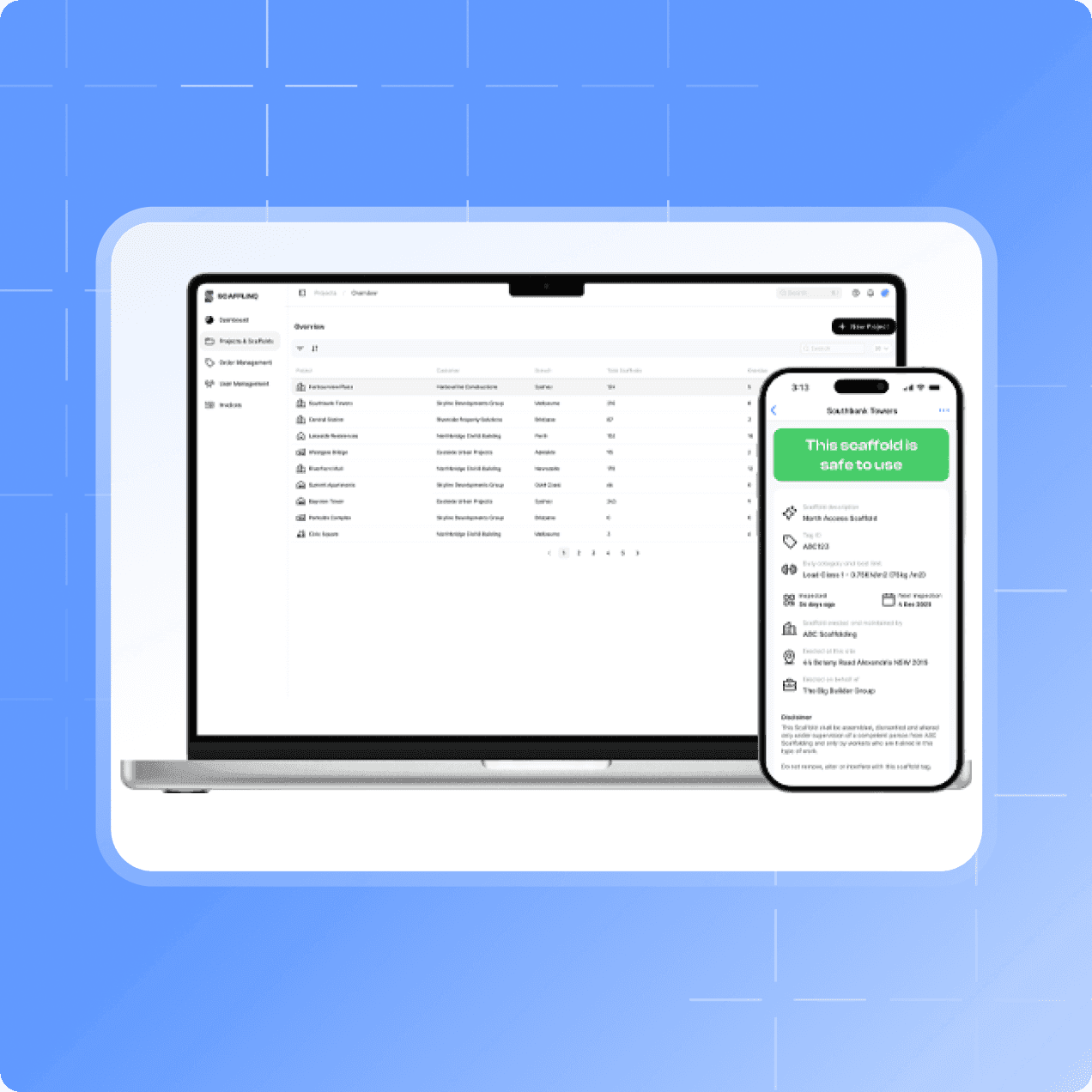
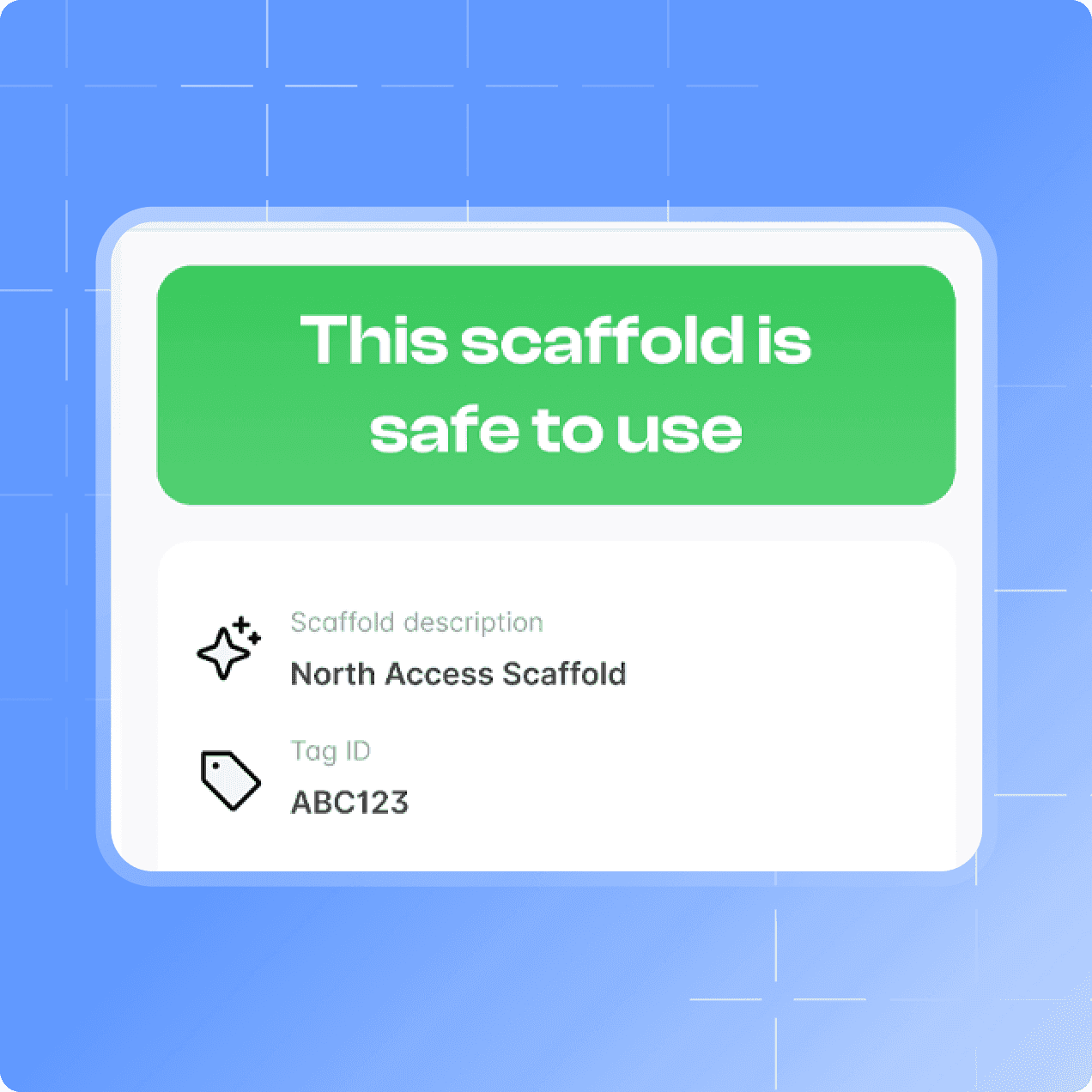
Know a scaffold’s status from the tag
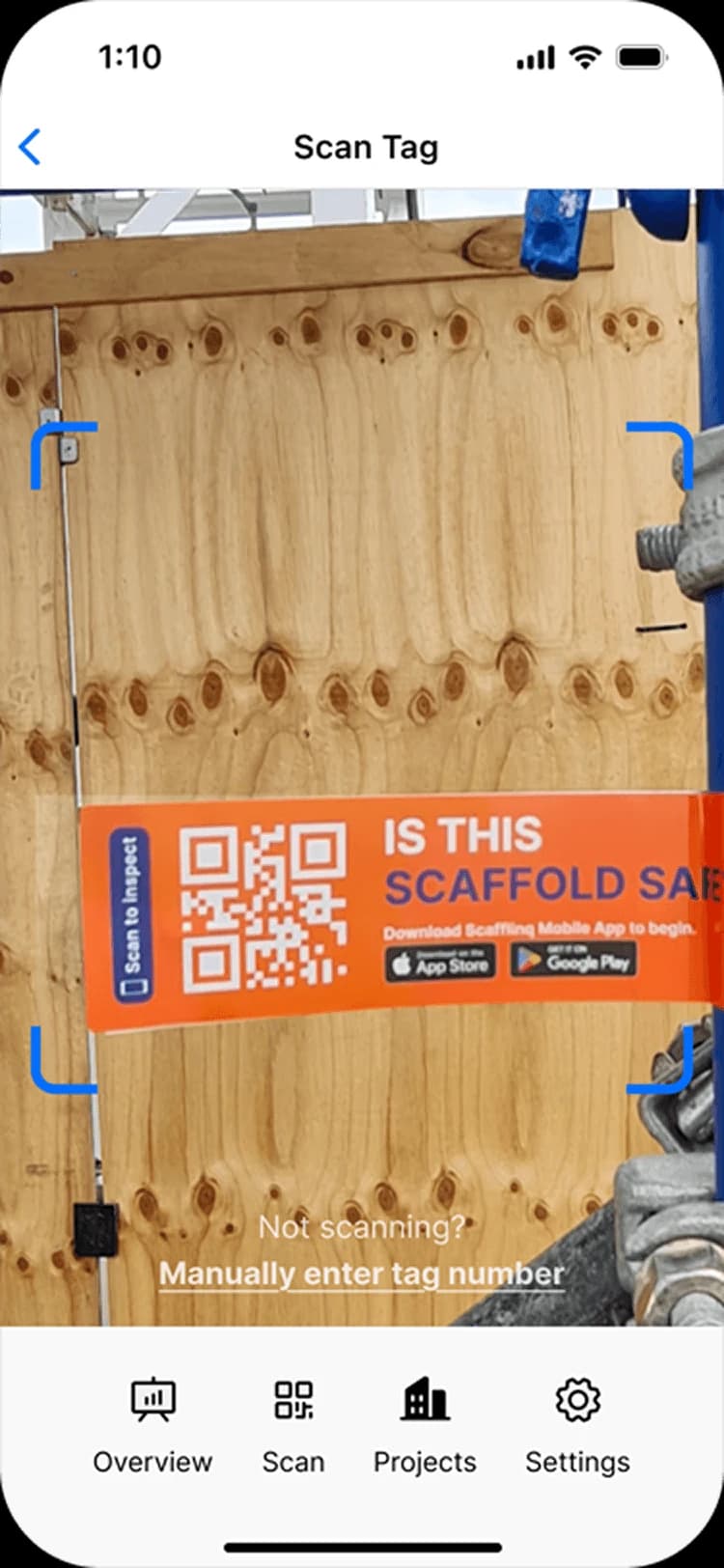
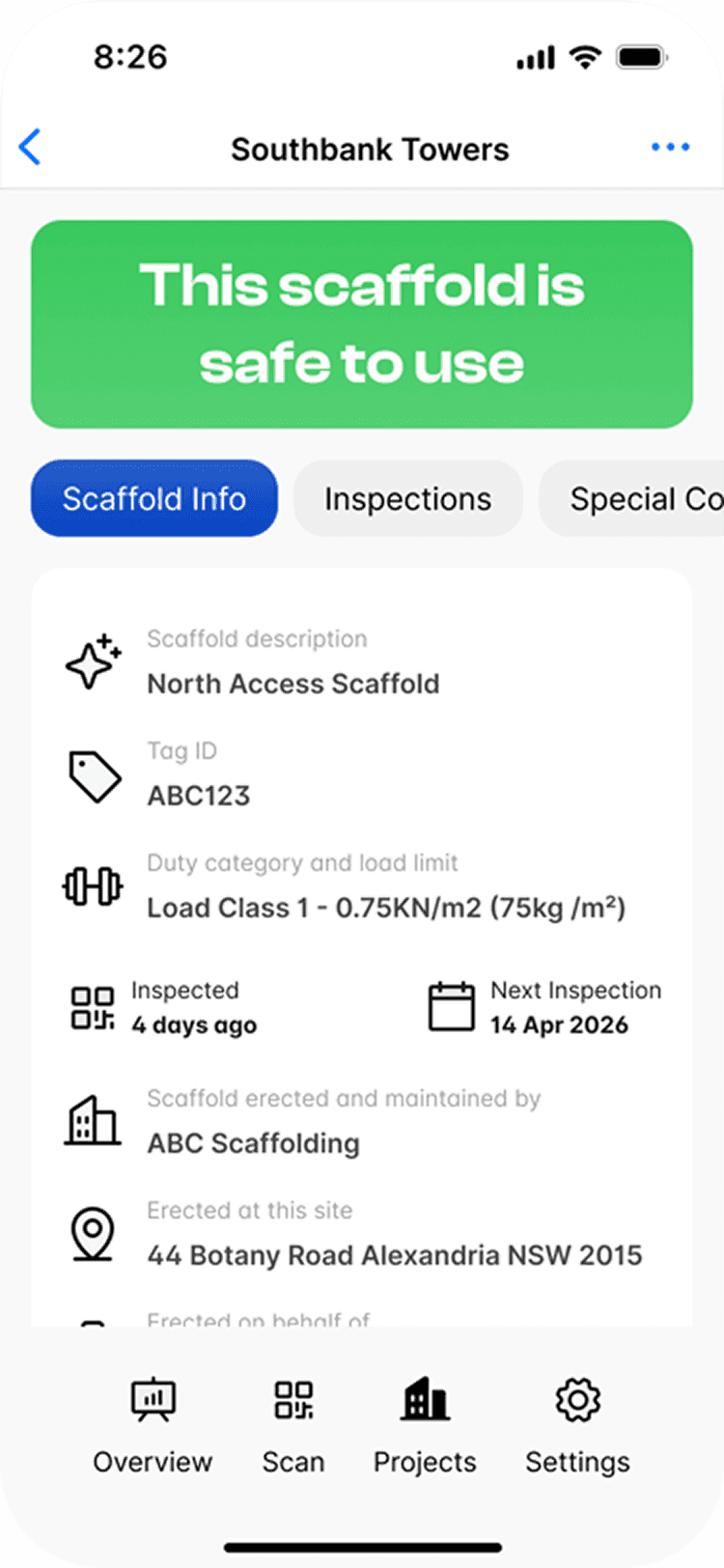
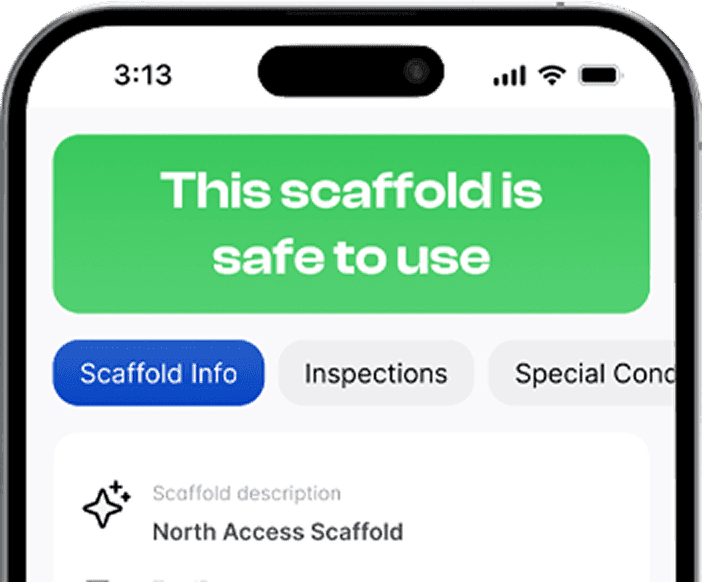
Scan any Scafflinq tag on site to see whether it’s safe to use.
- Clear, up-to-date inspection info at your fingertips.
- Status, last and next inspection, at the access point.
Built for industrial sites
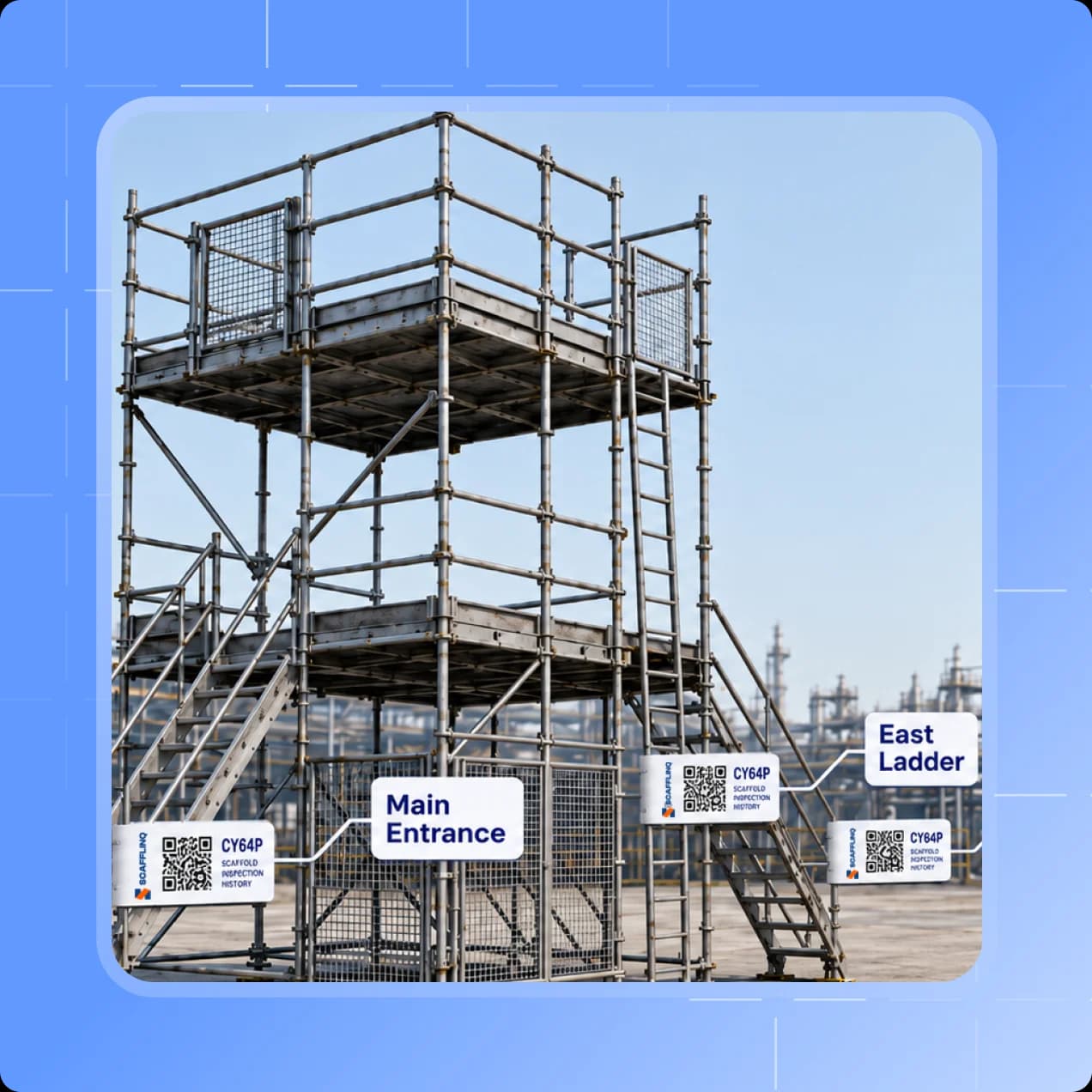
One scaffold, tagged at every access point
Large industrial scaffolds have multiple access points, and compliance means the scaffold's status must be visible at each one. Add an Additional Access Tag for every access point.
- Every tag has its own QR code, all opening the same scaffold record.
- One inspection history per scaffold, no duplicate records.
Unified platform
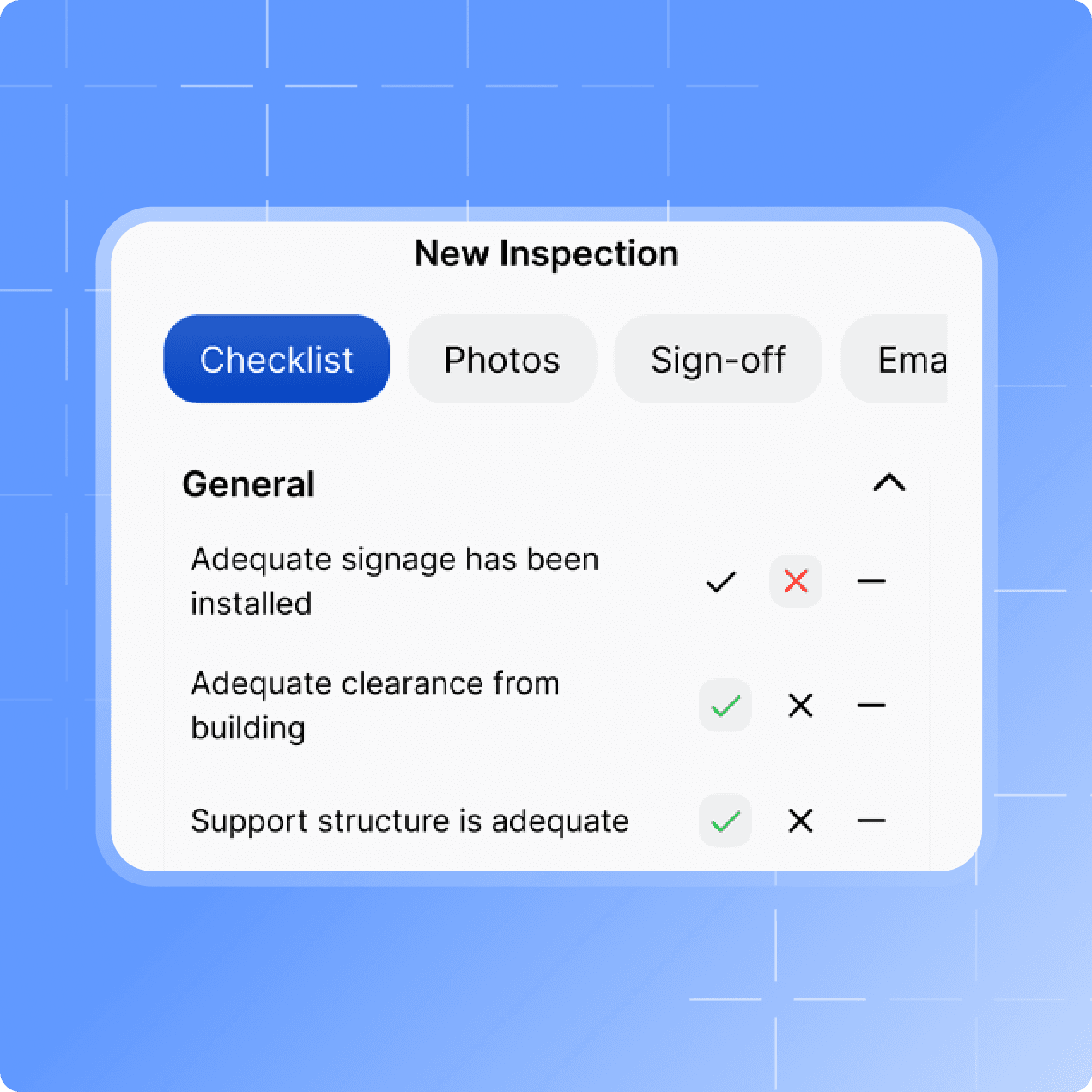
Checklist, photos and sign-off in one app
Conduct thorough inspections using simple digital checklists.
- Add photos, sign off and move on.
- Stay compliant from day one.
...and more
- Smart alertsReminders + overdue warnings so inspections never slip through the cracks.
- Live dashboardsInspection status across every site, exportable to Excel.
- Audit recordsSecure cloud history, ready whenever you need evidence.
- Photo evidenceAttach photos to every inspection for clear, defensible proof.
- Engineering docsLink drawings and documents directly to each scaffold.
- Custom intervalsSet inspection frequency by scaffold, site, or project rules.
- Public statusAnyone can scan to view scaffold status and last inspection details.
- Multi-access tagsTag every access point on large scaffolds. Every tag opens the same scaffold record.
- Unlimited accessUnlimited users, projects and scaffolds on every plan.
How it works
How Scafflinq
works
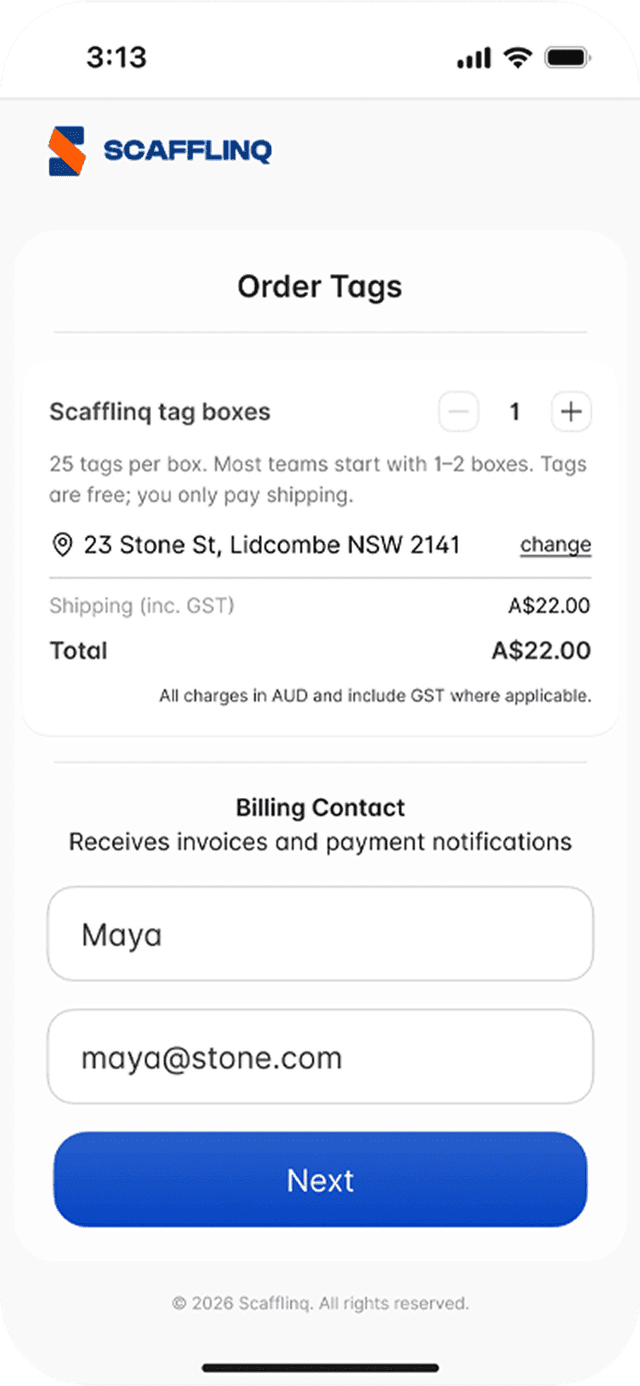
Order tags
Start with tags shipped to your site so you can roll out fast.

Tag scaffolds
Attach a Scafflinq tag to each scaffold. Anyone can scan it with a phone camera.
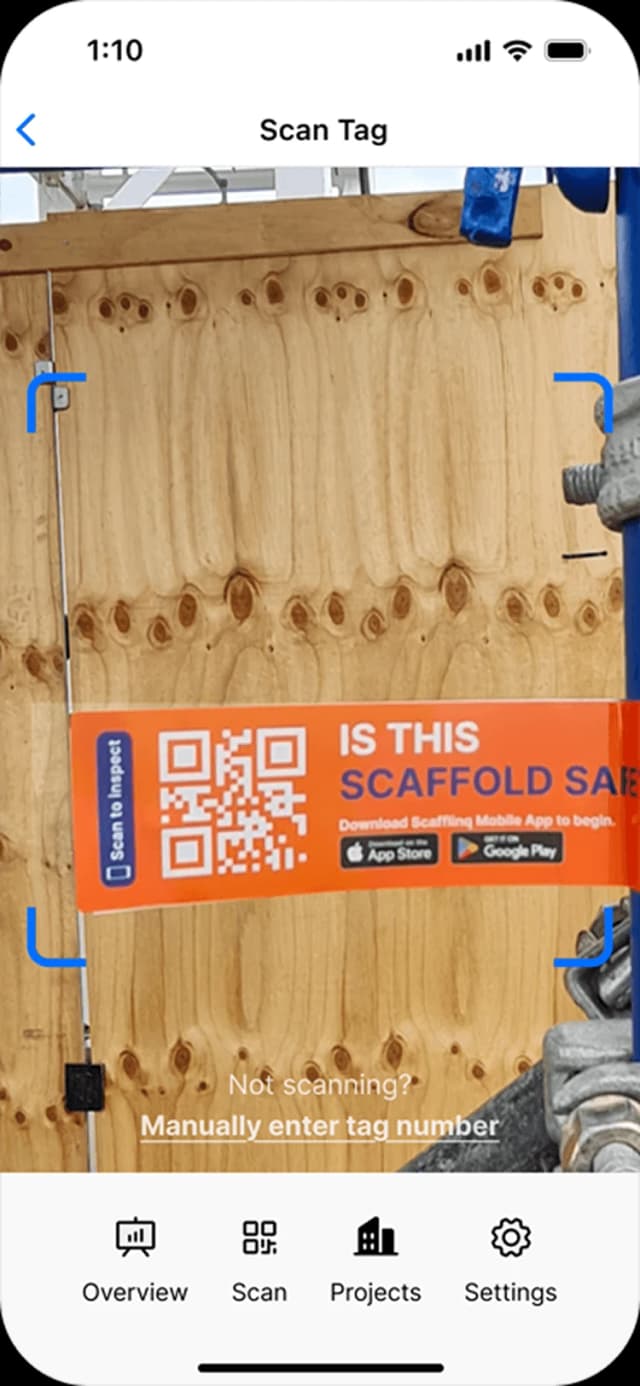
Scan, inspect, sync
Scan on site, complete your checklist, add photos and sign off. Your dashboard updates when you submit.
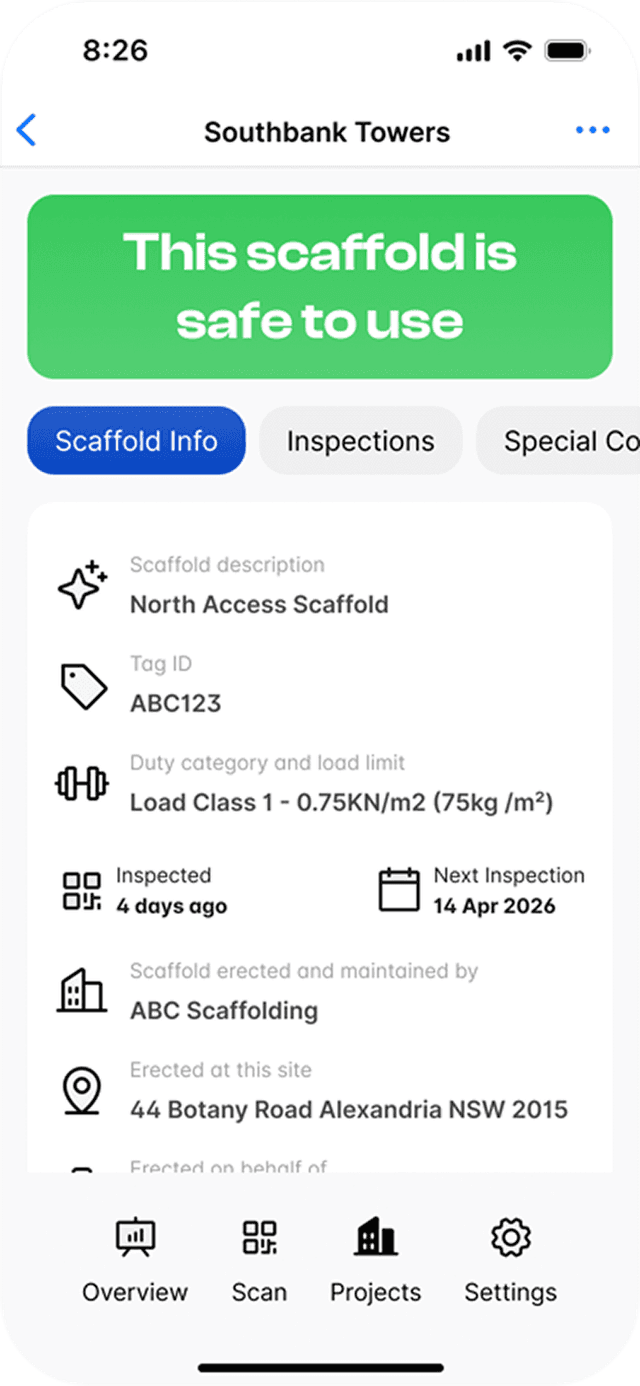

Ready to go paperless?
Start free with 5 tags. Scan, inspect, add photos and sign off, and your dashboard updates as you submit.