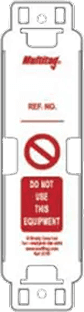
Scafflinq vs plastic scaffold tags
What a QR tag on every scaffold replaces: the paper, the chasing and the guesswork at the access point.

Quick highlights
- Audit recordsSecure cloud history, ready whenever you need evidence.
- Photo evidenceAttach photos to every inspection for clear, defensible proof.
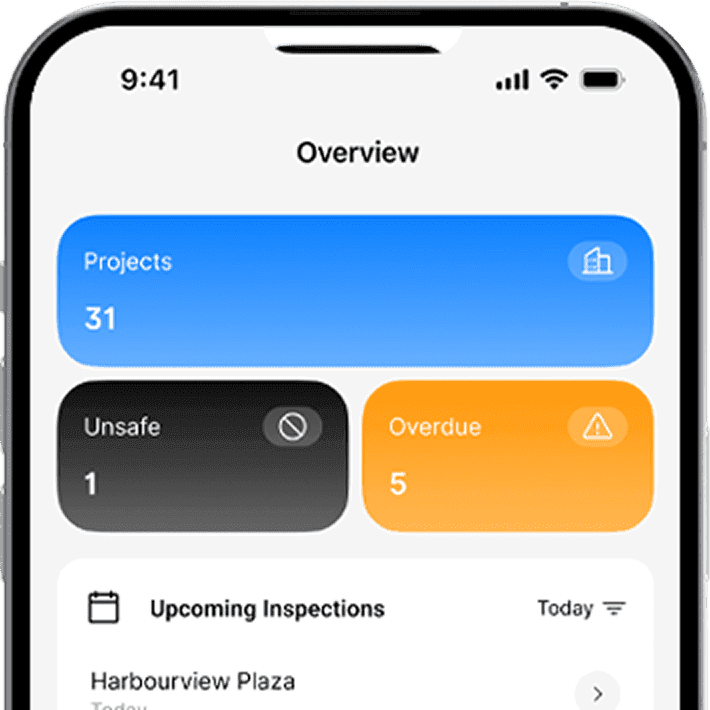
- Live dashboardsInspection status across every site, exportable to Excel.
Comparing digital tag providers too?
Key features
Why switch to a
Scafflinq tag?
A Scafflinq tag replaces the plastic tag and the admin around it: inspection sheets, handover paperwork and the register.

Cost & admin
A tag is cheap. The admin around it isn’t.
With Scafflinq, you pay a simple usage rate based on active, on-hire tags, and stop paying when a scaffold is dismantled.
- Pay only when scaffolds are on-hire.
- Less admin time tracking due/overdue inspections and chasing paperwork
- Simple weekly usage pricing that scales with active scaffolds.
Inspections
Scan. Inspect. Sign off.
Scafflinq keeps inspections consistent with customisable digital checklists, and makes it easy to capture what matters on site.
- Scan → checklist → sign-off in one flow (vs handwritten tags + paper forms)
- Automatic due/overdue reminders (vs manual spreadsheet tracking)
- Photos + special conditions captured against the scaffold record
Proof & audit trail
Audit-ready records, anytime
If a plastic tag is removed, damaged, or replaced, inspection history can disappear. Scafflinq tags keep the record secure and accessible.
- Full inspection history stored online (vs only the latest entry on a tag)
- Photo evidence linked to each scaffold (vs evidence living elsewhere)
- Cloud-backed, encrypted records even if the physical tag is damaged/removed

Visibility & reporting
Know scaffold status across every site
Scafflinq brings scaffold status, inspections, and risk visibility into one dashboard for supervisors, WHS, and head office.
- Live dashboards across sites/teams (vs status only visible on the scaffold)
- Reports exported to Excel, with no manual follow-up
- Head office visibility without chasing updates from site
Handovers & documents
Handovers without the paperwork
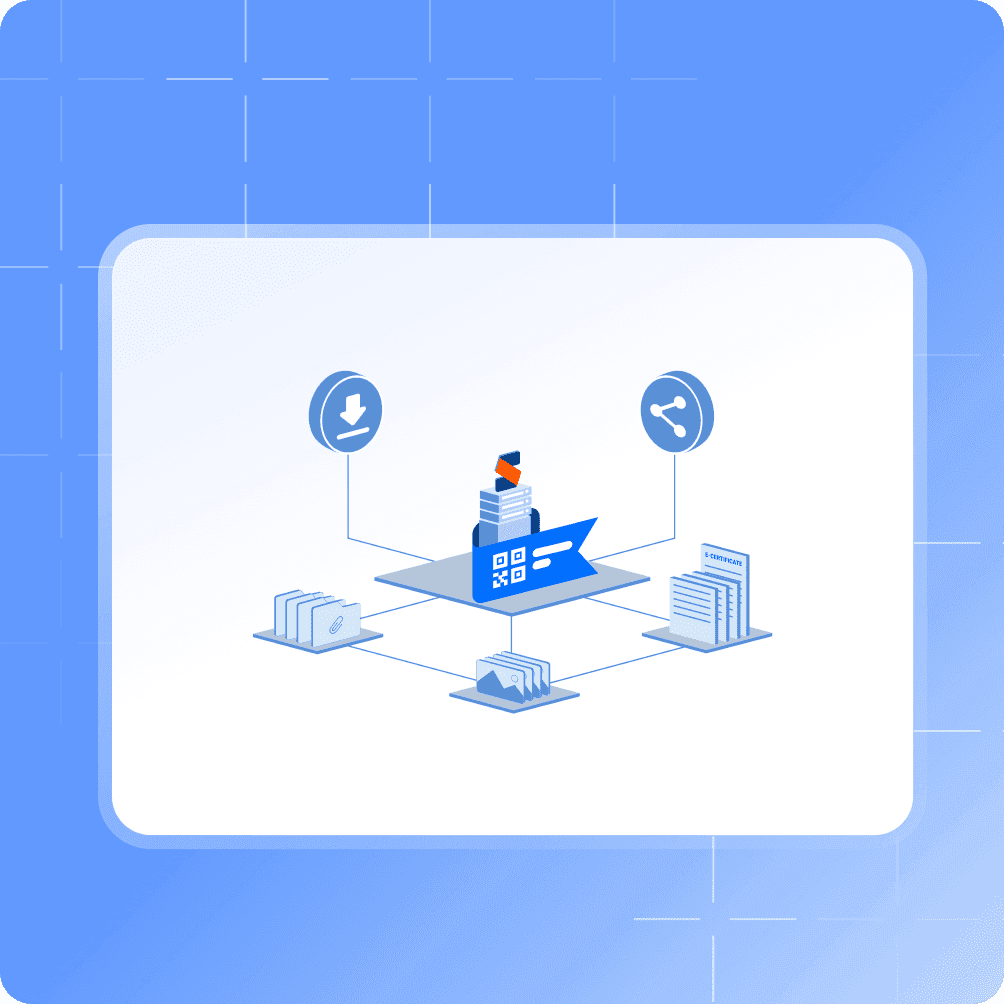
Scafflinq generates the handover certificate from each inspection and emails it from site.
- Digital handover records instead of manual paperwork
- Certificates generated and shareable fast (vs print/write/scan/email)
- Docs attached to the scaffold record (vs scattered folders/emails)
Durability & sustainability
Tough tags, less plastic
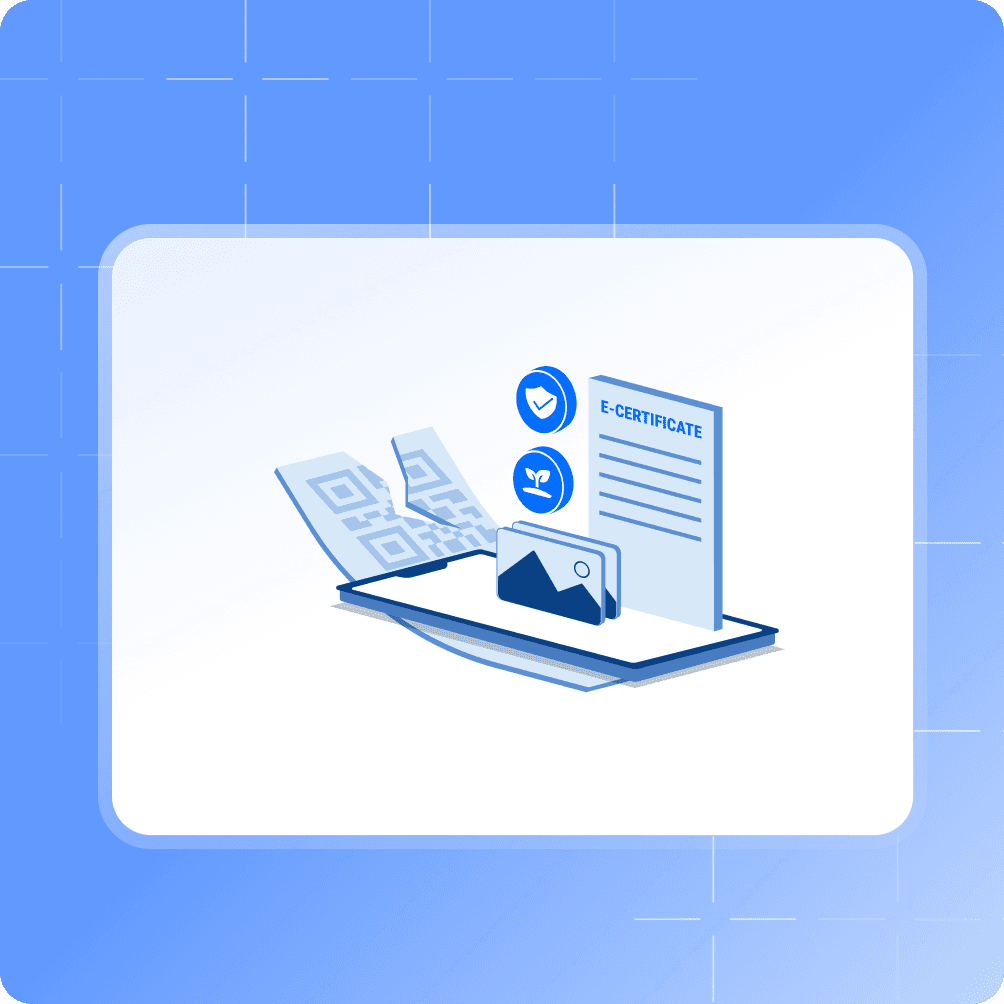
Scafflinq uses tough adhesive tags and keeps records digital, reducing paper trails and waste.
- Digital record remains intact even if the tag is damaged (vs lost history)
- Paperless workflow reduces waste and admin handling
- Always scannable status/history (vs fading, cracked holders/inserts)
Multi-access scaffolds
Every access point, one record
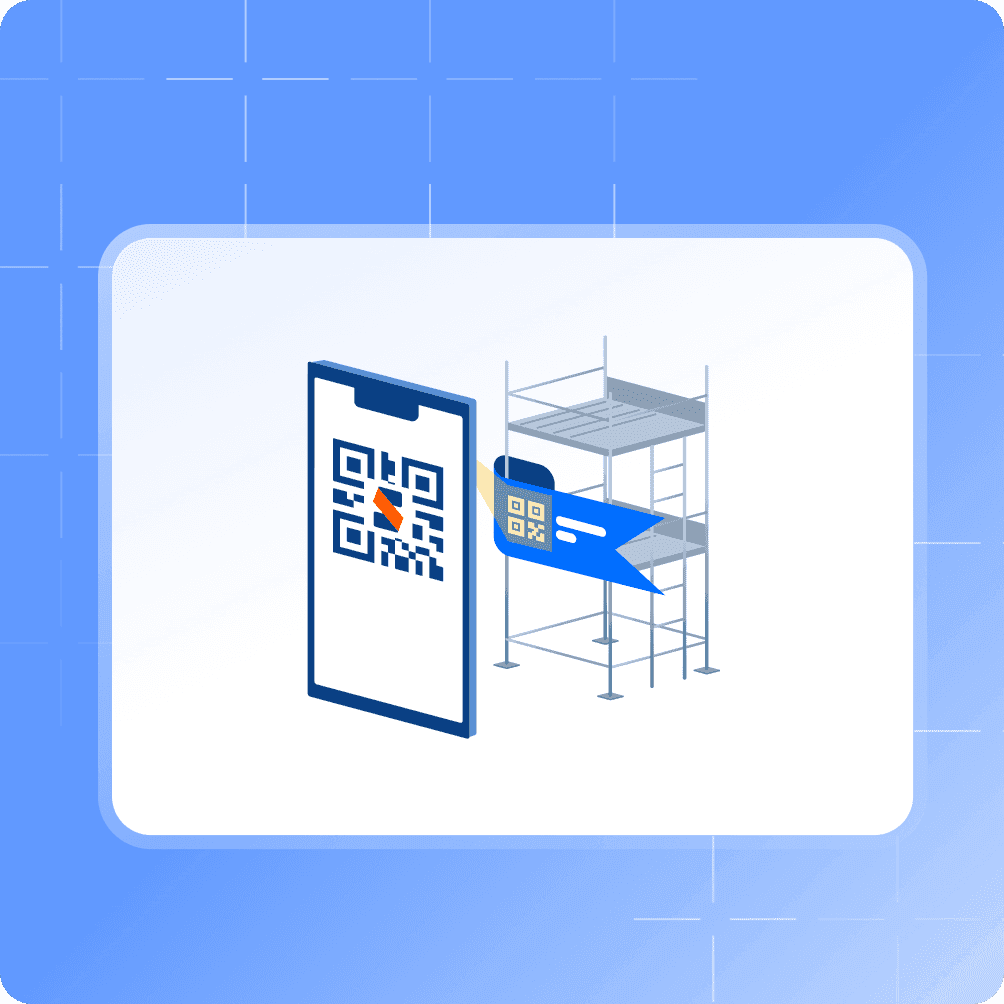
Large scaffolds often have several access points, and each one needs to show the scaffold’s status.
- Add an Additional Access Tag per access point (vs a separate plastic tag with separate paperwork)
- Every tag opens the same scaffold record with the same inspection history
- Replace or deactivate any single tag without affecting the others
FAQs
Frequently asked questions
Quick answers about Scafflinq tags, inspections, billing, and getting started with Scafflinq.
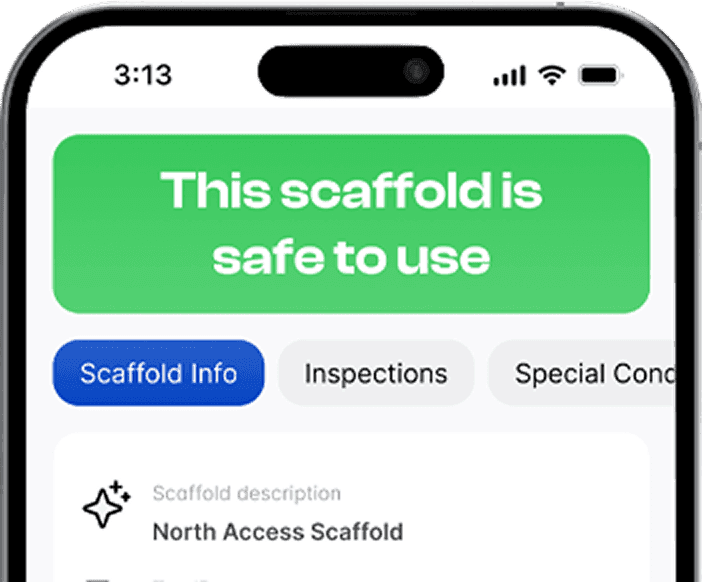
A digital scaffold tag uses a QR code that links to a live scaffold record (status, inspections, evidence) instead of handwritten updates.
Also worth a look

Ready to replace plastic scaffold tags?
Start free with 5 tags, or book a demo and we’ll walk you through a rollout that works on live sites.