Help Centre
How-to guides to help you get the most out of Scafflinq.
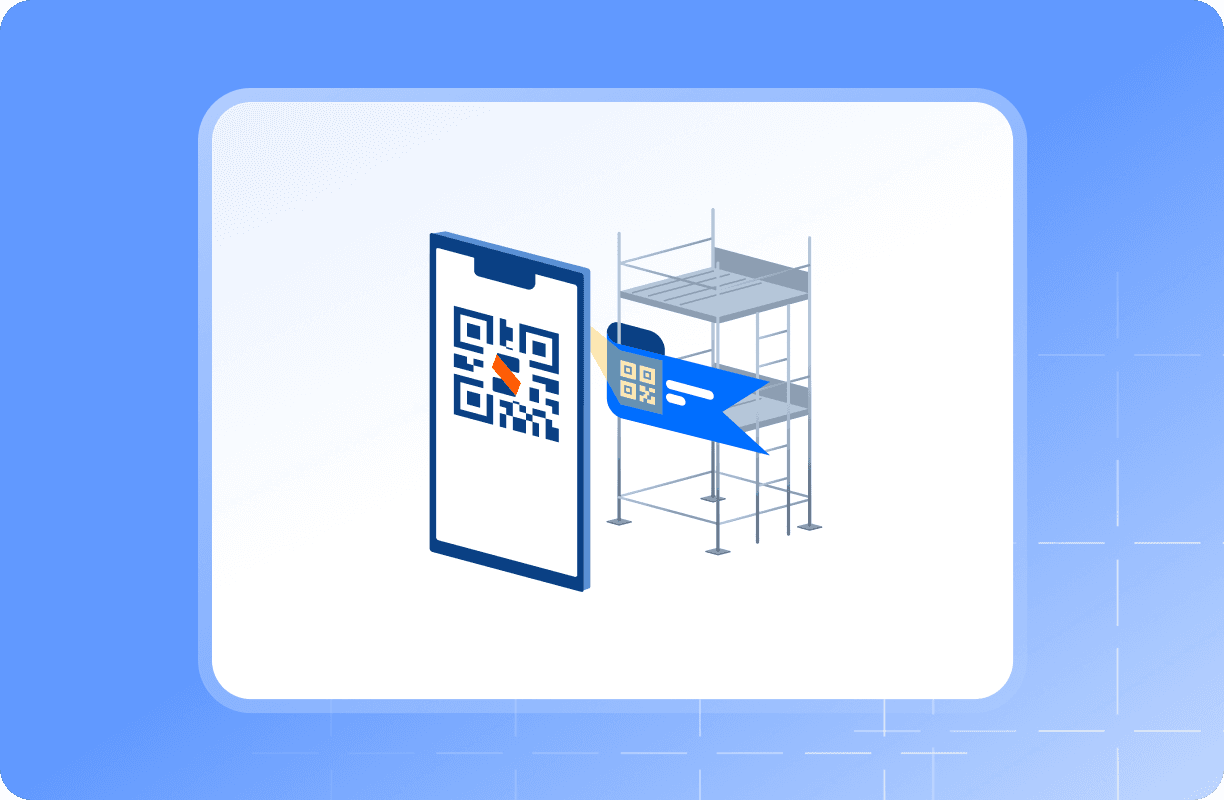
Getting Started
Set up your account and get your first scaffold tagged.
- How to sign up your company
- My email address is already in use
- How to add Team Members
- User Roles and Permissions
Tags & Scanning
Scanning, managing and replacing your Scafflinq tags.
Reminders & Notifications
Stay ahead of your next inspection due date.
Account & Company Settings
Company details, branding, access and closing your account.
- How to change the logo on your Handover Certificate
- How to archive a Project
- I forgot my password, how can I login to my account?
- How to reset your password
Projects
Create, manage and archive the sites you're working on.
- How to add a Project
- How to add a Scaffold
- How to archive a Project
- I can't see Scaffolds under my Project
Certificates & Reports
Handover certificates, inspection reports and exports.
Mobile App
Installing, logging in and working on site.
Troubleshooting
Quick fixes for the problems we're asked about most.
- My email address is already in use
- How to replace a lost or damaged Tag
- My account is locked due to a billing issue
- I forgot my password, how can I login to my account?
Scaffolds & Inspections
Add scaffolds, record inspections, keep your register current.
- Scaffold statuses explained
- How to add a Scaffold
- How to inspect a Scaffold
- How to set up inspection reminders
Team & Permissions
Invite people and control what each person can do.
Billing & Plans
Plans, invoices, payment details and failed payments.
Popular guides
- How to add a ScaffoldScaffolds are created in the Scafflinq mobile app. Scan a tag, fill in the scaffold details and inspection schedule, then complete your first inspection.
- How to inspect a ScaffoldRecord a scaffold inspection in Scafflinq — scan the tag, work through the checklist, add the required photos, and update the scaffold's status.
- How to replace a lost or damaged TagIf a Scafflinq tag is lost or damaged, here's how to move the scaffold onto a replacement tag without losing its inspection history.
- How to change the logo on your Handover CertificateAdd or change your company logo on Scafflinq handover certificates from your company settings — accepted file types, sizing, and what happens to existing certificates.
- How billing worksHow Scafflinq billing works — what you're charged for, when invoices are issued, and how to update your plan or payment details.
- How to reset your passwordReset your Scafflinq password from the login screen or your account settings, and what to do if the reset email doesn't arrive.
Still got questions?
Pick whichever suits, we’ll get back to you either way.