How to sign up your company
You can create your Scafflinq account in two ways: on the web or in the mobile app . The steps are very similar – choose whichever option suits you best.
Signing up on the web
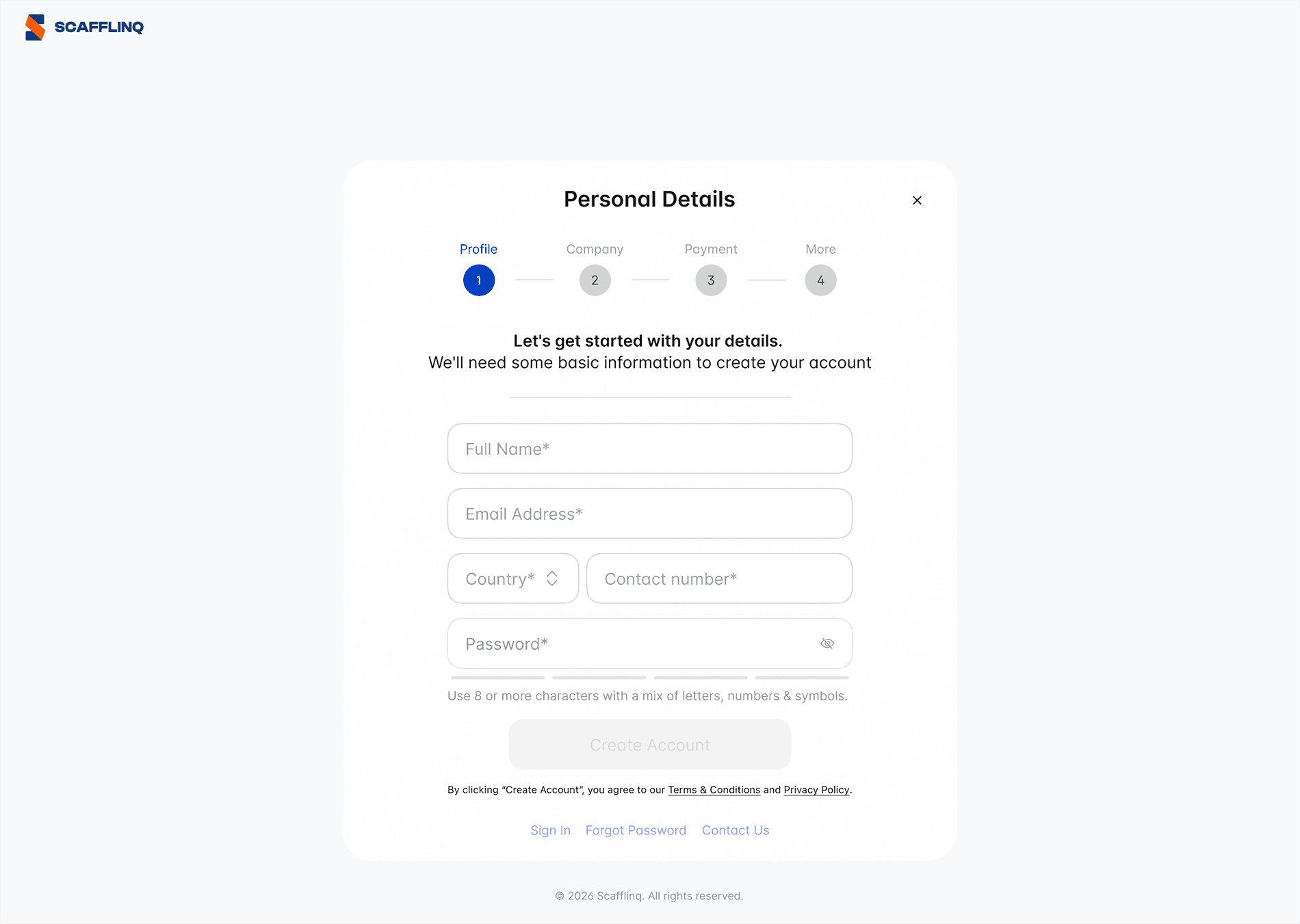
* are required.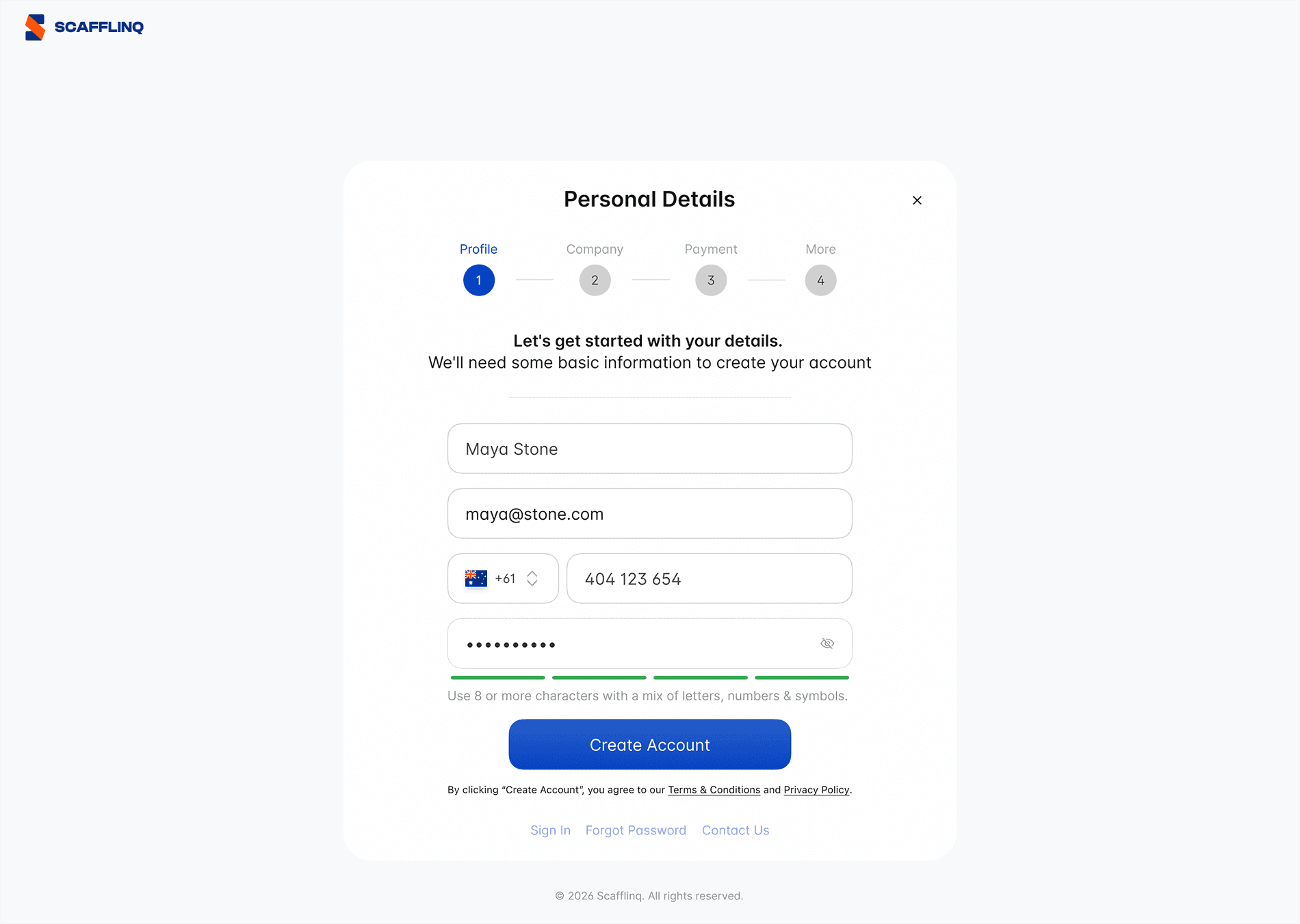
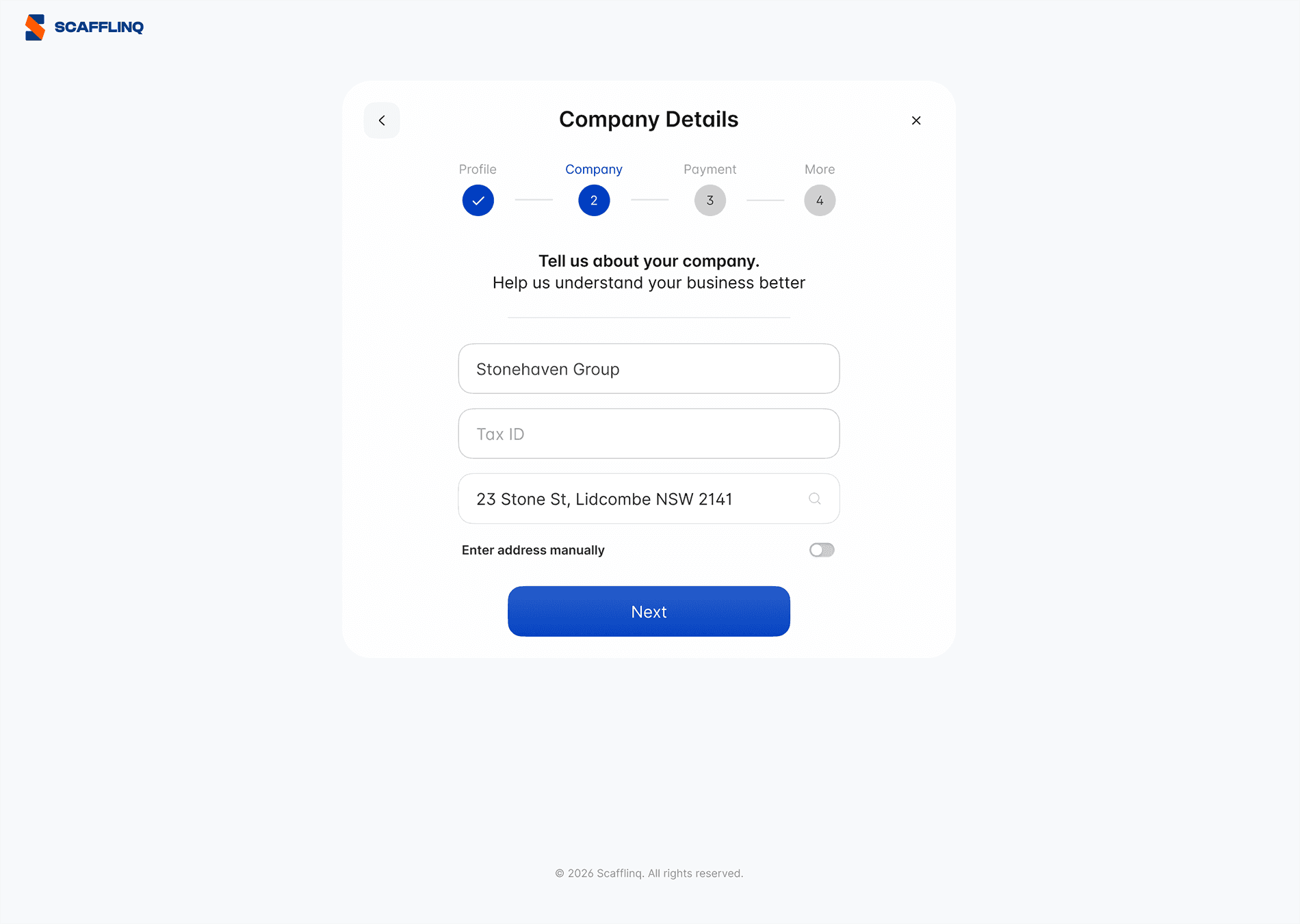
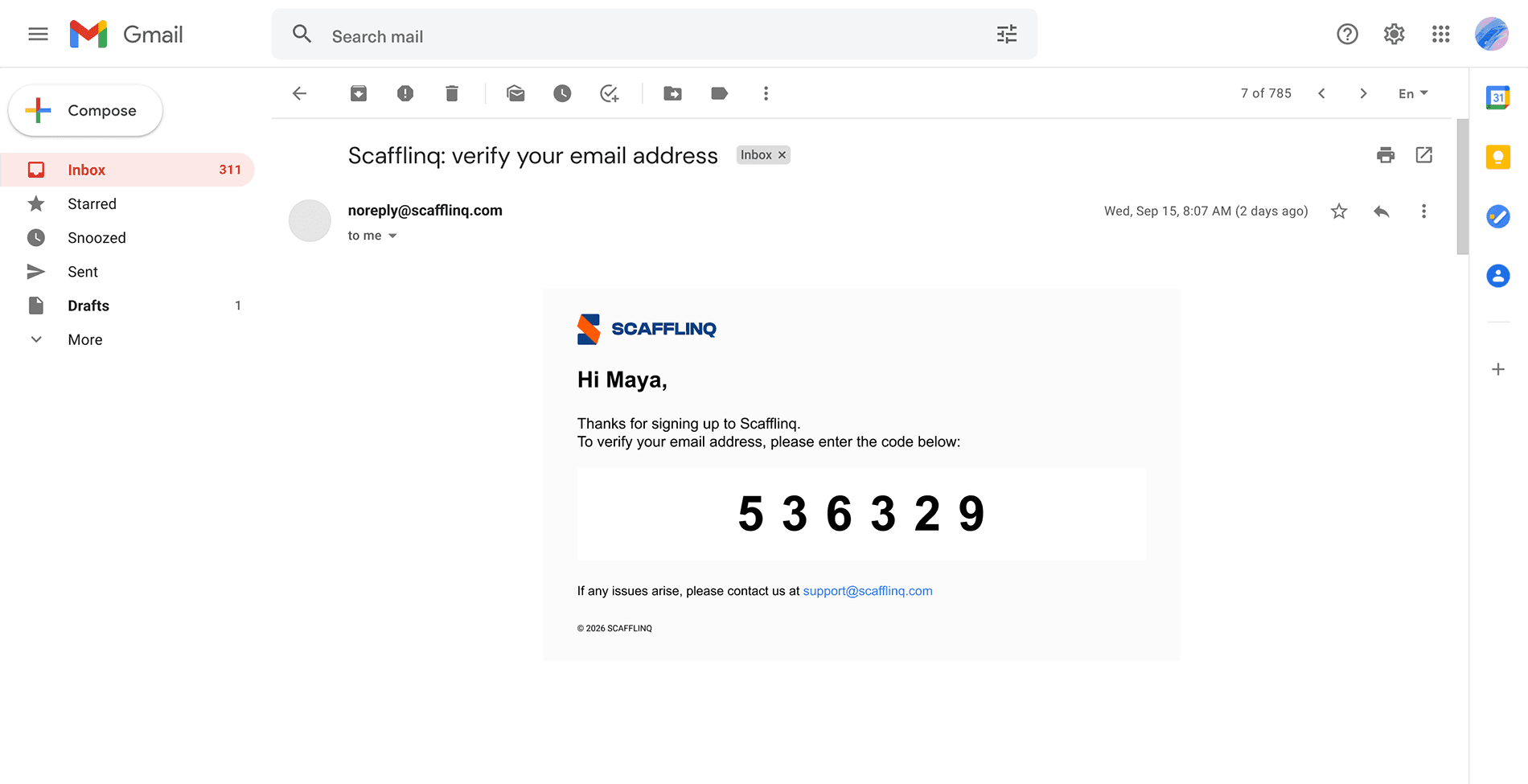
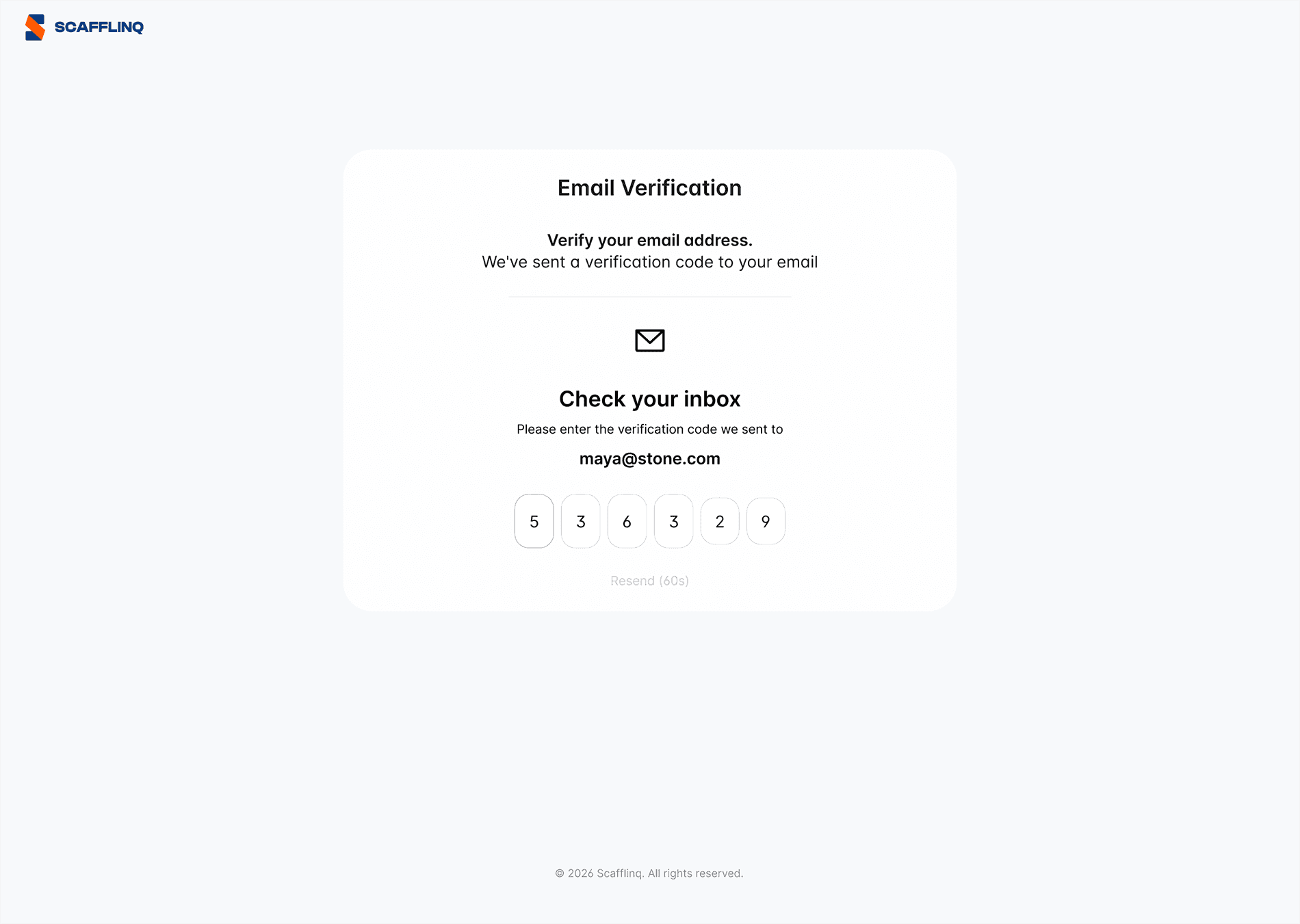
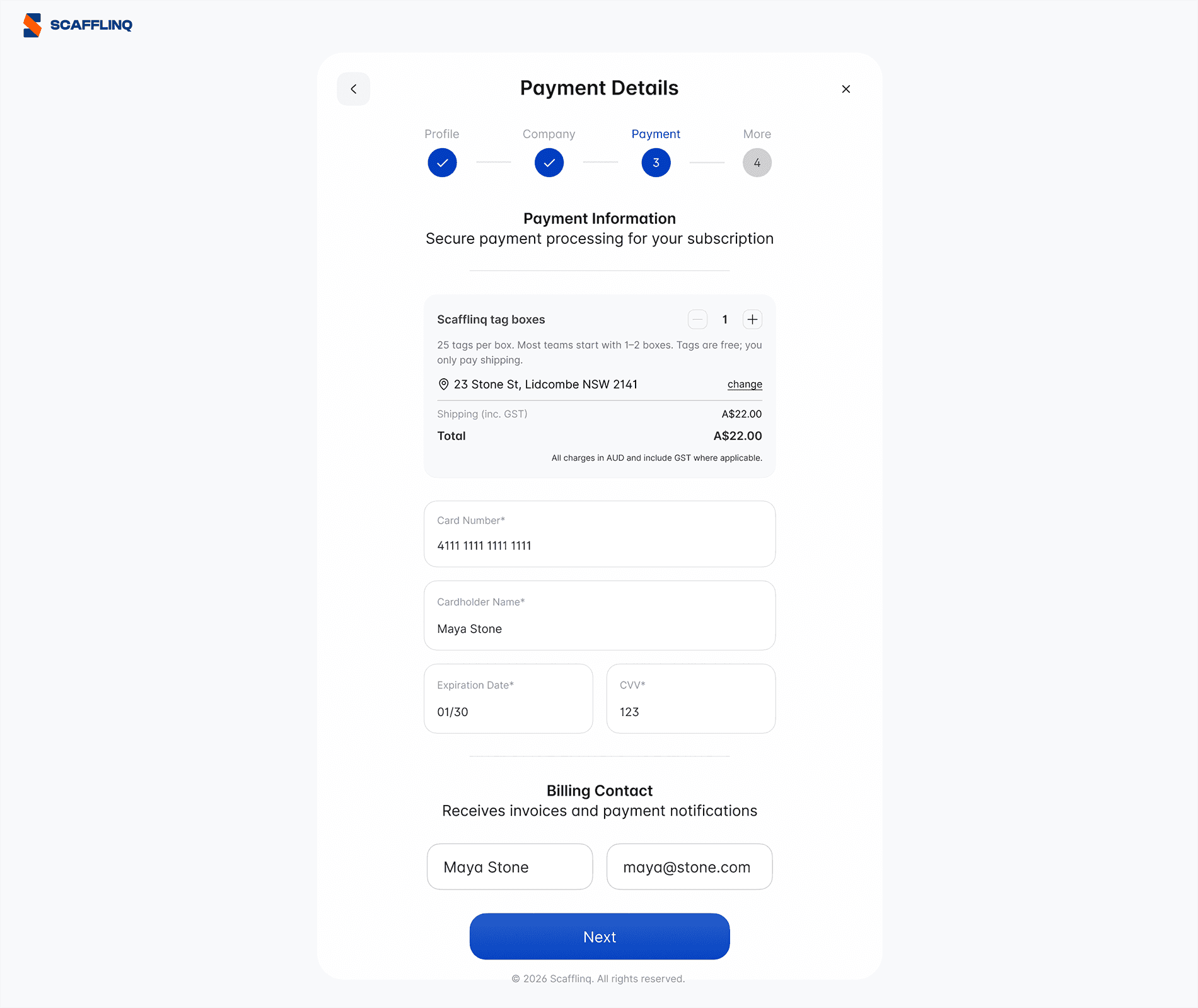
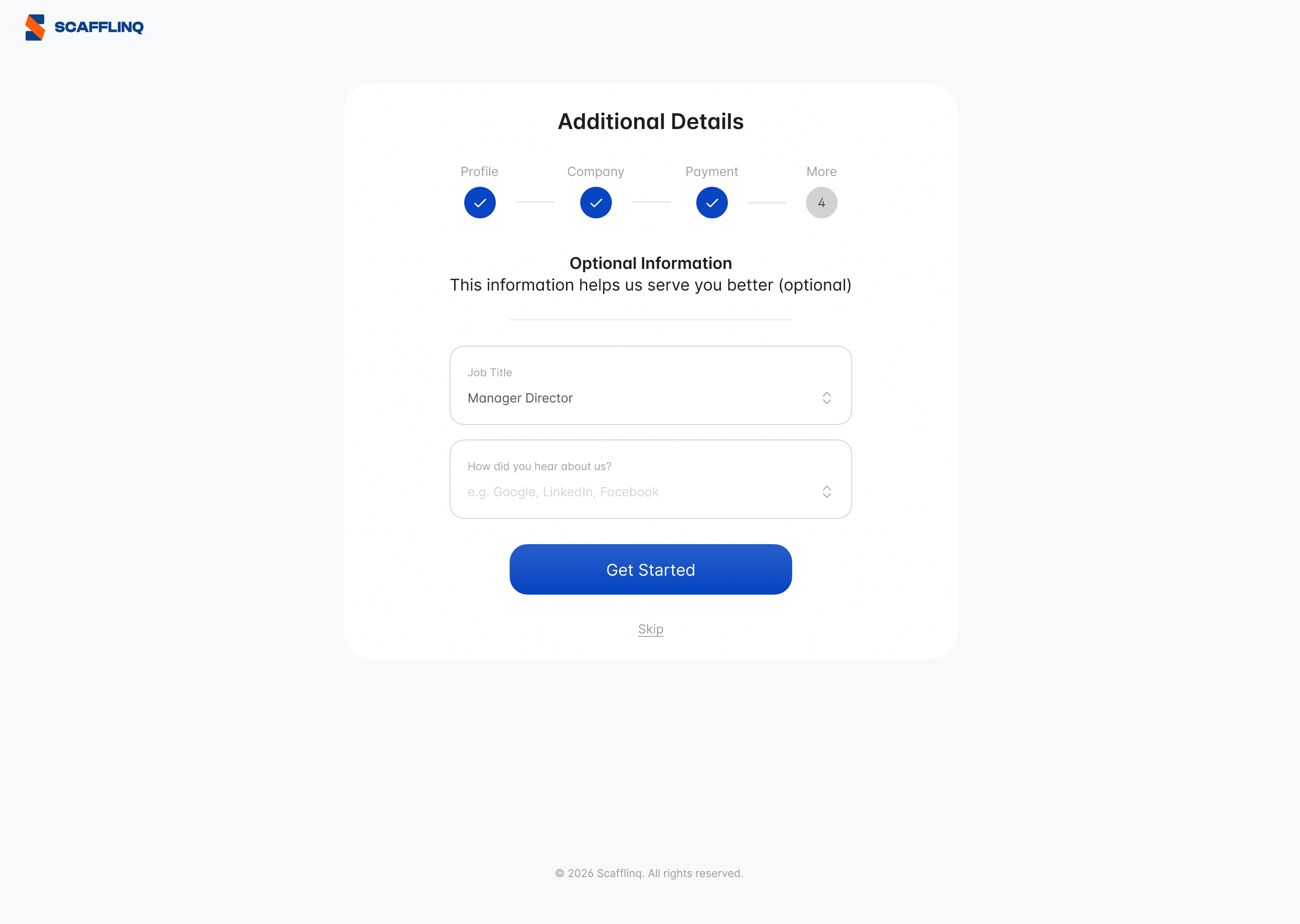
Your Scafflinq account is created and your starter order will be processed.
You’ll be redirected to your Reporting dashboard, where you can see an overview of your account and start setting up projects, scaffolds and inspections.
—————
Signing up in the mobile app


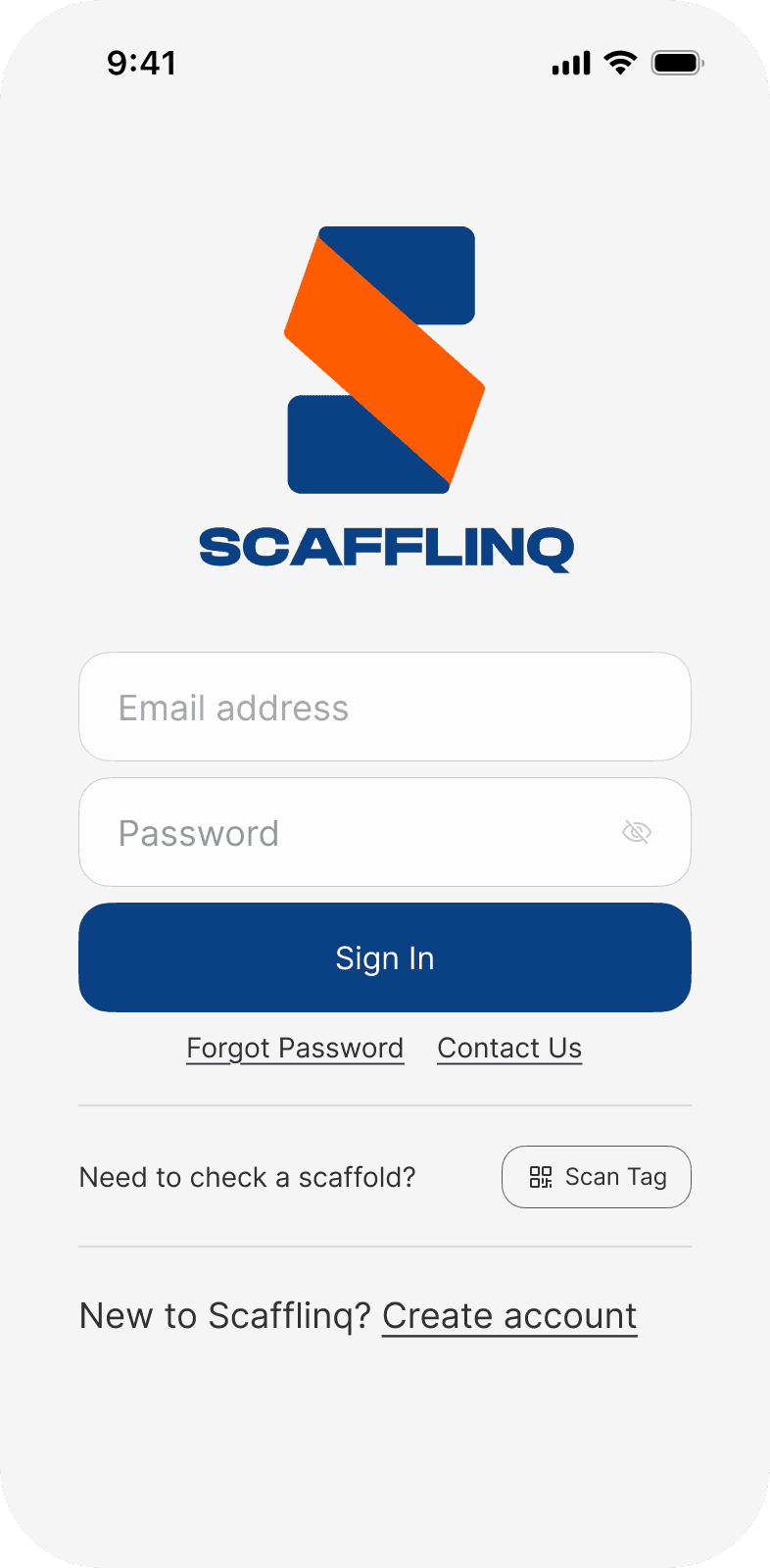
If you own or manage scaffolding and need to perform inspections and manage compliance, choose
Create Account.If you're a builder, tradesperson, safety inspector or other role and only need to view scaffold status, you don't need an account. Choose
Scan Tagto scan the QR code on the tag to see its status and details.
* are required.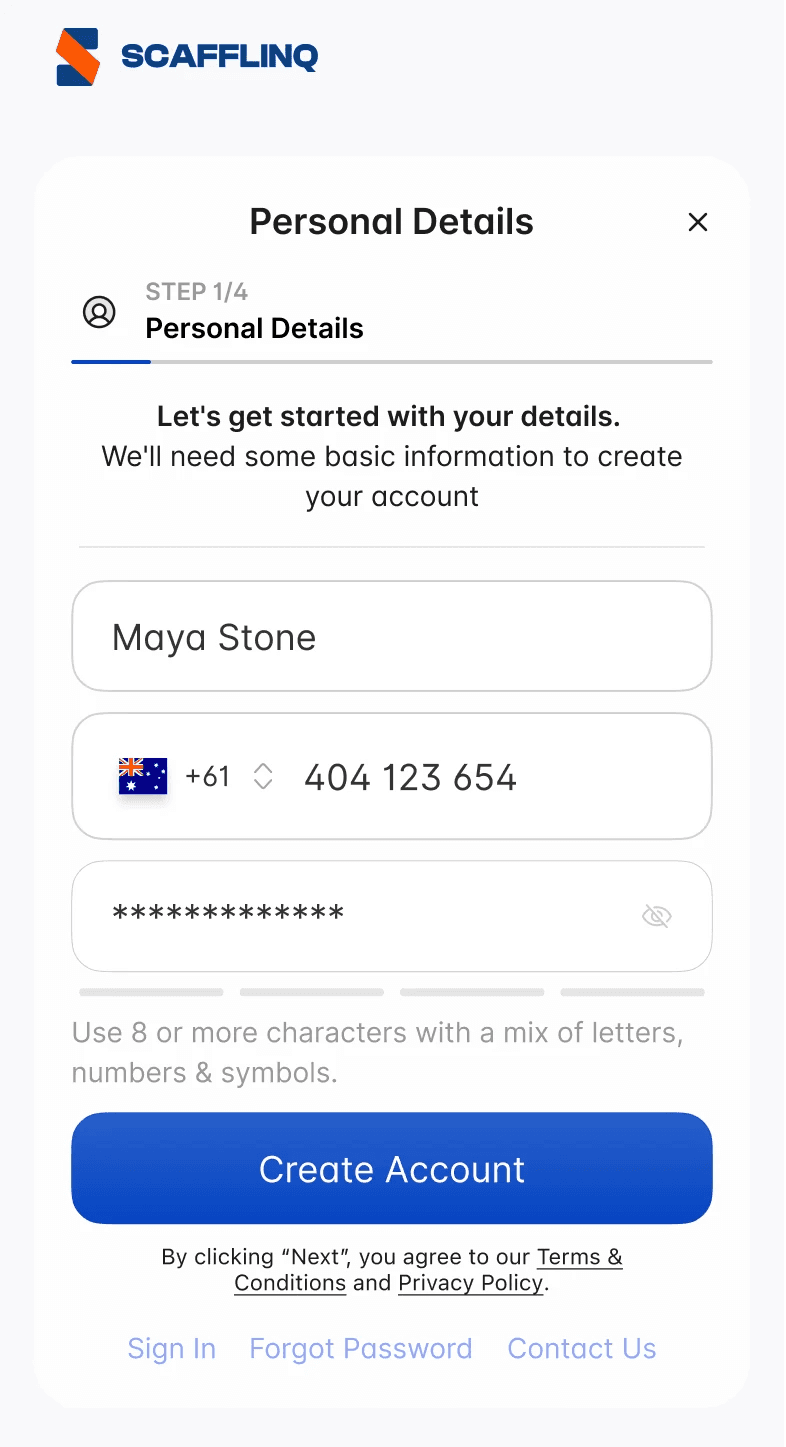
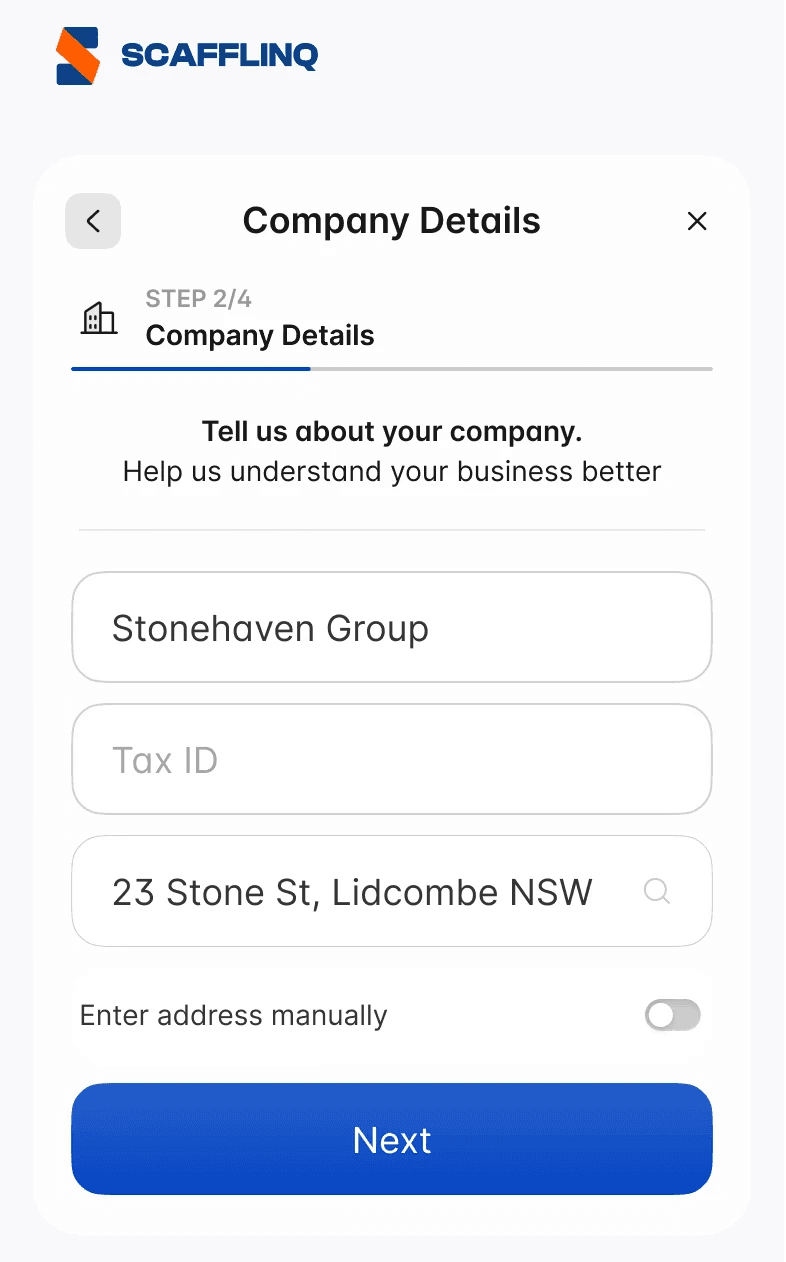
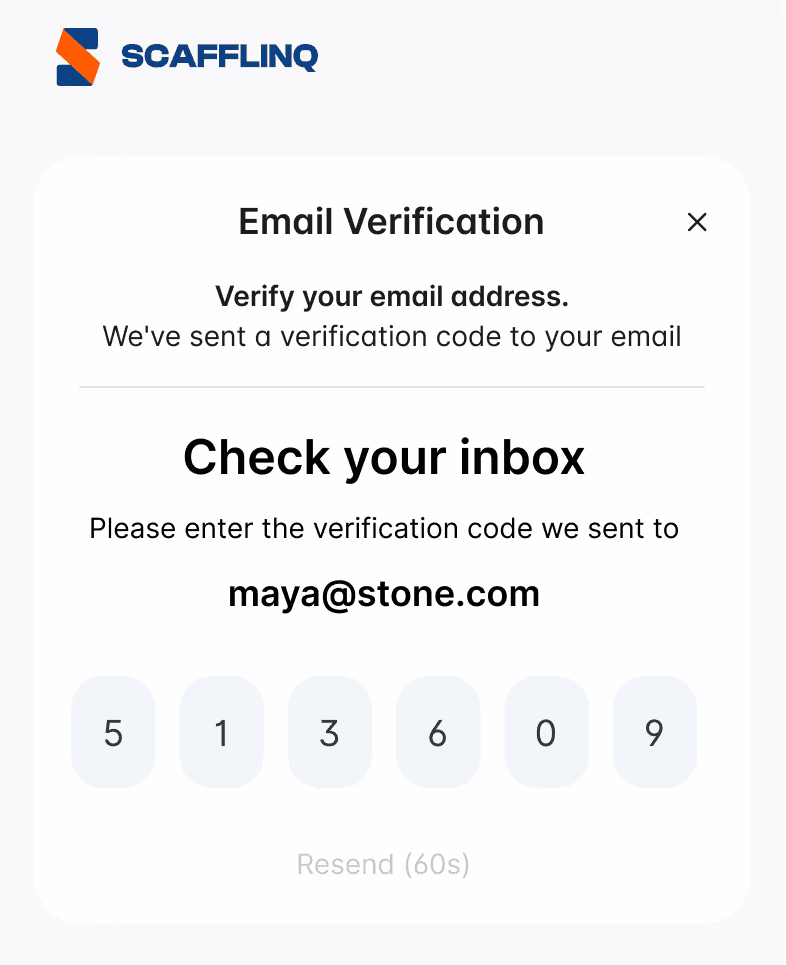
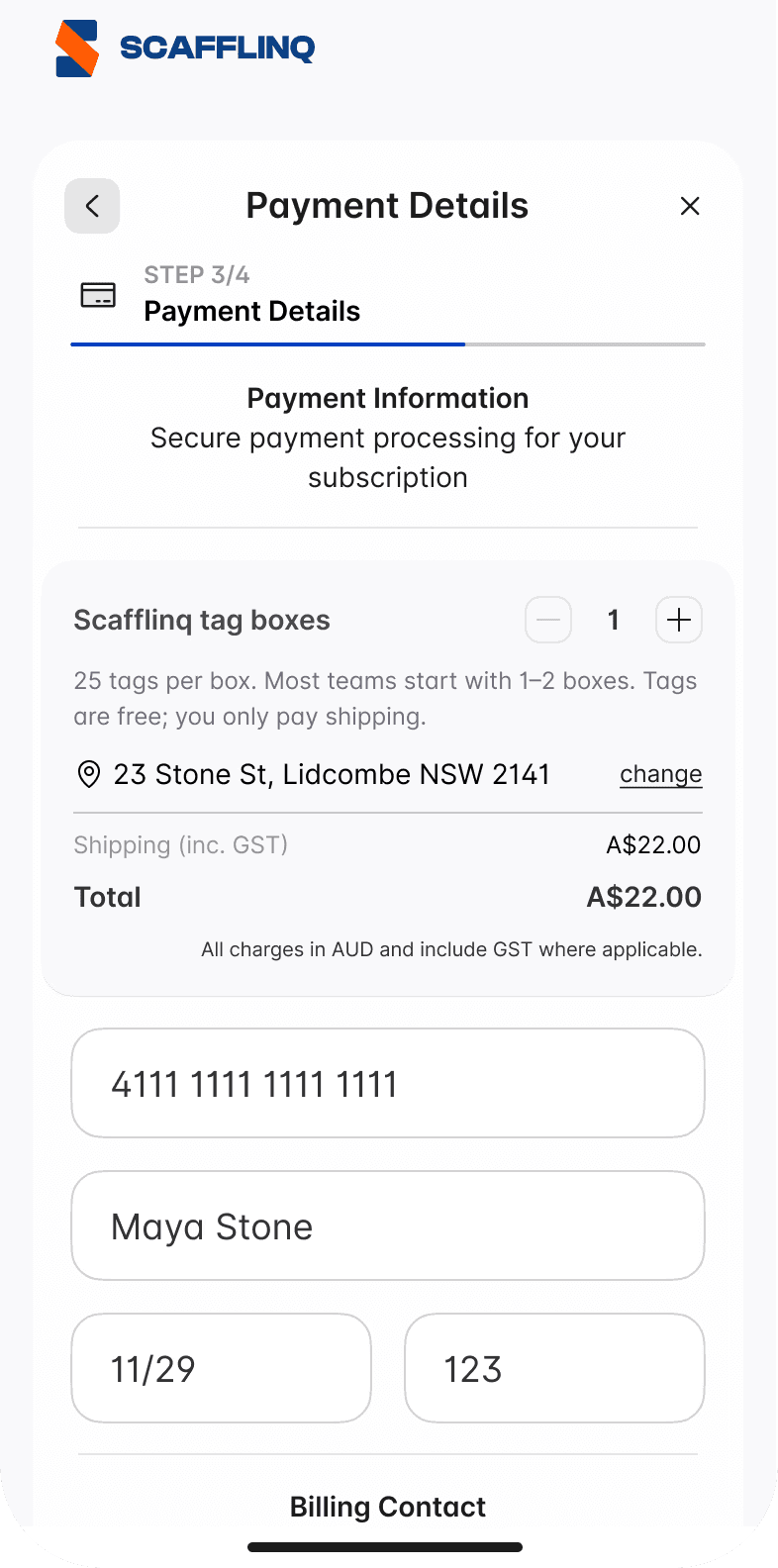
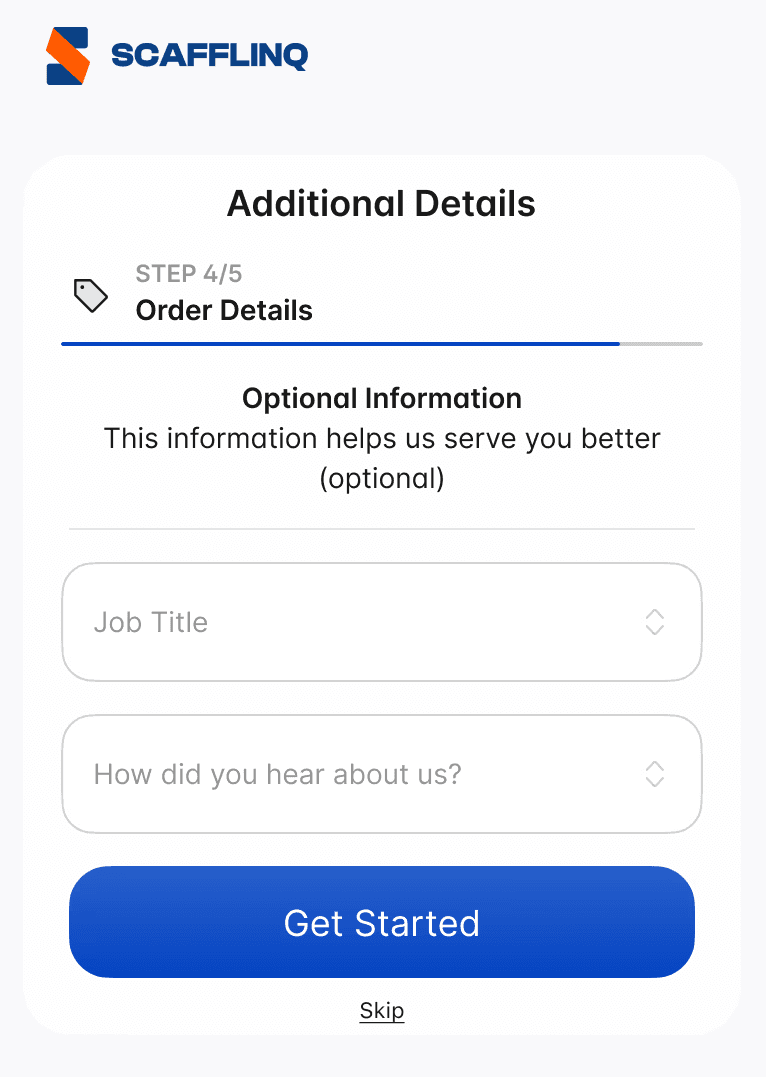
Your Scafflinq account is created and your starter order will be processed.
You’ll be redirected to the Reporting overview screen in the app, where you can see a summary of your account and start setting up projects, scaffolds and inspections.
Still got questions?
Pick whichever suits, we’ll get back to you either way.