How to add additional access tags
Large scaffolds often have more than one way up: a north stair, a south stair, an east ladder. Each access point should show the scaffold's status, so workers can check it before they climb.
Every scaffold has a Primary Tag, created with the scaffold. Additional Access Tags let you put a tag at every other access point. Each tag has its own QR code, and scanning any of them opens the same scaffold record.
Turn on additional tags
This is a company setting, and it's off until an admin turns it on.
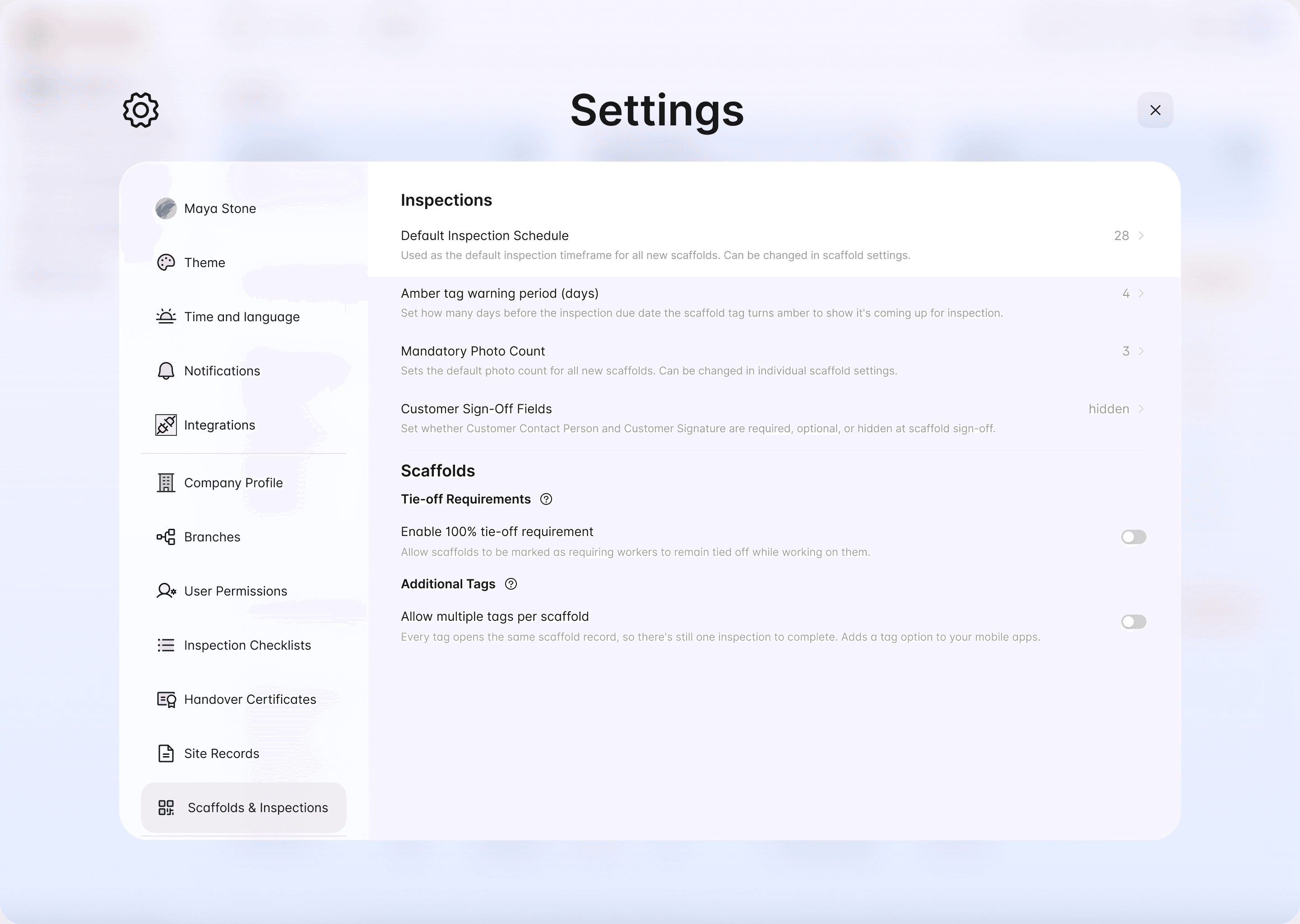
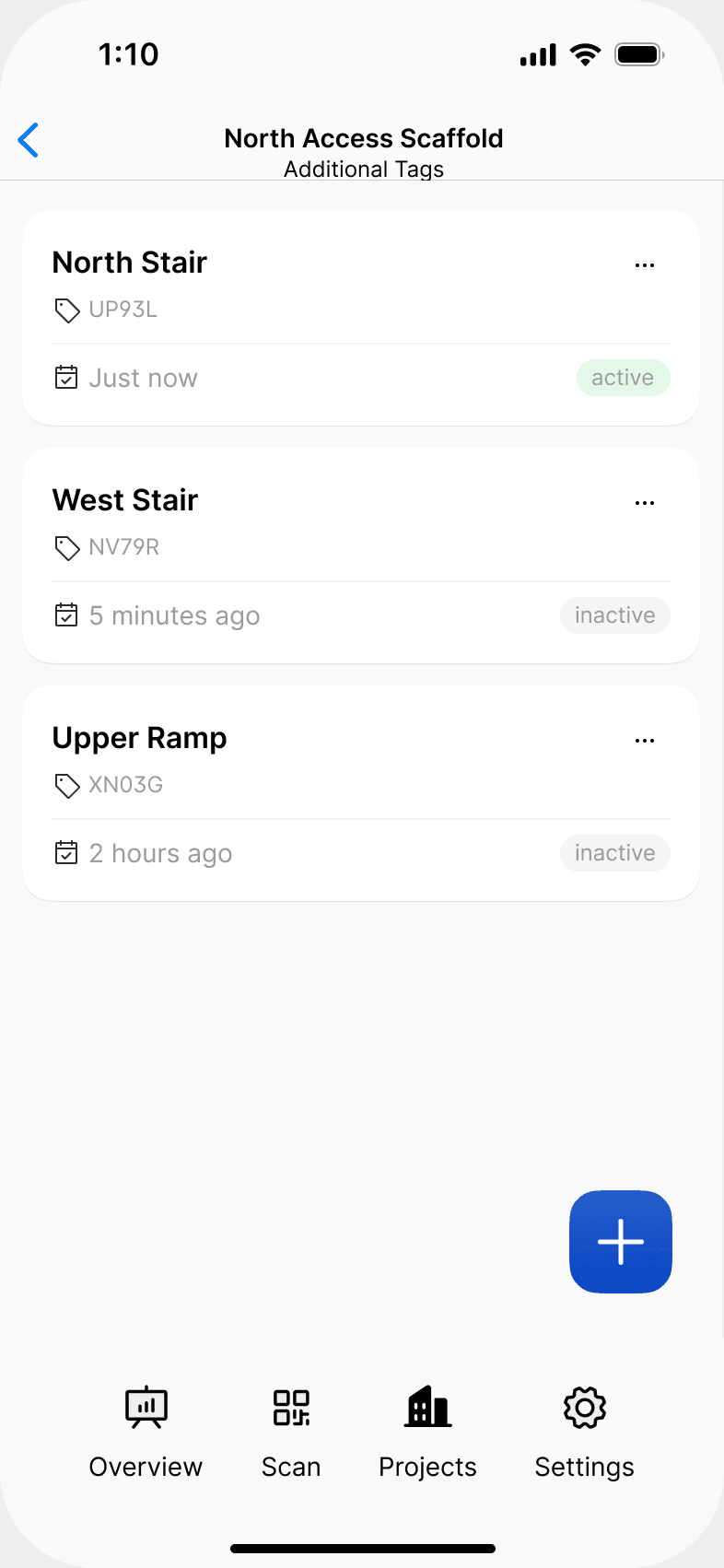
Once it's on, an Additional Tags row appears in the mobile app for every scaffold.
Add an additional access tag in the mobile app
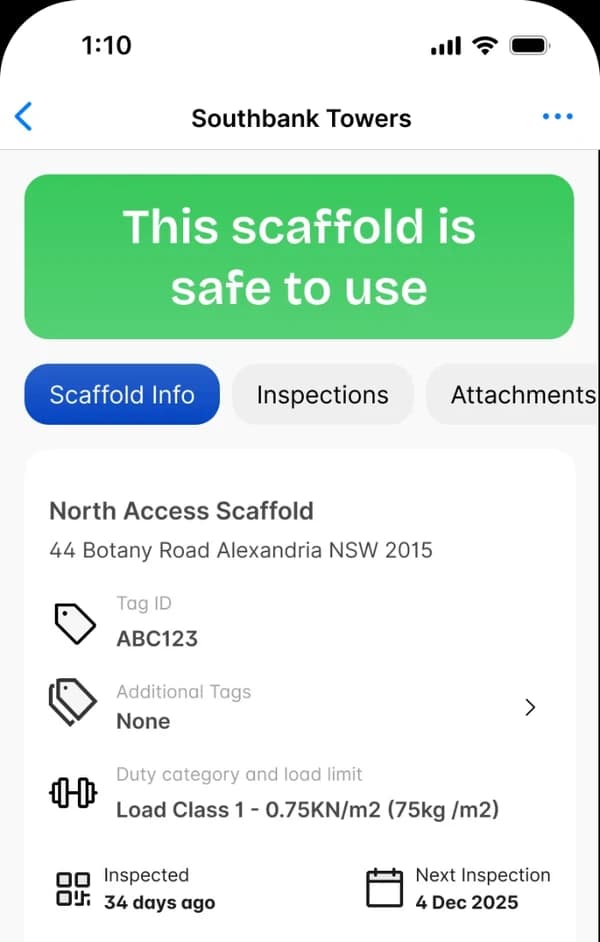
+ button in the bottom-right corner. The camera opens.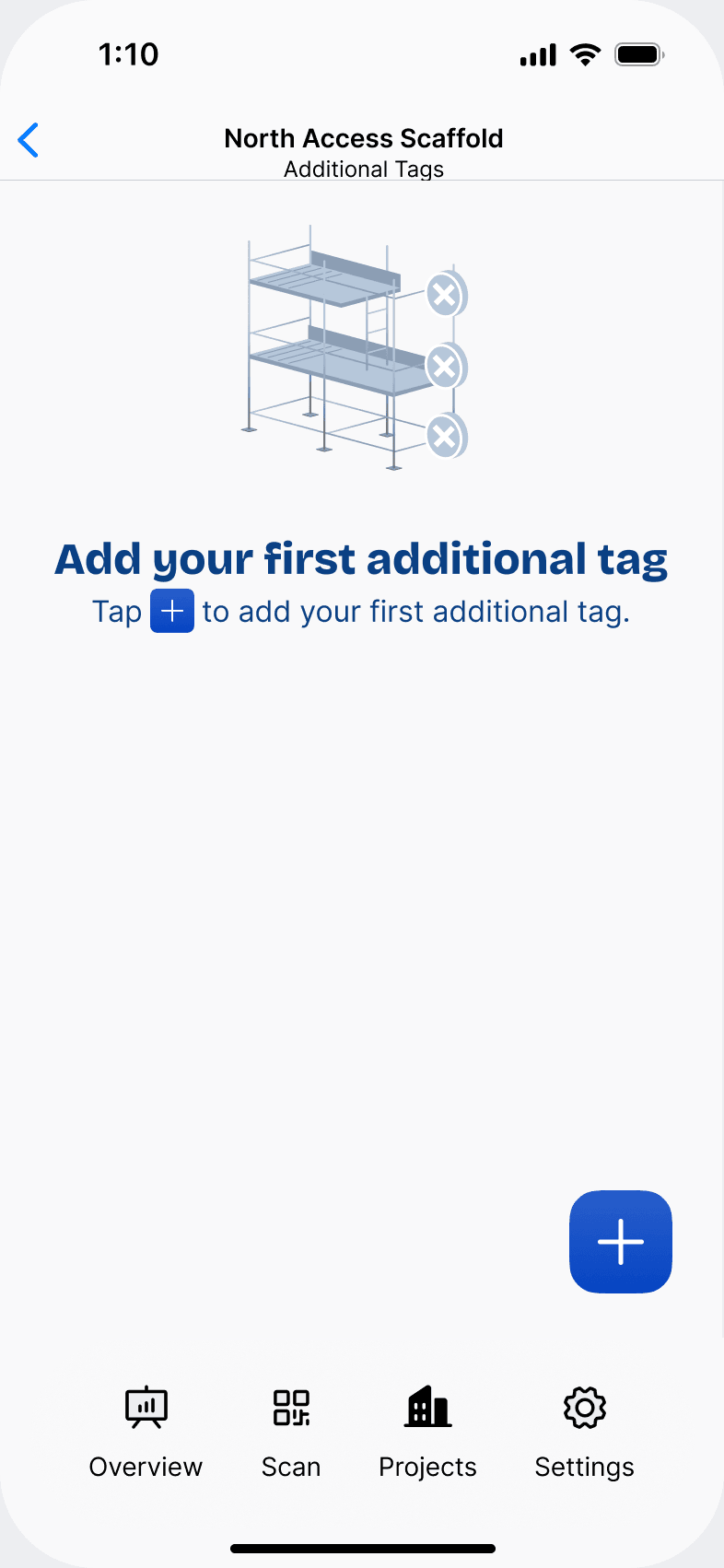
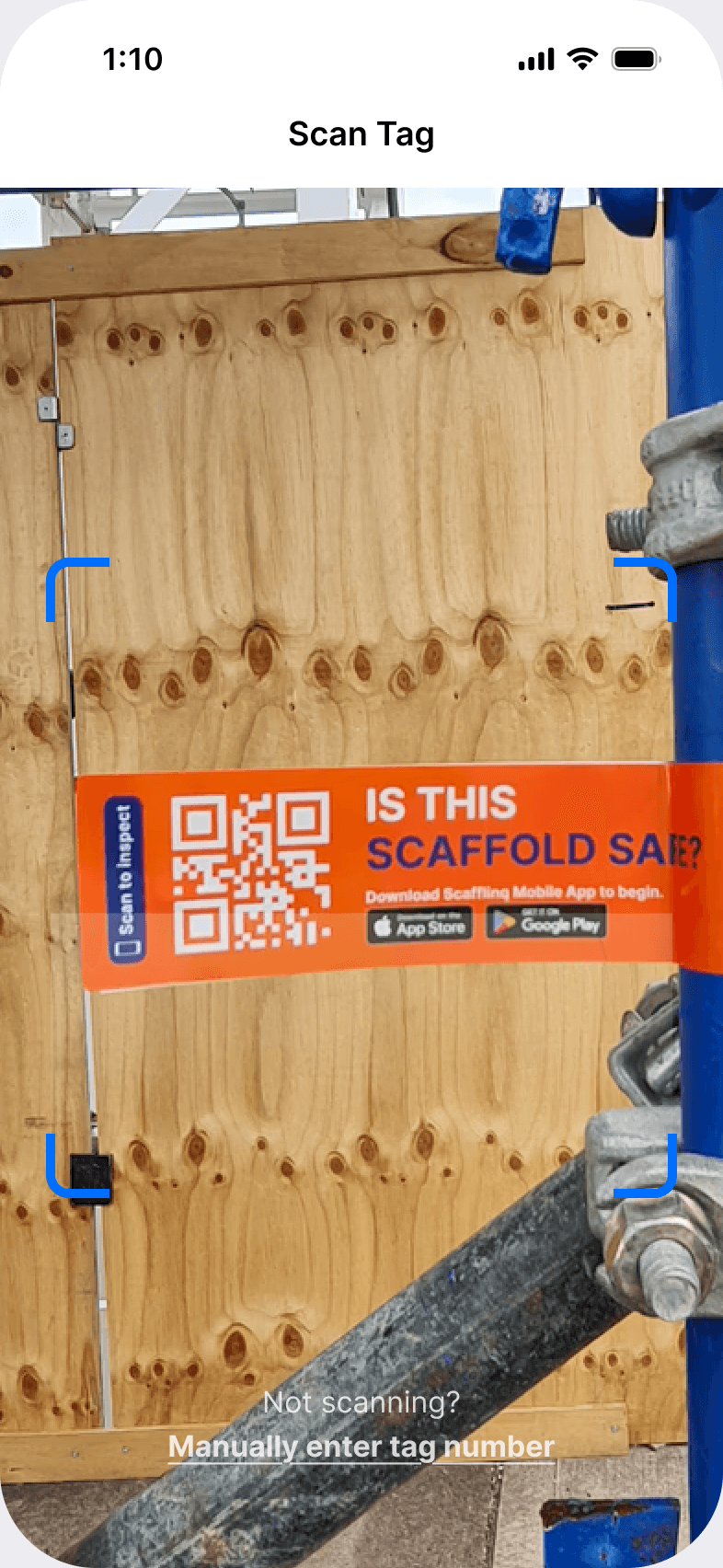
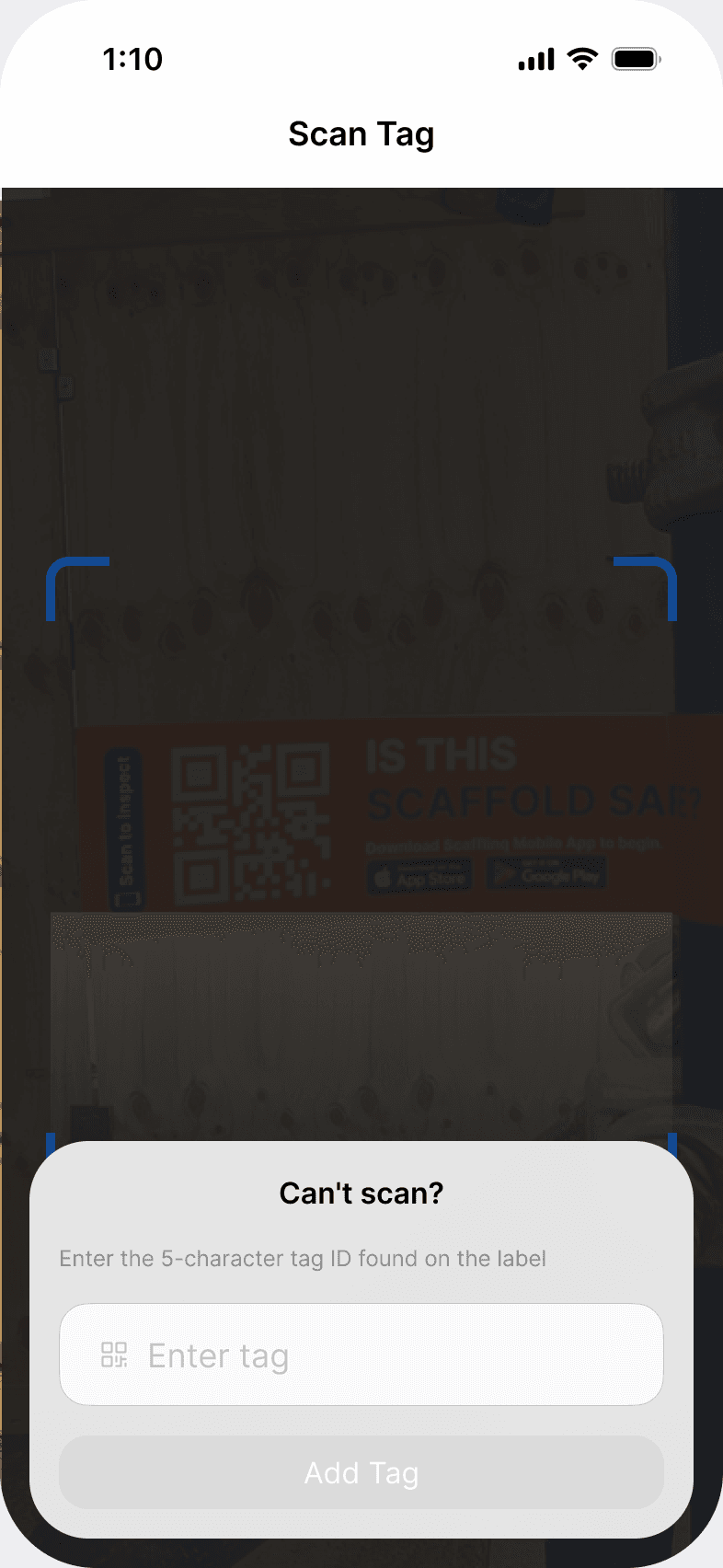
Add Tag.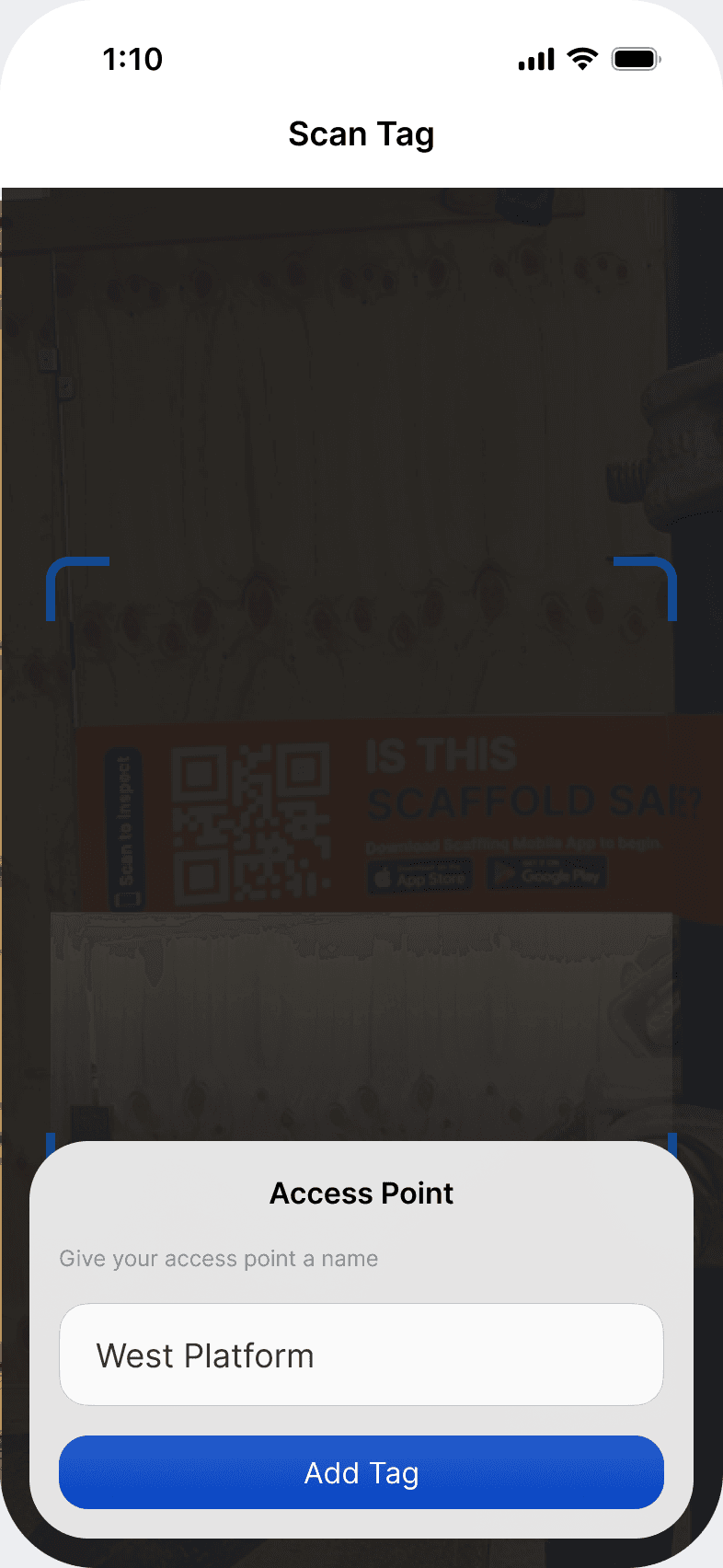
The tag now appears in the scaffold's Additional Tags list, with its tag ID and whether it's active. Tap the menu next to any additional tag to edit its name, replace the tag or make it inactive.
How additional access tags work
- Scanning any tag opens the same scaffold record: current safety status, next inspection, inspection history, restrictions and certificates.
- Inspections belong to the scaffold, not to a tag, so there's one inspection history and no duplicate scaffolds.
- Workers see the same status at every access point.
- Scaffolds with a single access point work exactly as before.
What it costs
The Primary Tag is billed at the standard rate of $1.50 AUD per active tag per week. Each Additional Access Tag is $0.25 AUD per active tag per week. See how billing works.
If a tag is lost or damaged, see how to replace a lost or damaged tag.
Still got questions?
Pick whichever suits, we’ll get back to you either way.