Hop-up Movements and Tie Movements record variation work by what was moved: lineal metres of hop-up, and the number of ties. Each record includes a handover by your crew and acceptance by the client, signed on the same phone.
You create both records in the mobile app. To record variation work by the hour instead, use a day docket.
Record a hop-up movement
1Open the project, tap Site Records, then choose Hop-up Movements and start a new record.
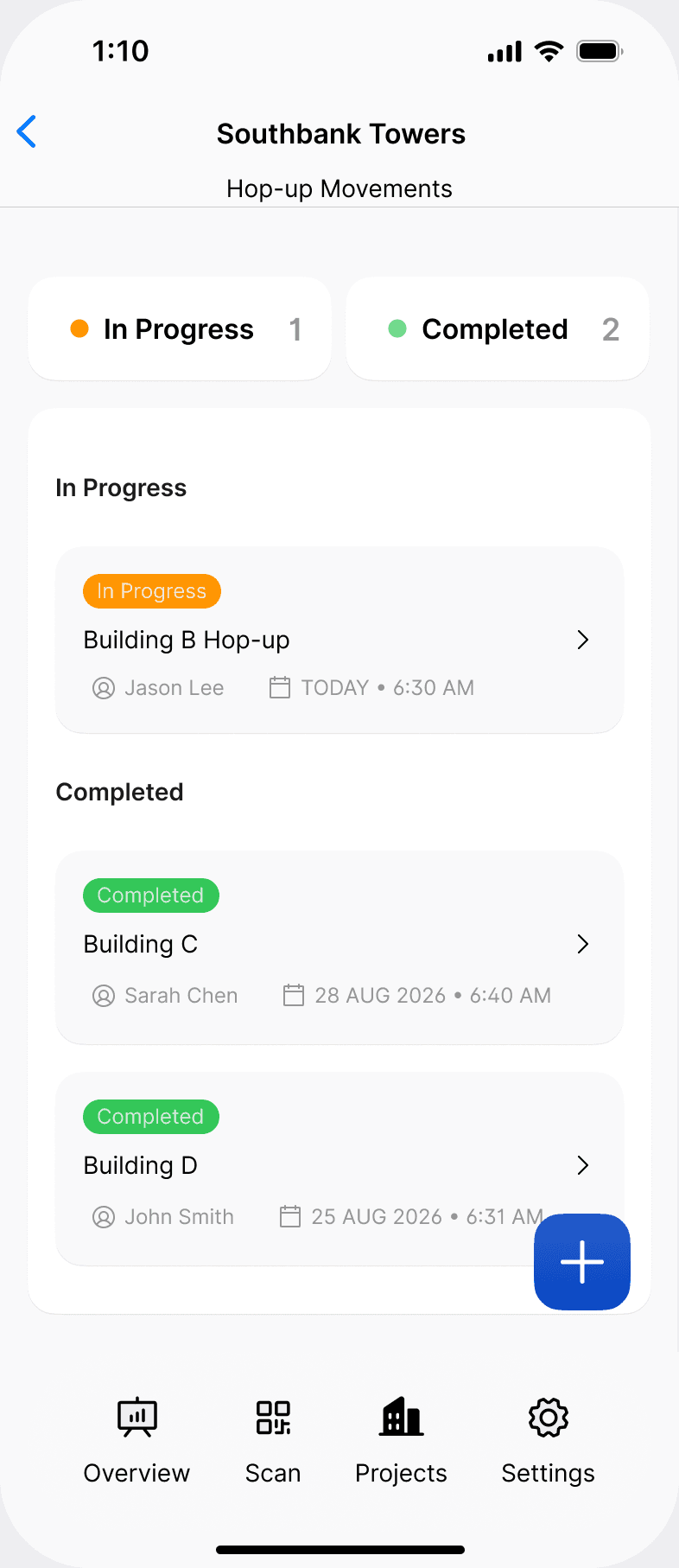
2Add a title, the date and time, and whether your company was also doing contract work on site that day.
3Add each hop-up that was moved: the building, level and elevation, the scaffold system, the bay quantities at each bay length, the number of lifts, the related trade, who instructed the work, the number of workers and their names, and a comment and photo.
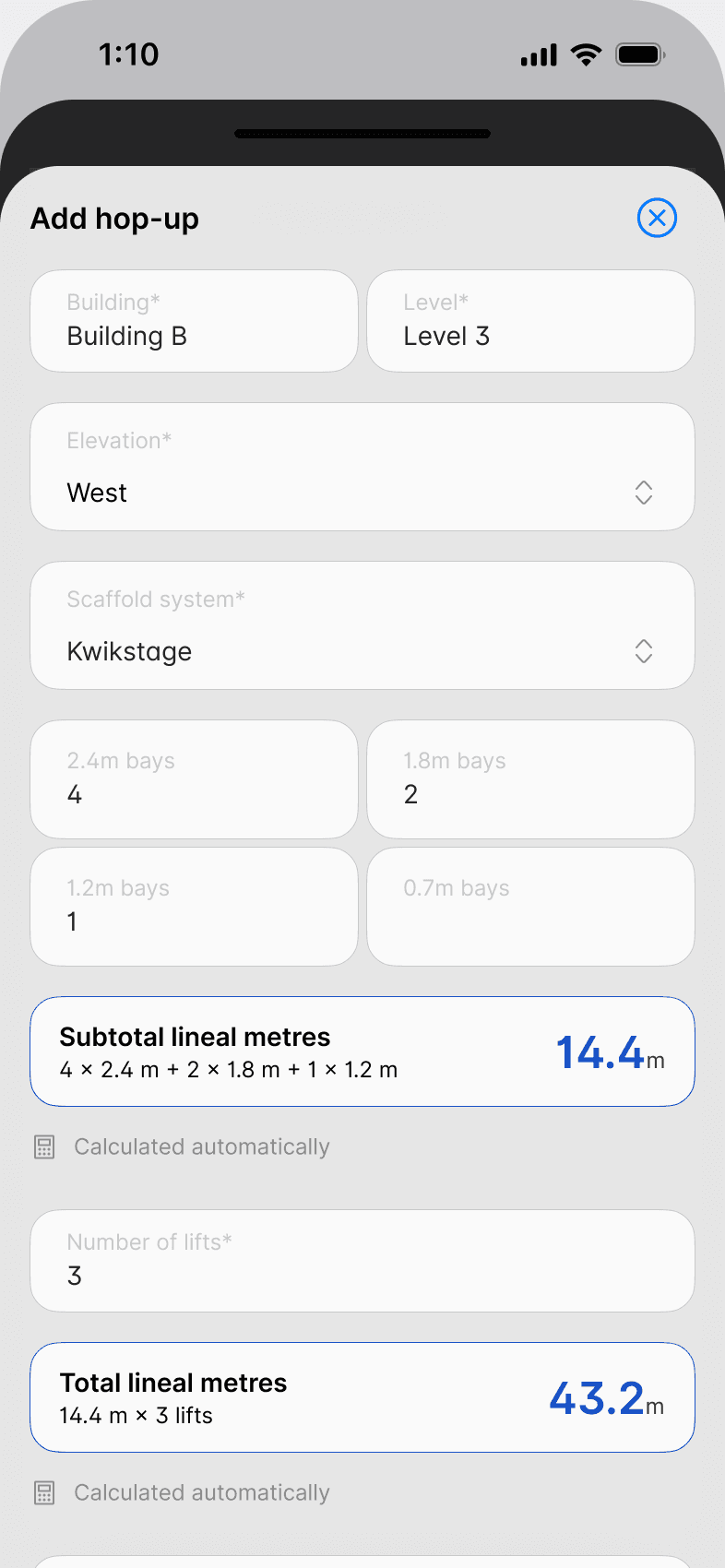
Scafflinq calculates the lineal metres for you. Four 2.4 m bays, two 1.8 m bays and one 1.2 m bay give a subtotal of 14.4 m, and across three lifts that's 43.2 m. For Tube & fitting and Other, enter the run length moved in metres instead of bay quantities.
4Check the summary screen, which totals the lineal metres across every hop-up on the record.
5Complete the handover. The person handing over confirms they've inspected the adjusted hop-ups, switches on the four checks (tie bars installed, boards secured where tie bars aren't possible, corner lap planks lashed down, and corners at different levels finished with rails and lap planks) and signs.
6Hand the phone to the client's representative to review and sign. Their name and email are filled in from the project, and you can add a second representative if someone else needs a copy.
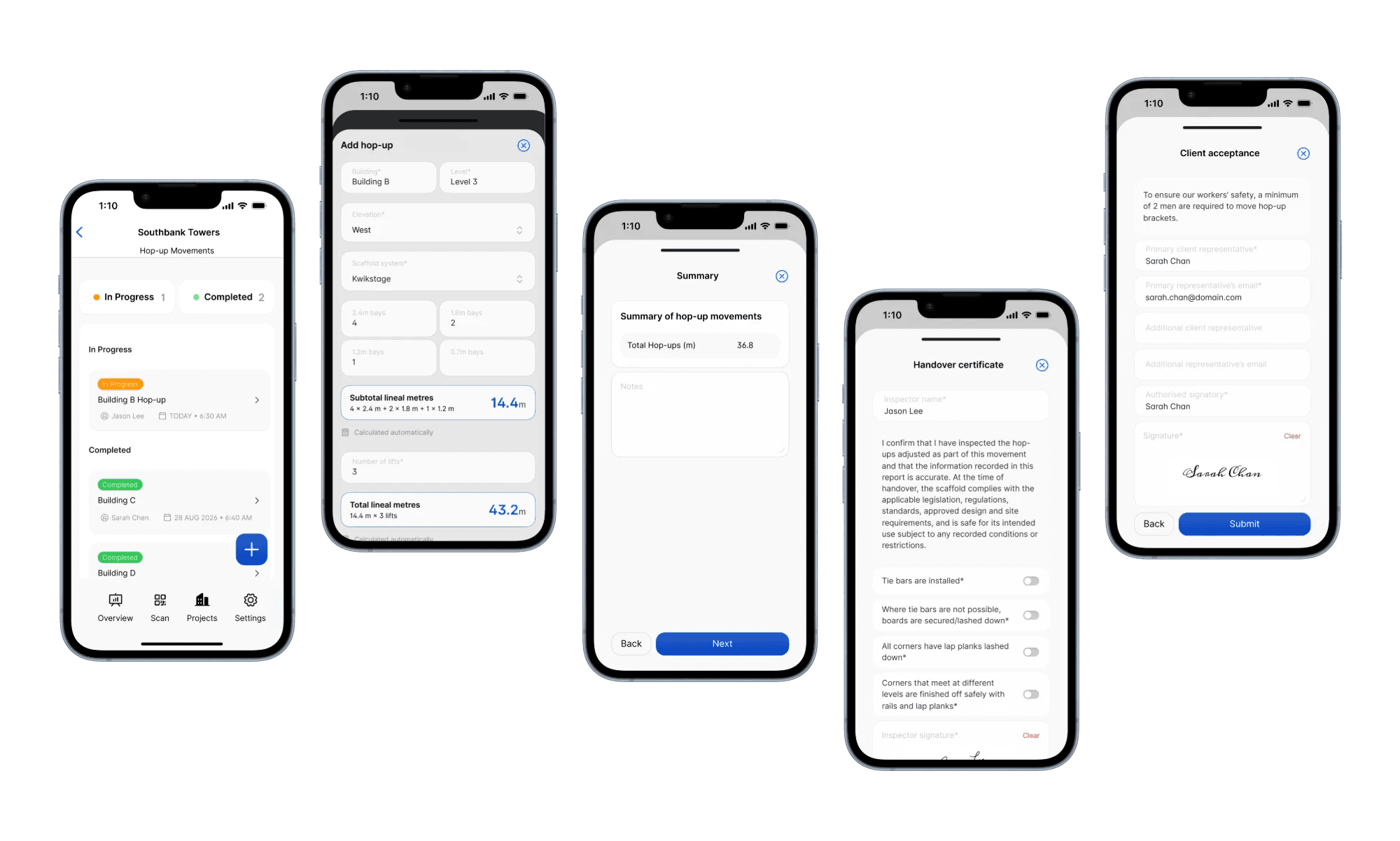
7Submit the record.
Record a tie movement
1From Site Records, choose Tie Movements and start a new record, then add the title, date and time.
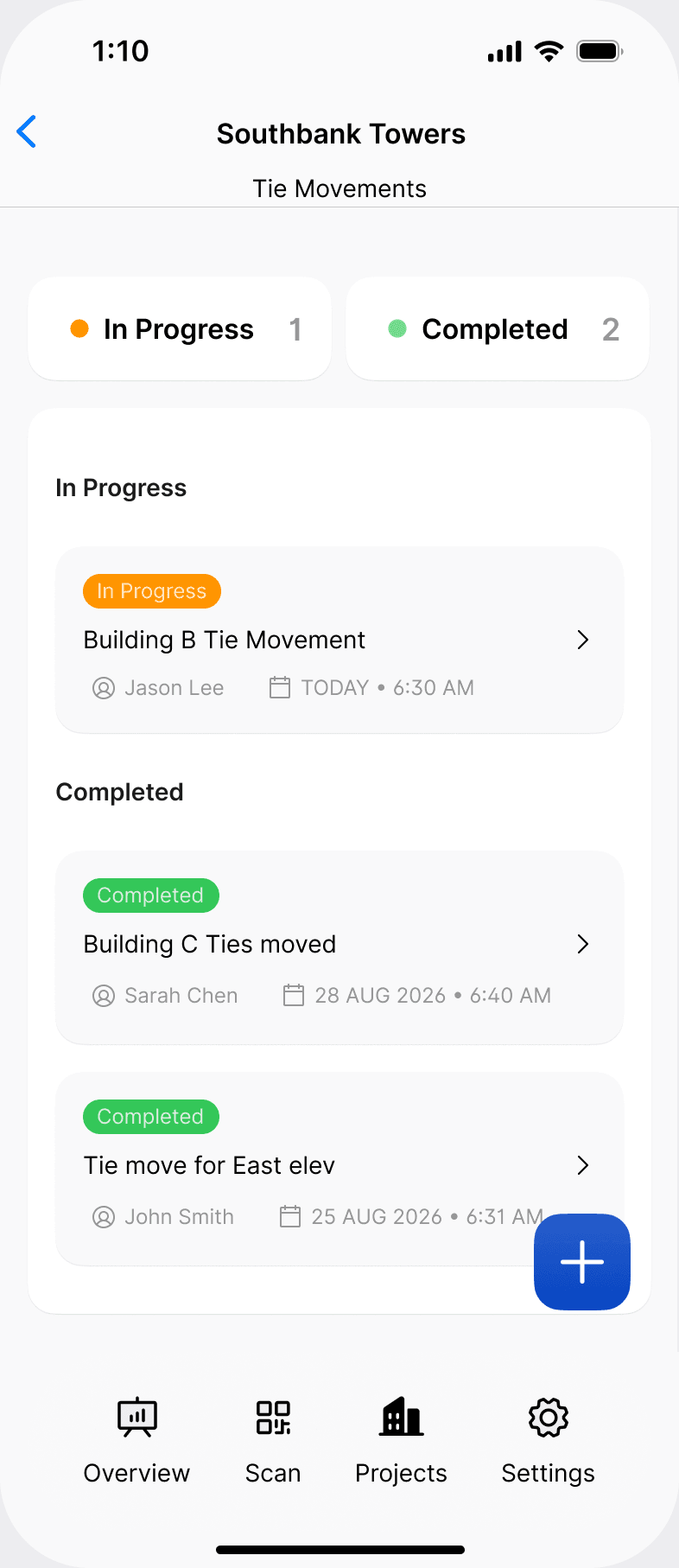
2Add each tie move: the building, level and elevation, the tie type (raker, face, soffit, F-tie or other), the number of ties moved, the related trade, who instructed the work, the number of workers and their names, and a comment and photo.
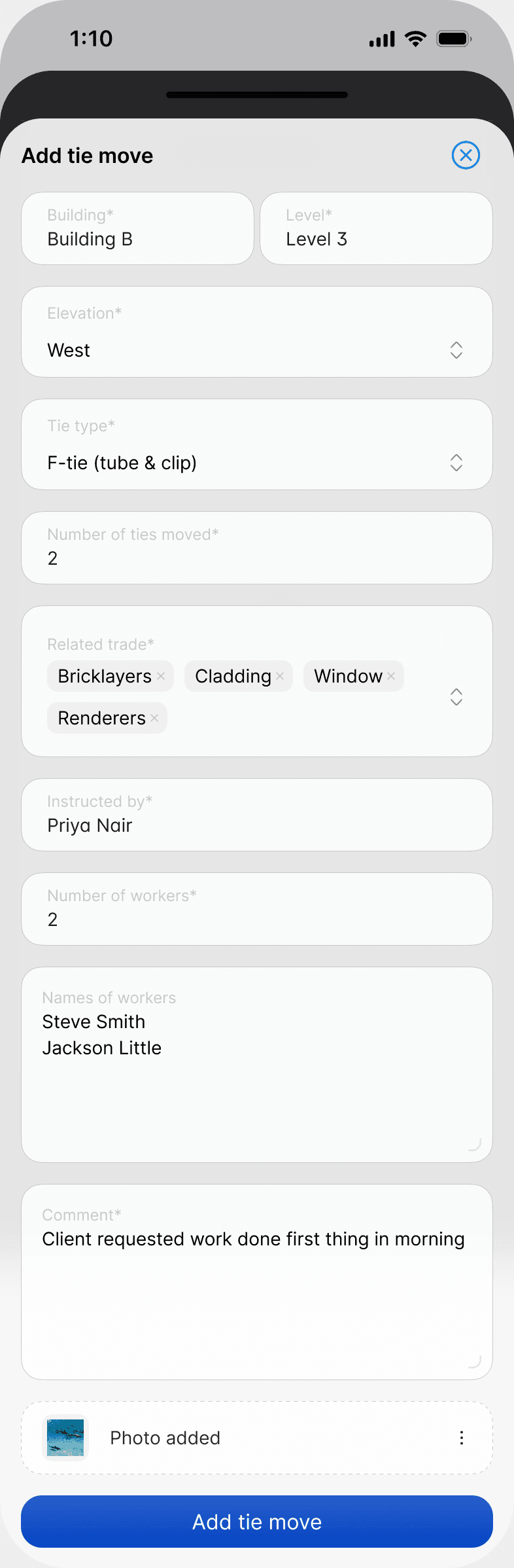
3Check the summary screen, which totals the ties moved.
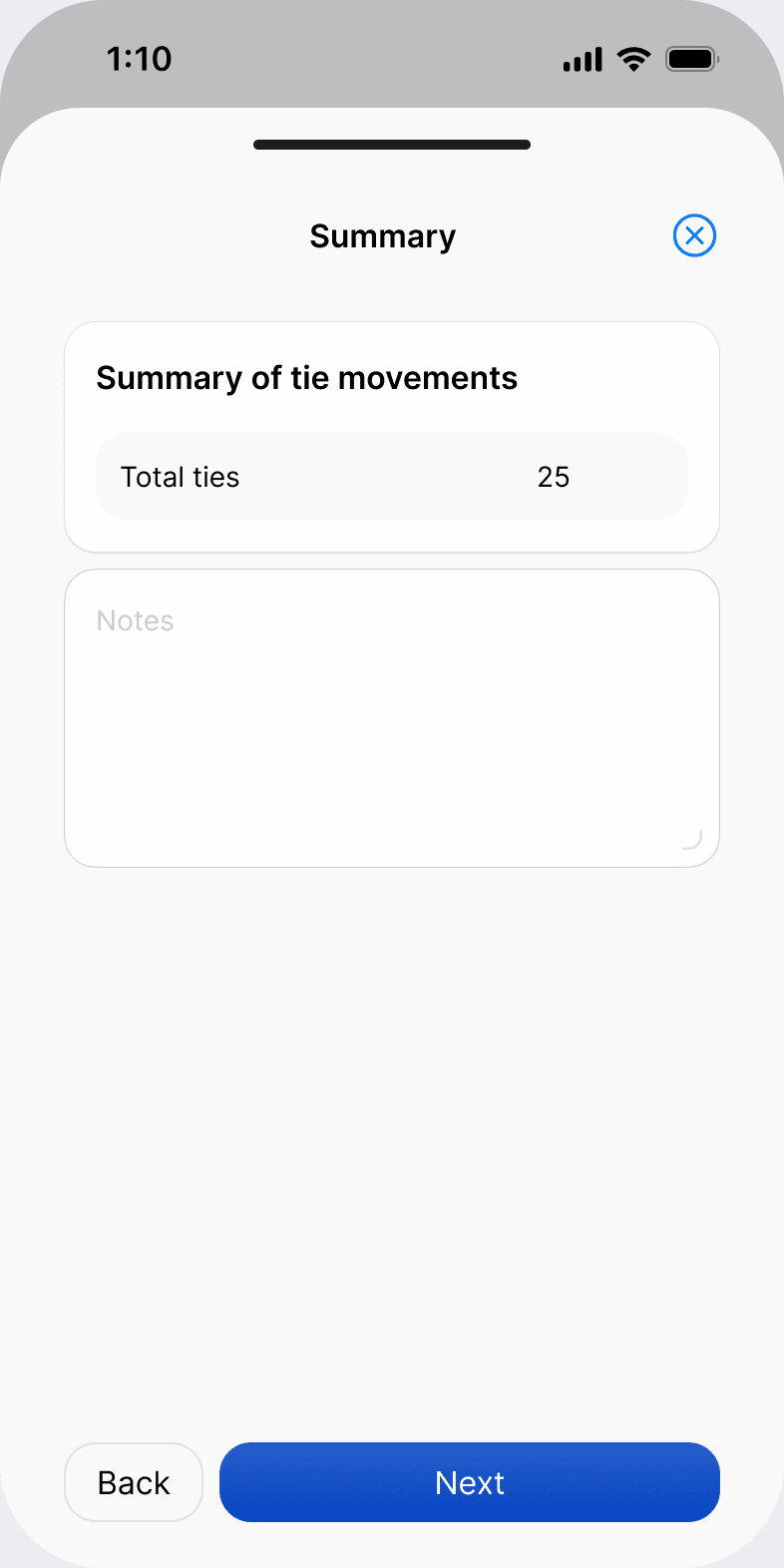
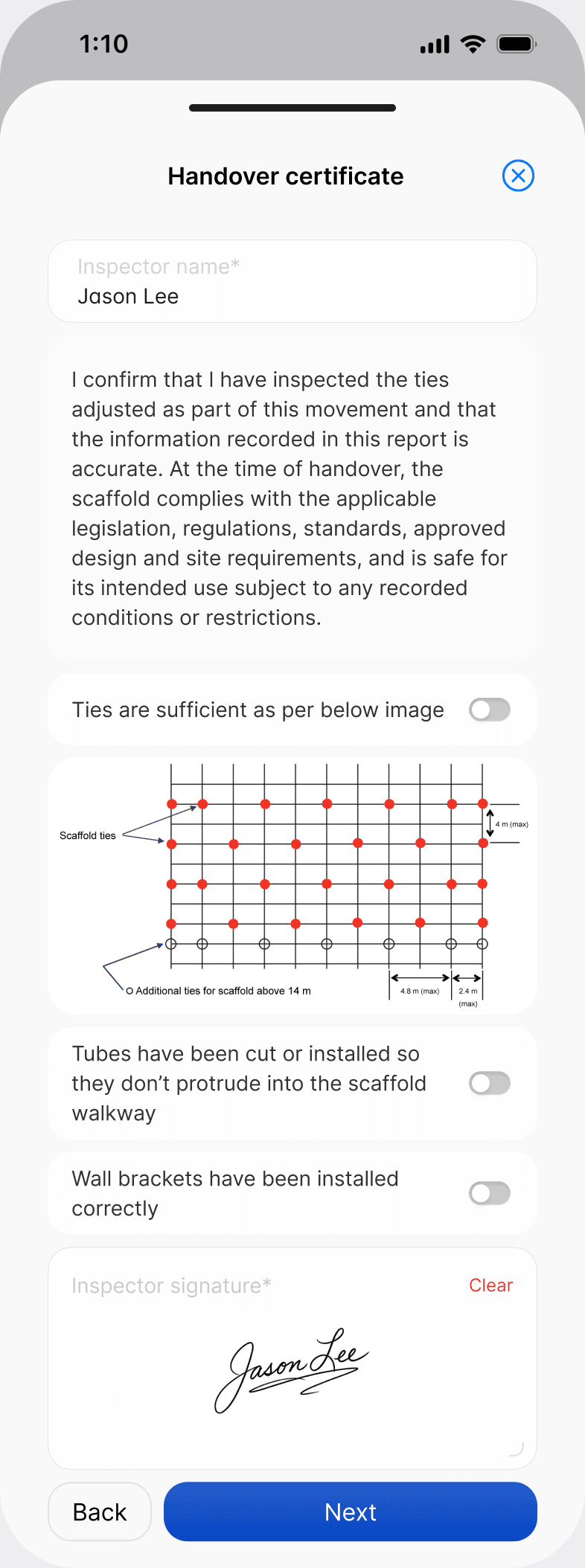
4Complete the handover. The person handing over confirms they've inspected the adjusted ties, checks that ties are sufficient against the tie layout diagram, that tubes don't protrude into the walkway, and that wall brackets are installed correctly, then signs.
5Hand the phone to the client's representative to sign, then submit the record.
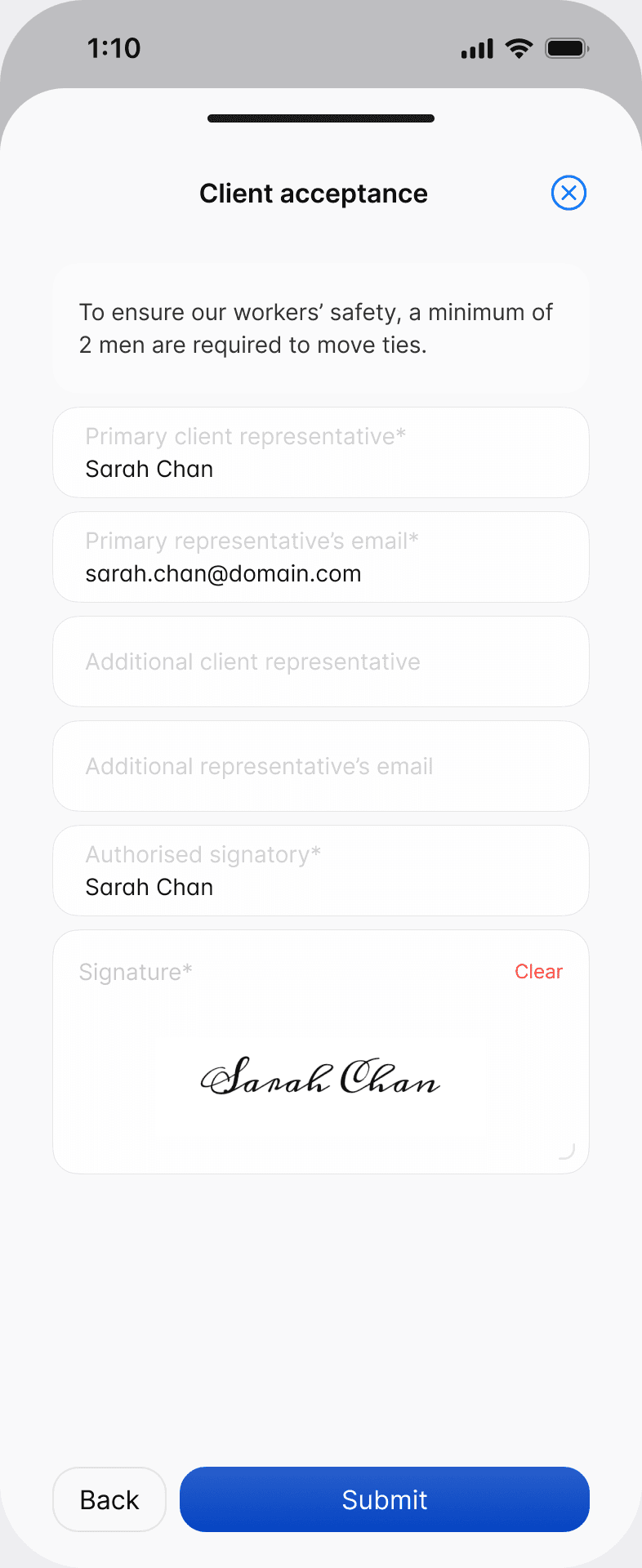
The acceptance screen for both records notes that at least two workers are required to move hop-up brackets or ties.
Where the PDF goes
When you submit either record, Scafflinq generates the PDF and emails it to the project's client email and to your default recipients under Settings > Site Records. See how to set site record recipients.
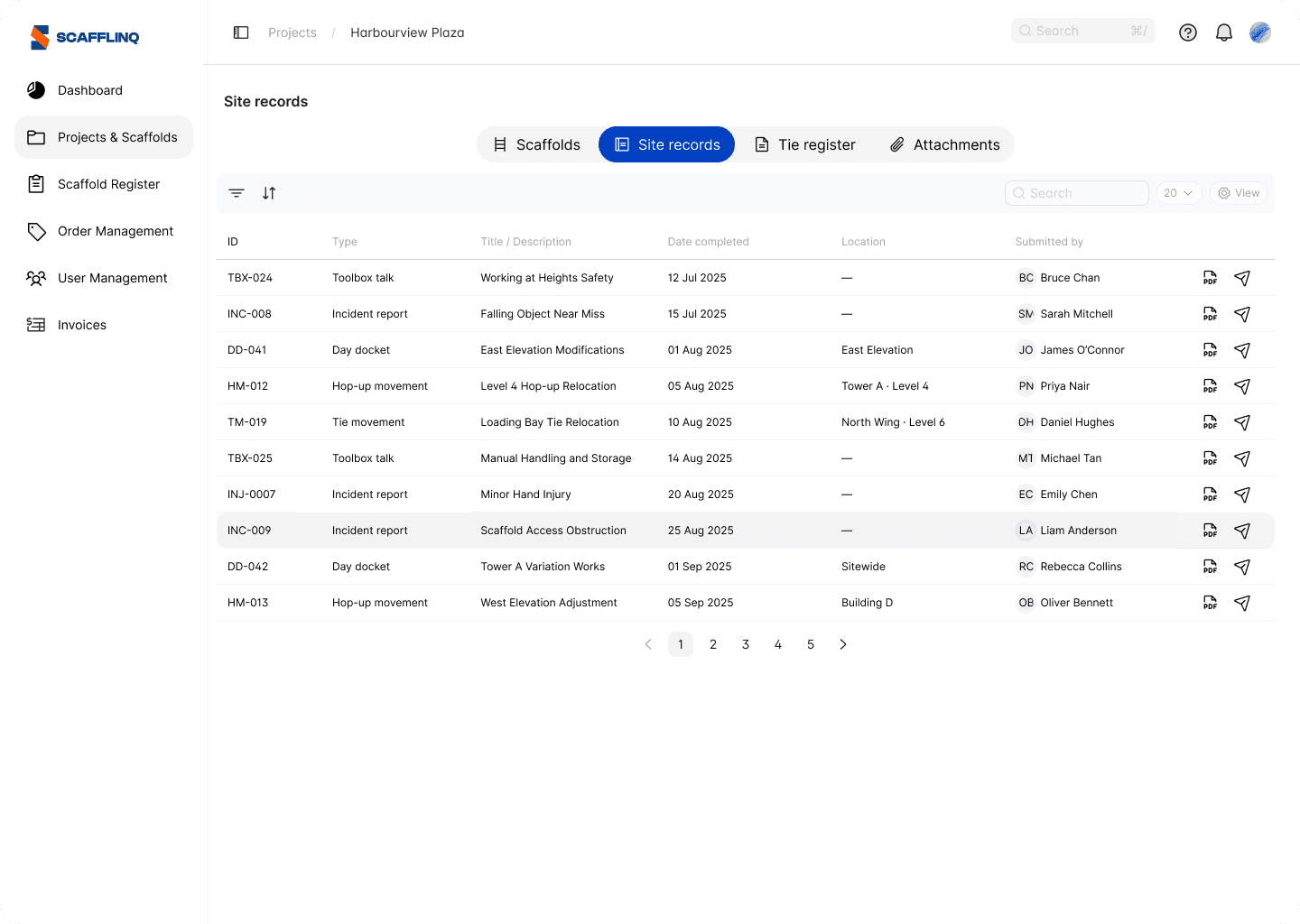
Every record is also listed in the project's Site records tab in the web portal, where you can open the PDF or resend it.
Can't finish it in one go? Save the record as a draft. It stays under In Progress until you submit it.