Scafflinq vs EZICHEQ
Scaffold inspections, handovers and site paperwork in one workflow. Compare Scafflinq’s focus on scaffold contractors with EZICHEQ’s broader inspection and asset platform.

Quick highlights
- Your scaffold workflowProjects, scaffolds, inspections, handovers and Site Records together, from the first tag to dismantling.
- Photos and sign-off, freeInspect with photos and sign-off from the free plan, with unlimited users and inspections.
- Tags supplied freeOrder Scafflinq tags as you need them and pay only shipping. You pay per active tag per week.
Comparison at a glance
EZICHEQ details come from its Free plan, a Premium demo account and its published Australian prices, reviewed on 26 November 2026.
Scafflinq compared with EZICHEQ, feature by feature
What it is
- Scafflinq
A project and scaffold workflow for inspections, tagging, handovers and site records
- EZICHEQ
An inspection and asset platform for scaffolds, tools, vehicles and PPE, with supplied scaffold item types and checklists
Tags
- Scafflinq
A Scafflinq QR tag on every scaffold. Tags are supplied free; you pay shipping
- EZICHEQ
QR Smart Labels, bought separately as a one-off purchase
Scanning
- Scafflinq
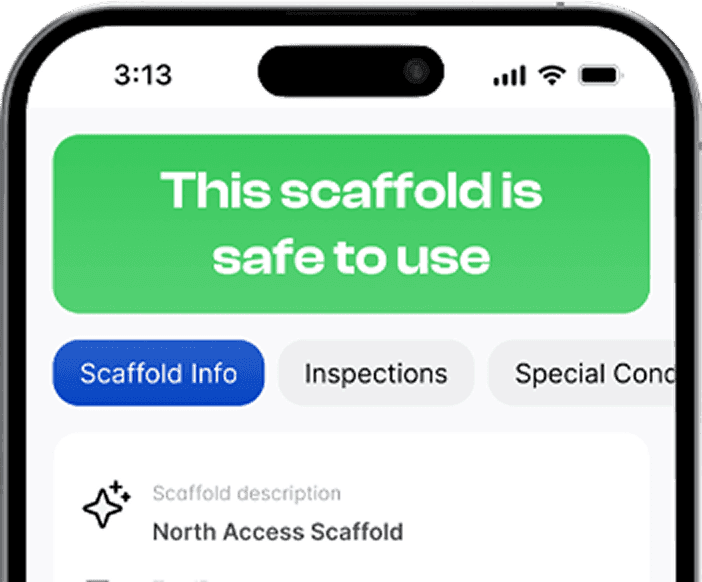
Anyone with a phone camera sees the scaffold’s status and inspection history, with no app or login
- EZICHEQ
Smart Labels open in the phone’s browser, with no app to install. Each checklist can allow public checks or require a login
Inspection checklists
- Scafflinq
Customise scaffold inspection groups and questions on every plan, without changing past inspection records
- EZICHEQ
Basic checklists on Free. Premium adds advanced question types, including conditional questions, formulas and repeatable sections
AI assistance
- Scafflinq
Maya turns spoken inspection notes into suggested checklist answers and issues for the inspector to review
- EZICHEQ
An AI checklist assistant drafts and revises checklist questions. Proposed changes are reviewed before they are applied
Photos and signatures
- Scafflinq
On every plan, including Free
- EZICHEQ
One image on Free. Photos and signatures on Premium
Handover certificates
- Scafflinq
Generated from the scaffold record and emailed as a PDF
- EZICHEQ
A supplied scaffold handover checklist with client and scaffolder signatures, limitations and a structure photo. Check reports export to PDF
Site paperwork
- Scafflinq
Day dockets signed on site, hop-up and tie movements, toolbox talks and incident reports, each filed against the project as a PDF. On every plan
- EZICHEQ
Scaffold templates, custom fields and a repeatable tie register checklist. Custom checklists can cover other safety forms, such as toolbox talks and incident reports
Several access points
- Scafflinq
Additional Access Tags open the same scaffold record and inspection history, at $0.10 AUD per active tag per week
- EZICHEQ
We could not confirm how several labels on one scaffold work or are priced
Pricing
- Scafflinq
First 5 tags free. A Primary Tag is $1.50 AUD per active week, excluding GST. Billing stops when the scaffold is dismantled. Unlimited users and projects
- EZICHEQ
Free for up to 20 items. Premium is $100 AUD a month for 100 items, plus $1 a month for each item over 100. Enterprise on request. Unlimited users on every plan
Beyond scaffolding
- Scafflinq
Focused on scaffolding
- EZICHEQ
Tools, vehicles and PPE, with equipment sign-in and sign-out, route planning, divisions and a certification matrix with expiry dates. Some features are priced separately
Key features
Why scaffolders choose Scafflinq
Both platforms support scaffold inspections and handovers. Scafflinq brings the wider scaffold job together: the project, its scaffolds, the work your crew records and the paperwork your client receives.

On site
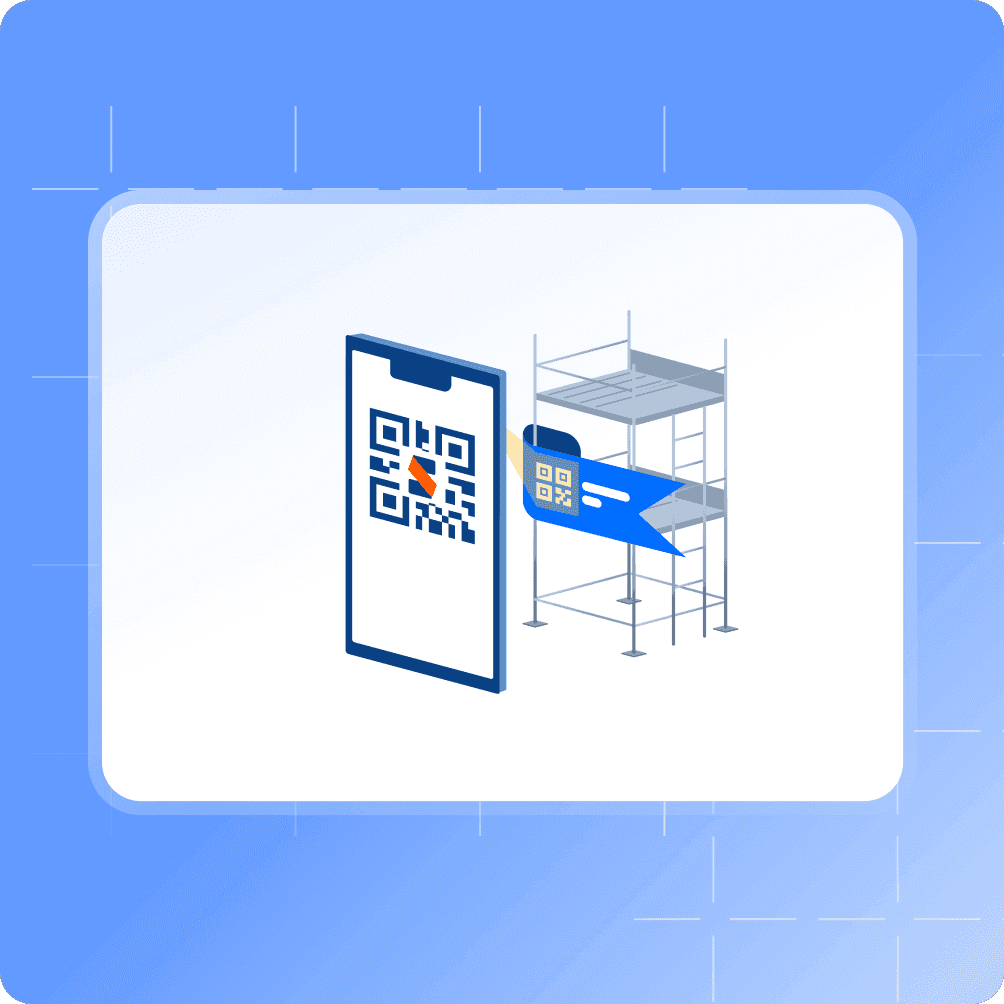
One scaffold, every access point
Keep one scaffold record and inspection history, even when a structure has several entrances
- Clients, principal contractors and other trades check a scaffold without an account or an app
- Additional Access Tags open the same record for $0.10 AUD per active week
Cost
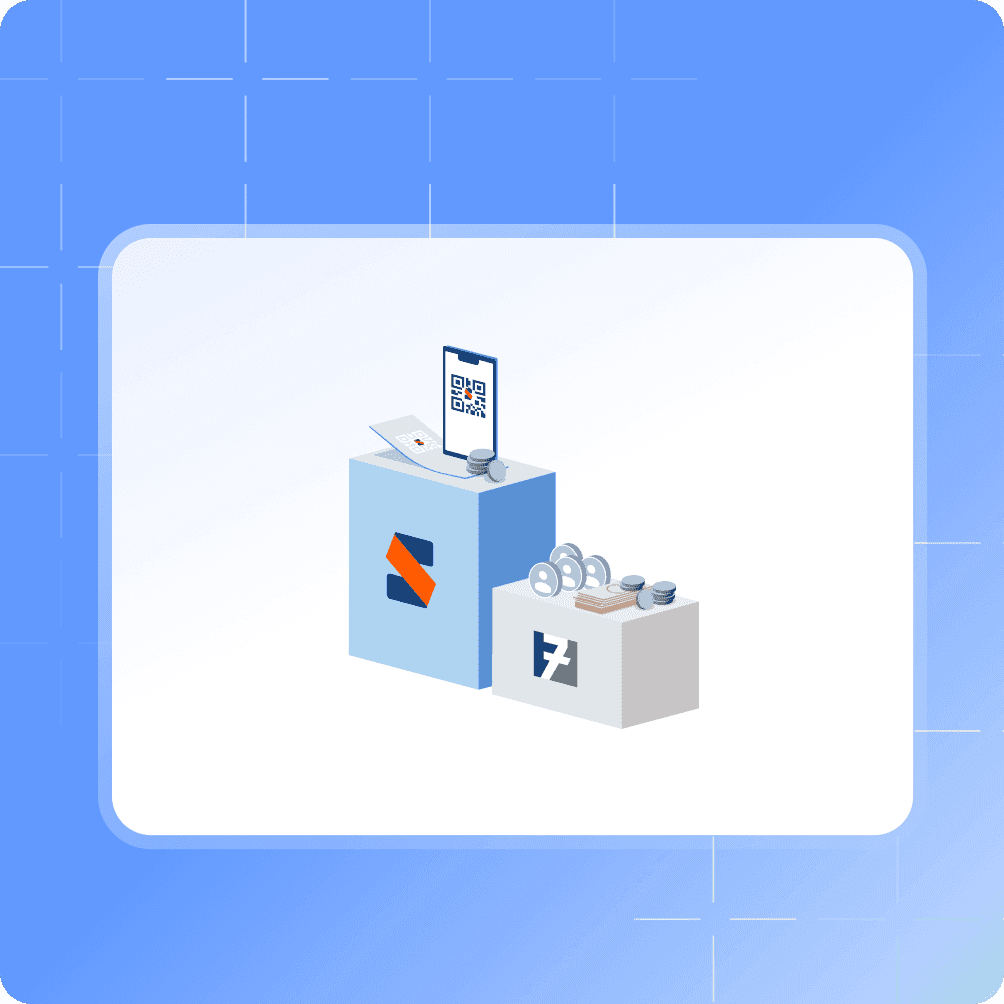
Pay for the scaffolds you have up
Billing follows active tags, so it rises and falls with your work
- Billing stops automatically when a scaffold is dismantled
- Tags are supplied free; you pay shipping
Inspections
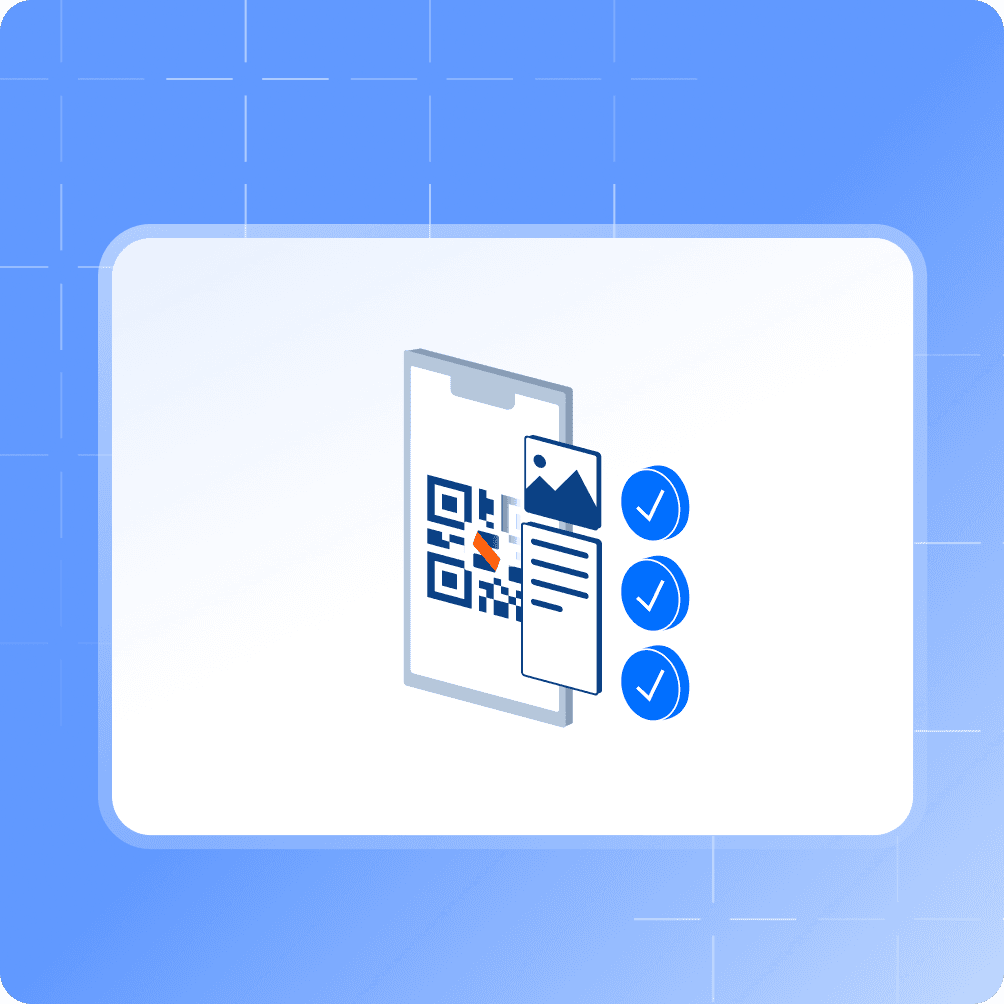
Scan. Inspect. Sign off.
Scaffold checklists, photos and sign-off against the scaffold record, on every plan
- Maya suggests checklist answers from your spoken notes; the inspector reviews and signs off
- Reminders before each inspection falls due, and the tag shows when it is overdue
Handovers
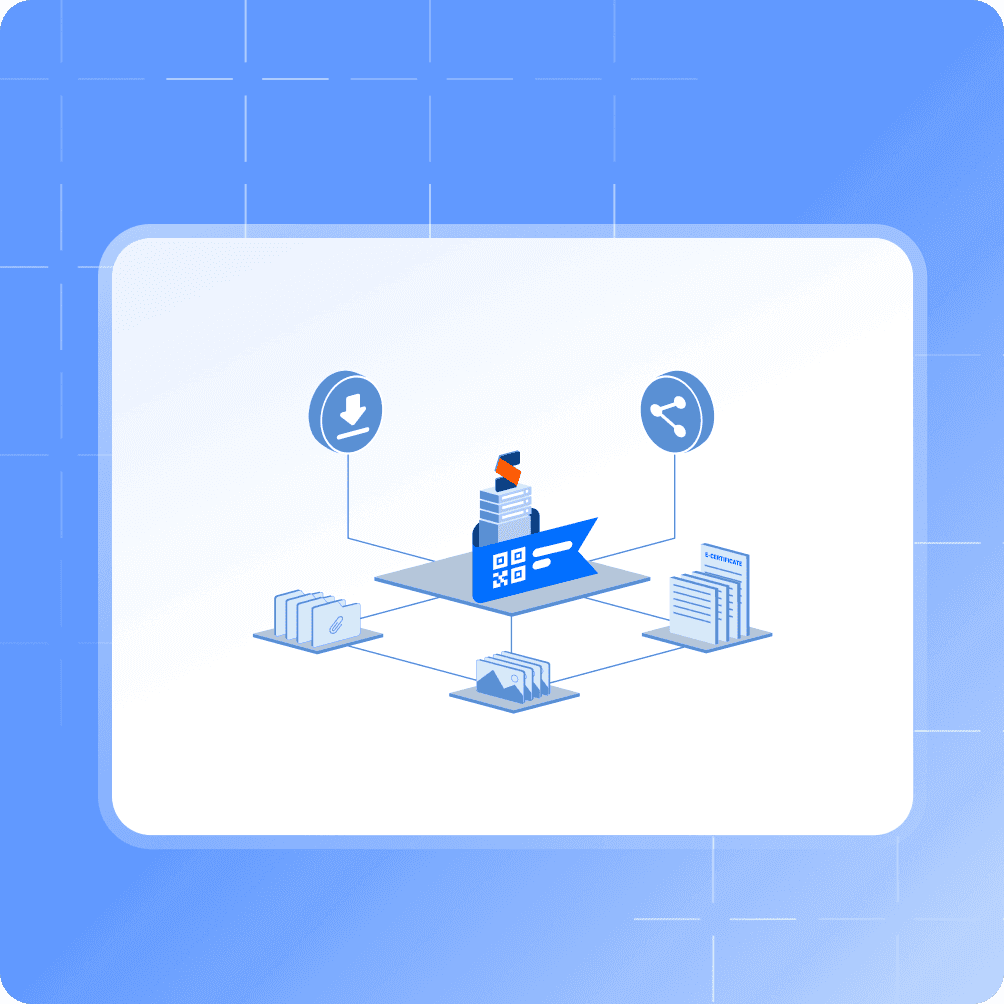
Handover certificates by email
Generated from the scaffold record as a PDF and emailed to your client
- Kept with the scaffold’s inspection history
- Your logo on the certificate
Records
The site paperwork in one place
Record variation work, hop-up and tie movements, toolbox talks and incidents against the project
- Capture work, labour, materials and transport on a day docket and get it signed on site
- Every Site Records feature is on every plan
Visibility
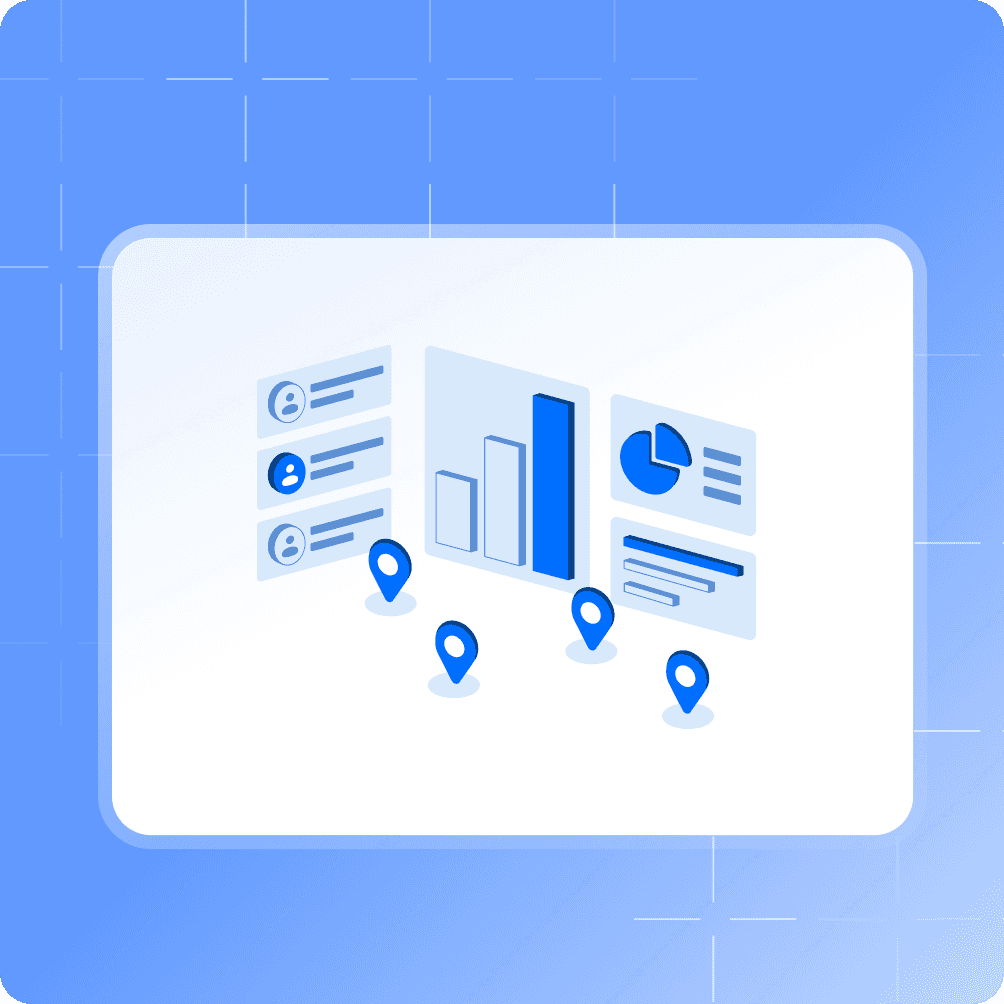
One dashboard, every site
Live dashboards and a project map, colour-coded by safety status, in the web portal
- Head office sees what is due and overdue without chasing site
- Used by teams in Australia and the UK today
FAQs
Frequently asked questions
Quick answers about Scafflinq, EZICHEQ and moving your scaffold inspections across.
Yes, especially when you want inspections, handovers and site paperwork organised around your projects and scaffolds. Scafflinq includes Maya’s inspection assistance, day dockets, hop-up and tie movement records, photos and sign-off. EZICHEQ also supports scaffolding, with supplied templates and handovers, alongside a broader register for equipment, vehicles and PPE.
More comparisons

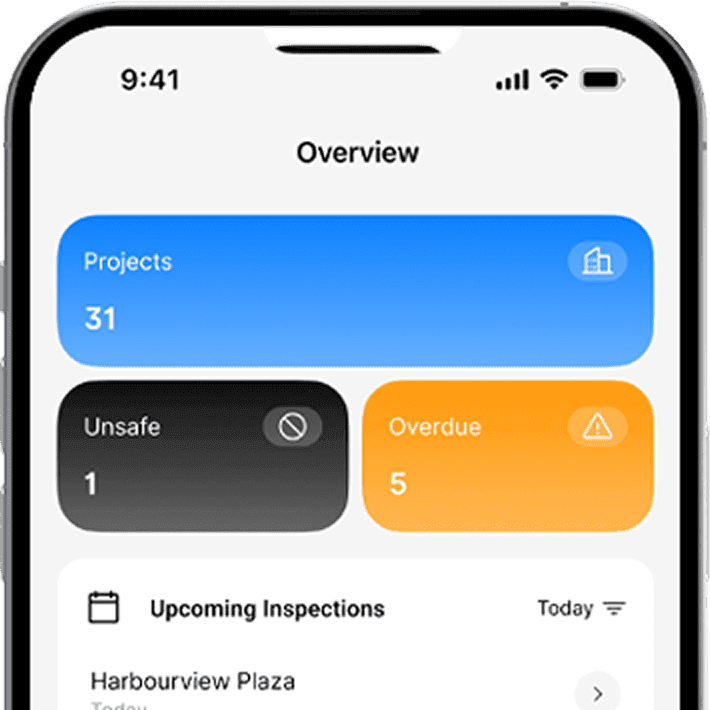
Make the move, one project at a time
Start with 5 free tags, or book a demo to compare your inspection, handover and site paperwork workflow.