Scafflinq vs plastic scaffold tags
What a QR tag on every scaffold replaces: the paper, the chasing and the guesswork at the access point.

Quick highlights
- Audit recordsSecure cloud history, ready whenever you need evidence.
- Photo evidenceAttach photos to every inspection for clear, defensible proof.
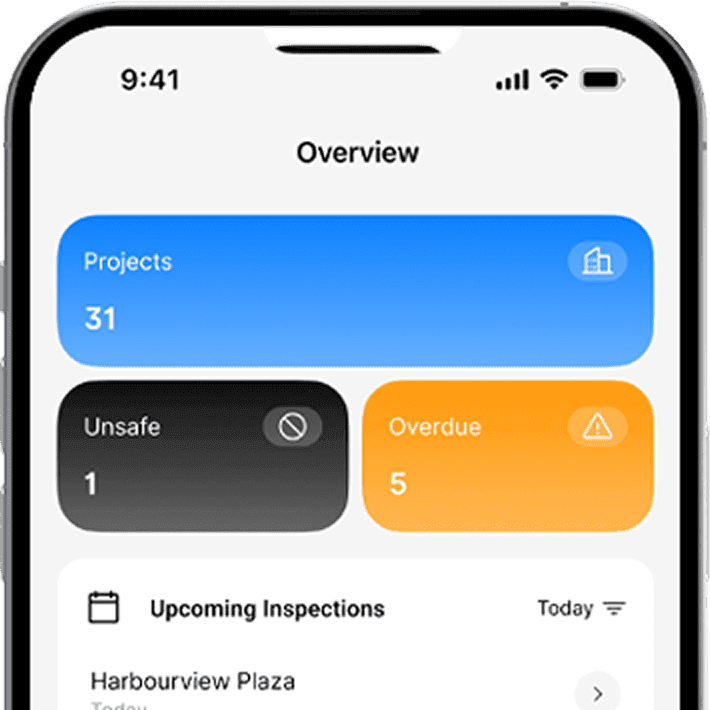
- Live dashboardsInspection status across every site, exportable to Excel.
Comparison at a glance
Scafflinq compared with plastic scaffold tags, feature by feature
Upfront cost
- Scafflinq
Tags supplied free, you only pay shipping. First 5 tags free, then $1.50/week per active tag.
- Plastic tags
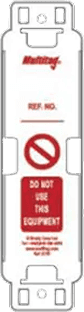
~$110.00 for 20 tags & 10 holders
Ongoing cost (monthly)
- Scafflinq
~$30–$65/month for 10 tags depending on usage. Only pay while scaffolds are active.
- Plastic tags
None, unless you need replacements due to damage or loss.
Inspection checklists
- Scafflinq
Customisable digital checklists with every inspection.
- Plastic tags
Paper-based checklist; often incomplete or skipped.
Inspection history
- Scafflinq
Full inspection history securely stored and always accessible online.
- Plastic tags
Only the most recent inspection is visible. History is lost when tags are removed or damaged.
Project & team visibility
- Scafflinq
Real-time visibility across all teams, projects, and branches via the cloud dashboard.
- Plastic tags
No digital visibility. Information is only on-site.
QR code scanning
- Scafflinq
Every tag is QR-enabled and scannable with any phone camera.
- Plastic tags
No QR codes; info must be manually written and read.
Multiple access points
- Scafflinq
Add a tag to every access point. All tags open one scaffold record with one inspection history.
- Plastic tags
Each tag stands alone. Multiple access points mean duplicated, unlinked paperwork.
Secure data backup
- Scafflinq
All records are cloud-backed and encrypted.
- Plastic tags
No backup. If a tag is lost or damaged, all inspection records are gone.
Risk of data loss
- Scafflinq
Very low; data is secure even if the tag is removed or damaged.
- Plastic tags
High; tags can be lost, damaged, or falsified.
Tag durability
- Scafflinq
Tough adhesive tags; even if damaged, the digital data remains intact.
- Plastic tags
Durable plastic, but holders or inserts are prone to damage or cracking.
Photo capture
- Scafflinq
Inspectors can take and attach photos during inspections.
- Plastic tags
Not possible. Photos must be taken separately and manually stored.
Handover Certificates
- Scafflinq
Automatically generated and emailed upon inspection.
- Plastic tags
Must be manually written, printed, and handed over.
Alerts & reminders
- Scafflinq
Automatic reminders for upcoming or overdue inspections.
- Plastic tags
None; relies entirely on memory or manual scheduling.
Multi-branch support
- Scafflinq
Built-in support for managing multiple branches and teams.
- Plastic tags
Not supported. Each site is treated separately.
Remote office access
- Scafflinq
Head office can monitor scaffold status live from anywhere.
- Plastic tags
No access unless someone on-site provides updates manually.
Sustainability
- Scafflinq
Fewer plastic inserts and printed sheets.
- Plastic tags
Relies heavily on plastic and paper.
Comparing digital tag providers too?
Key features
Why switch to a
Scafflinq tag?
A Scafflinq tag replaces the plastic tag and the admin around it: inspection sheets, handover paperwork and the register.

Cost & admin
A tag is cheap. The admin around it isn’t.
With Scafflinq, you pay a simple usage rate based on active, on-hire tags, and stop paying when a scaffold is dismantled.
- Pay only when scaffolds are on-hire.
- Less admin time tracking due/overdue inspections and chasing paperwork
- Simple weekly usage pricing that scales with active scaffolds.
Inspections
Scan. Inspect. Sign off.
Scafflinq keeps inspections consistent with customisable digital checklists, and makes it easy to capture what matters on site.
- Scan → checklist → sign-off in one flow (vs handwritten tags + paper forms)
- Automatic due/overdue reminders (vs manual spreadsheet tracking)
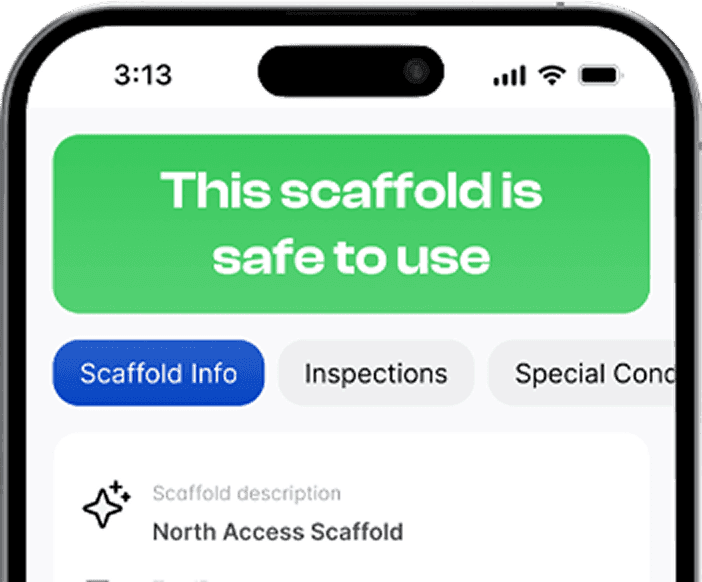
- Photos + special conditions captured against the scaffold record
Proof & audit trail
Audit-ready records, anytime
If a plastic tag is removed, damaged, or replaced, inspection history can disappear. Scafflinq tags keep the record secure and accessible.
- Full inspection history stored online (vs only the latest entry on a tag)
- Photo evidence linked to each scaffold (vs evidence living elsewhere)
- Cloud-backed, encrypted records even if the physical tag is damaged/removed
Visibility & reporting
Know scaffold status across every site
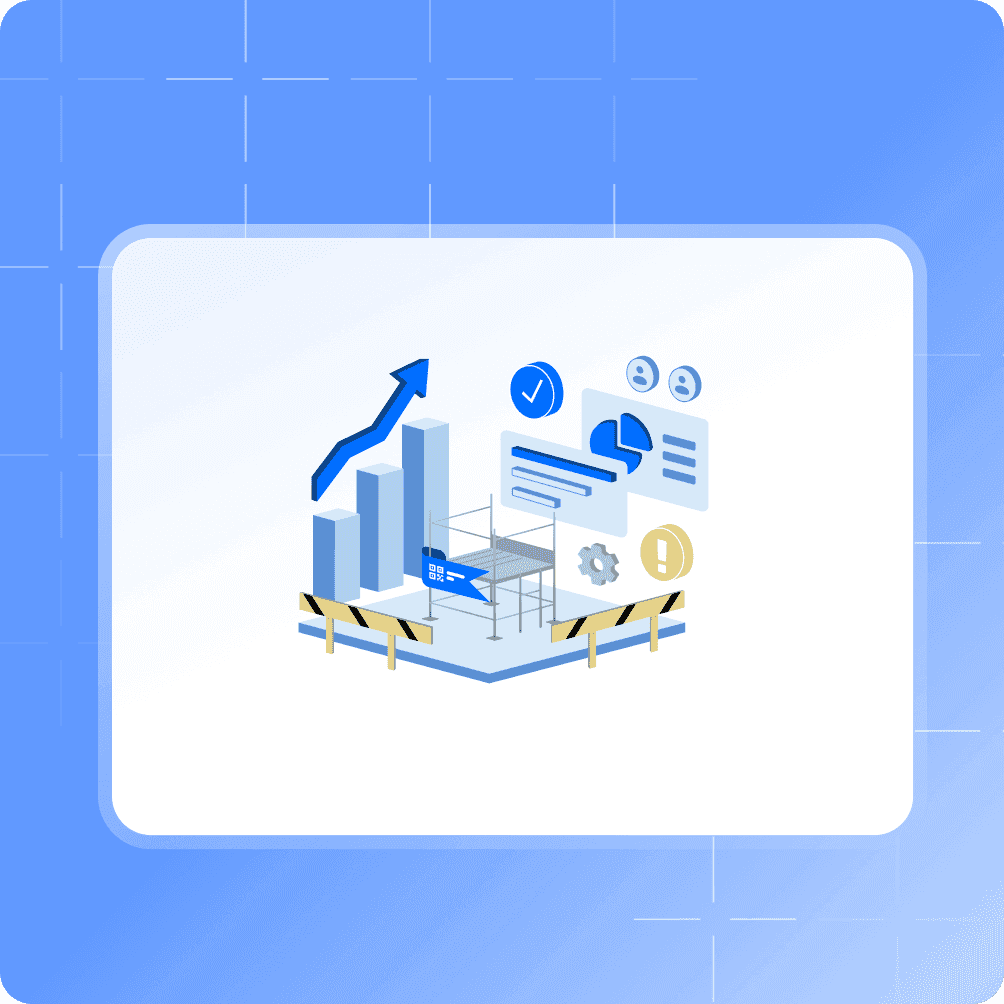
Scafflinq brings scaffold status, inspections, and risk visibility into one dashboard for supervisors, WHS, and head office.
- Live dashboards across sites/teams (vs status only visible on the scaffold)
- Reports exported to Excel, with no manual follow-up
- Head office visibility without chasing updates from site
Handovers & documents
Handovers without the paperwork
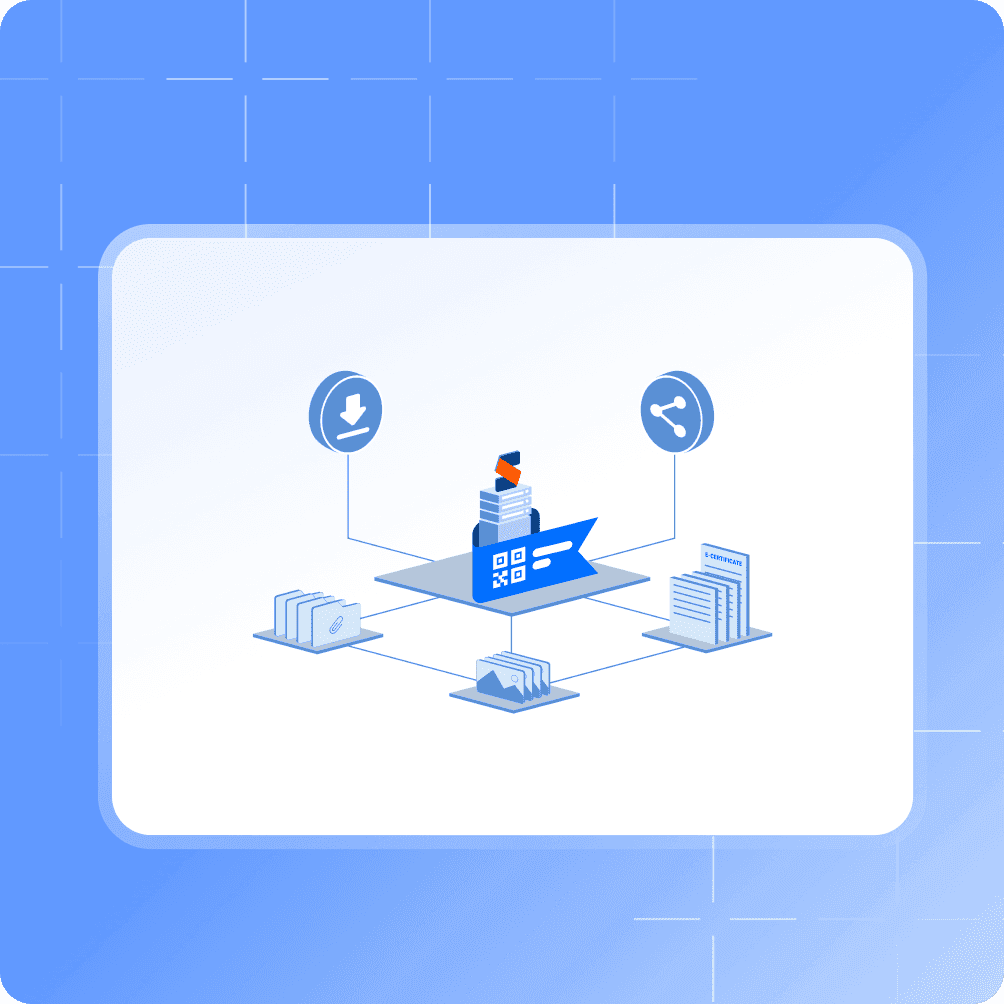
Scafflinq generates the handover certificate from each inspection and emails it from site.
- Digital handover records instead of manual paperwork
- Certificates generated and shareable fast (vs print/write/scan/email)
- Docs attached to the scaffold record (vs scattered folders/emails)
Durability & sustainability
Tough tags, less plastic
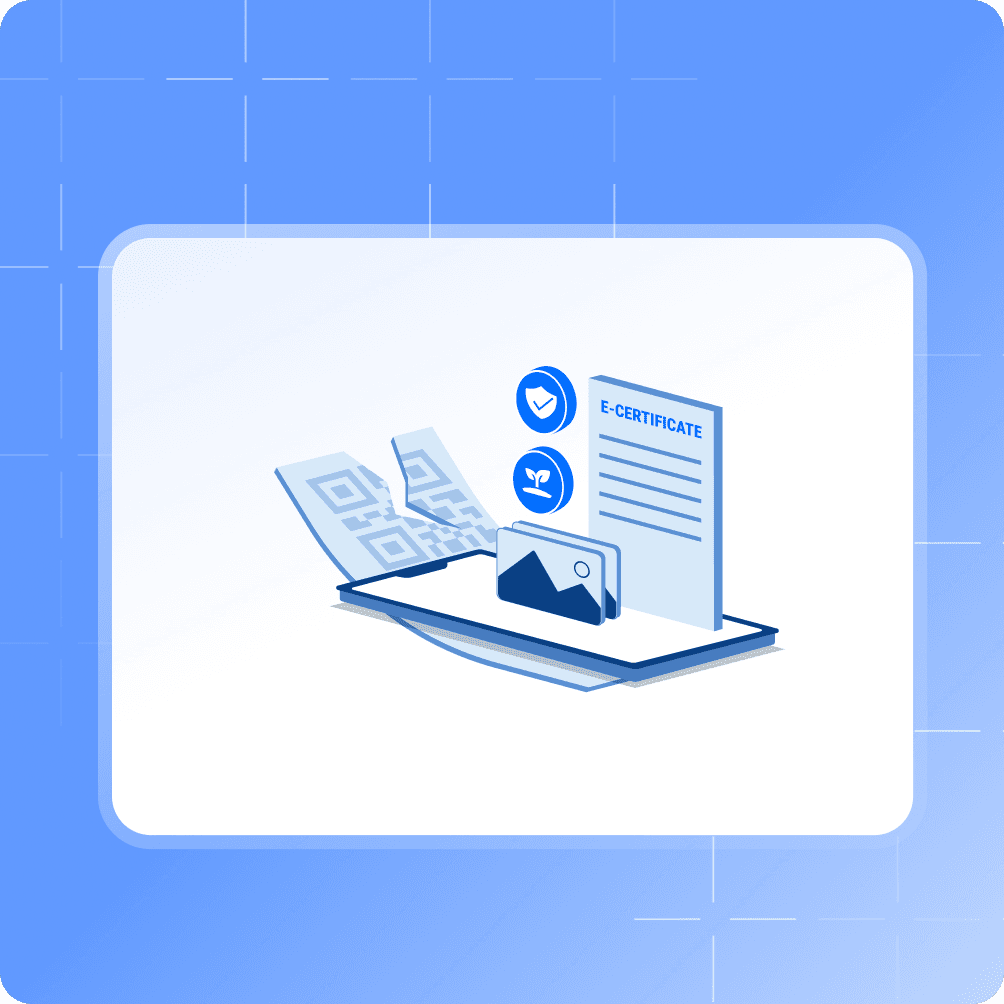
Scafflinq uses tough adhesive tags and keeps records digital, reducing paper trails and waste.
- Digital record remains intact even if the tag is damaged (vs lost history)
- Paperless workflow reduces waste and admin handling
- Always scannable status/history (vs fading, cracked holders/inserts)
Multi-access scaffolds
Every access point, one record
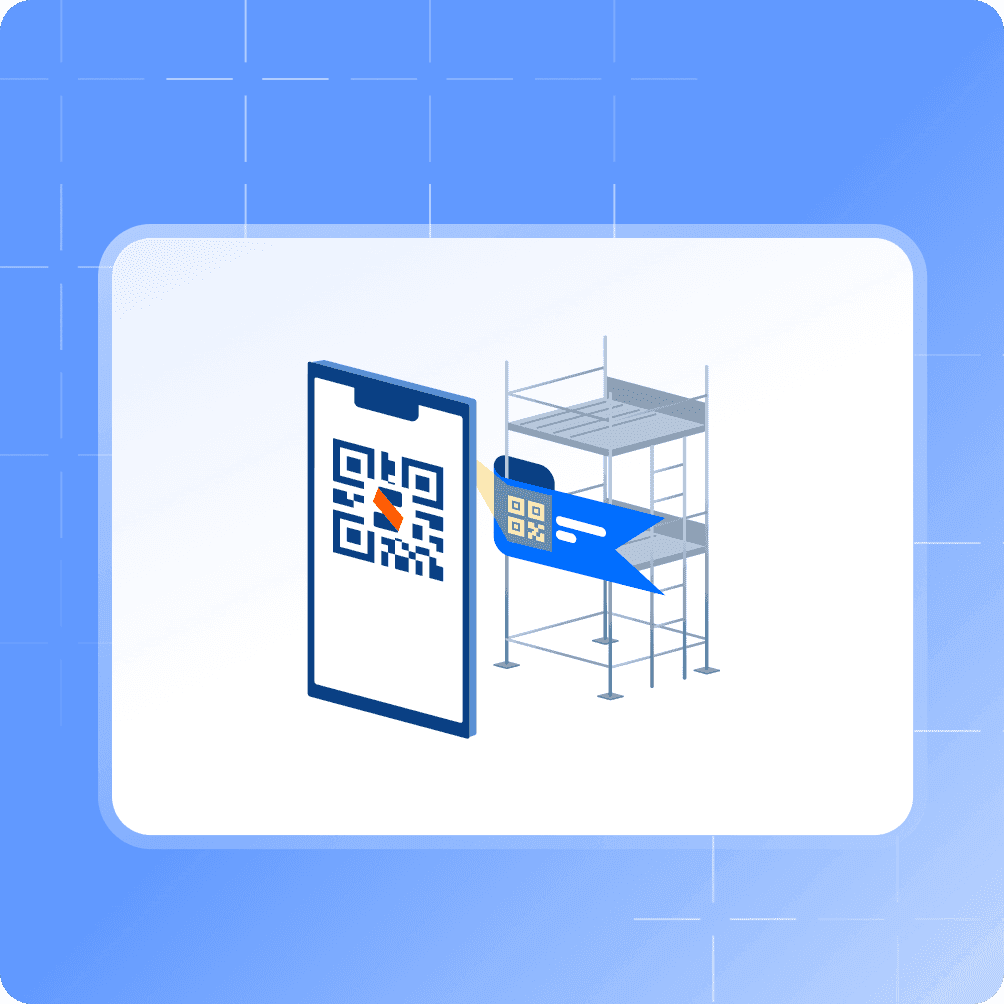
Large scaffolds often have several access points, and each one needs to show the scaffold’s status.
- Add an Additional Access Tag per access point (vs a separate plastic tag with separate paperwork)
- Every tag opens the same scaffold record with the same inspection history
- Replace or deactivate any single tag without affecting the others
Scafflinq vs Inspect7
See what you get beyond a tag: auditable history, photos, public status, and clear inspection records.
Scafflinq compared with Inspect7
Works with any smartphone camera (no NFC needed)?
- Scafflinq
Yes
- Inspect7
No
Anyone can scan without installing an app?
- Scafflinq
Yes
- Inspect7
No
Unlimited users & projects on every plan?
- Scafflinq
Yes
- Inspect7
No
Handover certificates included as standard?
- Scafflinq
Yes
- Inspect7
No(Gold tier+ only)
Pay only while a scaffold is on-hire?
- Scafflinq
Yes
- Inspect7
No(monthly subscription tiers)
FAQs
Frequently asked questions
Quick answers about Scafflinq tags, inspections, billing, and getting started with Scafflinq.
A digital scaffold tag uses a QR code that links to a live scaffold record (status, inspections, evidence) instead of handwritten updates.
Also worth a look

Ready to replace plastic scaffold tags?
Start free with 5 tags, or book a demo and we’ll walk you through a rollout that works on live sites.