Scaffold inspection software
for US teams
Record scaffold inspections, share status through QR tags and keep handovers and T&M tickets together. A mobile app for inspectors and a web portal for your office.
On site with Scafflinq
From the first shift
to the site record
Set up the job
Create the project and scaffold, assign a tag and build your inspection checklist. US load class options labelled OSHA 1926 / ANSI A10.8 come preloaded and can be edited in the web portal.
Record each inspection
The inspector opens the scaffold in the mobile app, completes the checklist, adds photos and signs off. Start a new inspection when the work requires it, even if the next scheduled check is not due.
Share the result
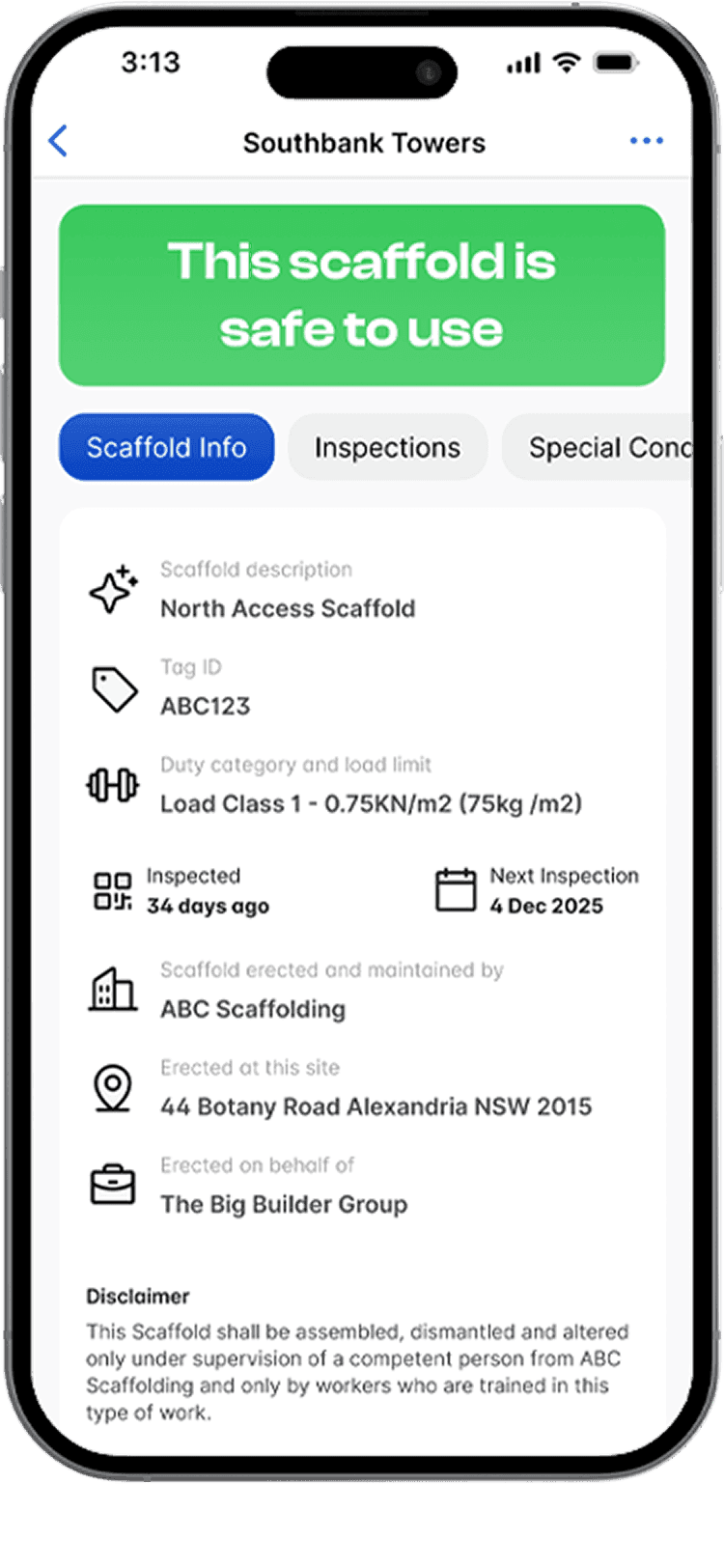
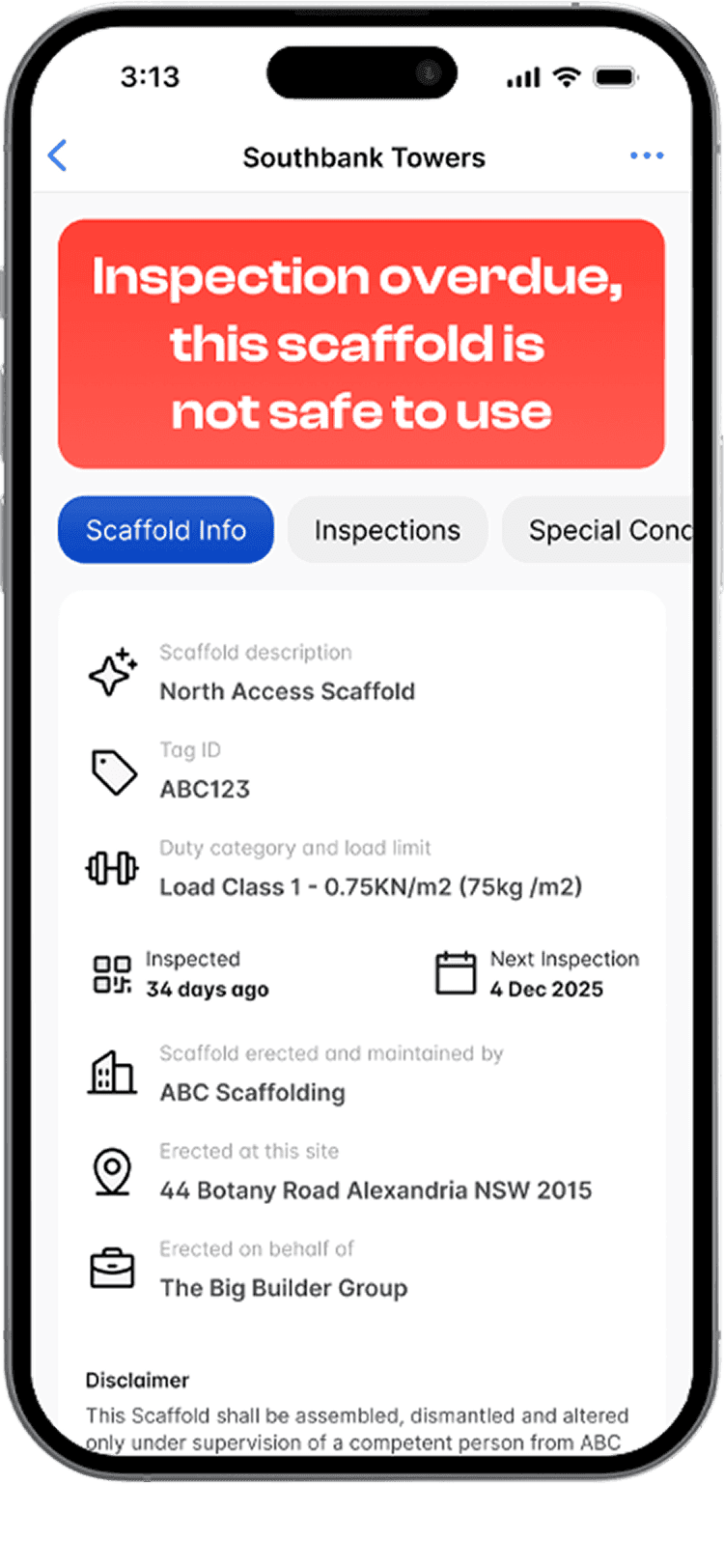
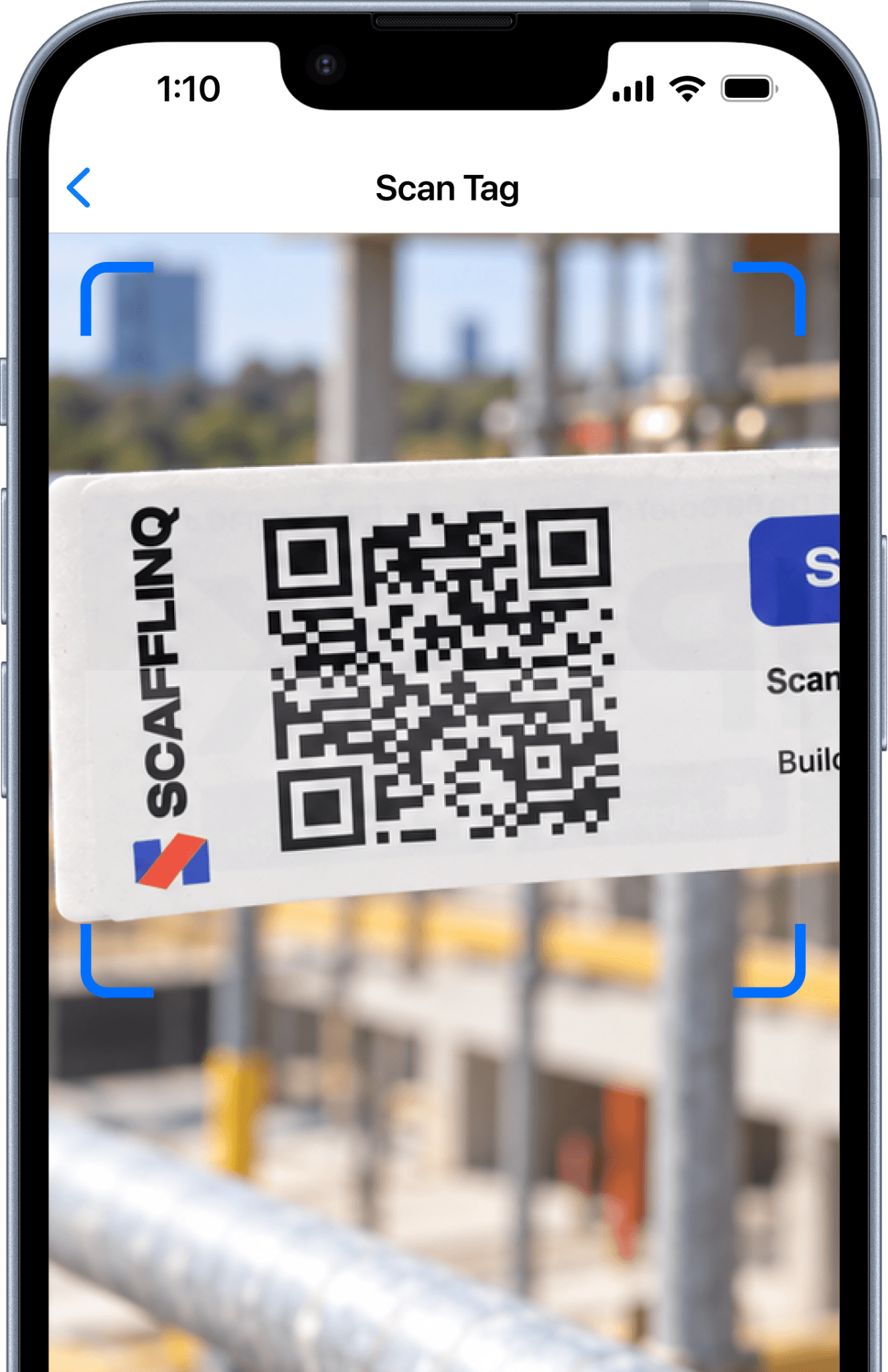
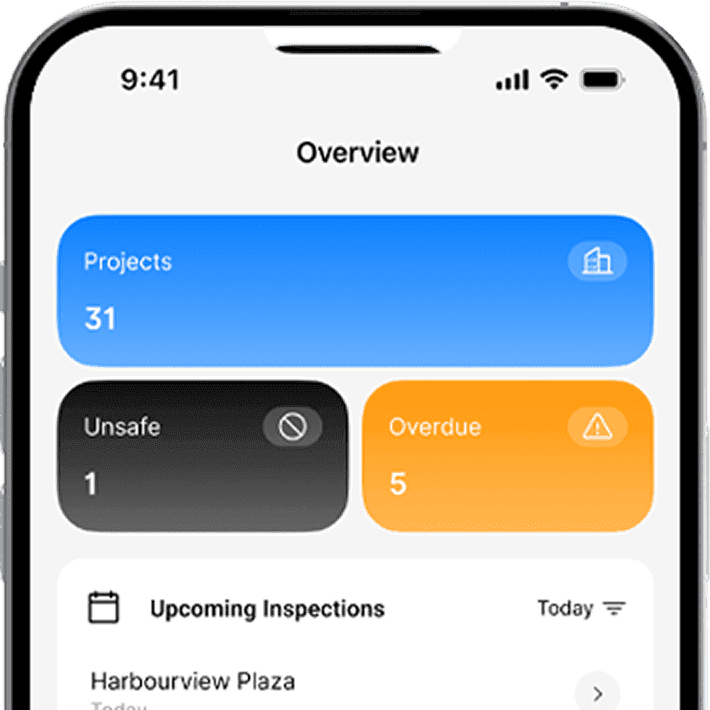
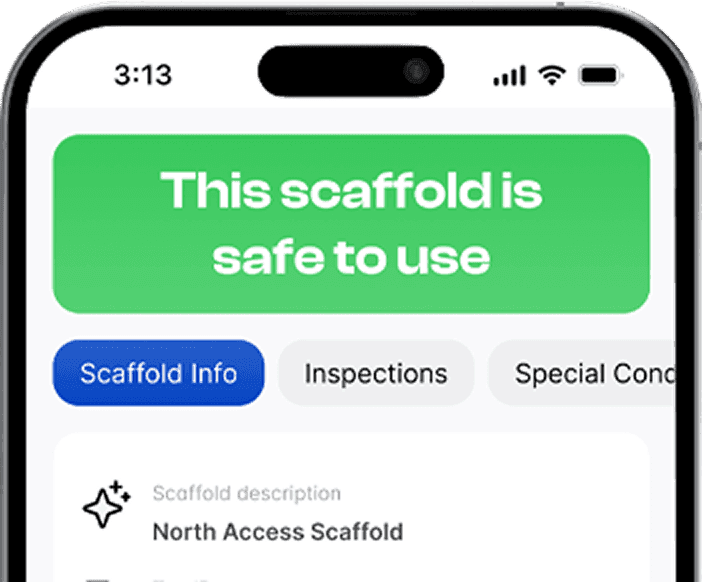
Crews scan the QR tag to see the recorded status and inspection history. Supervisors review the scaffold register, and the inspection PDF goes to the project recipients.
US construction requirements
Build your process around
the work shift
Federal OSHA sets the construction inspection duty. Your state and project requirements also belong in the inspection plan.
Inspect before each work shift
29 CFR 1926.451(f)(3) requires a competent person to check scaffolds and their components for visible defects before each work shift and after events that could affect structural integrity.1
Competence includes authority to act
Under 1926.450(b), a competent person can identify existing and predictable hazards and has authority to correct them promptly. An app records the inspection; the person still makes the assessment.2
A daily reminder is not a shift check
OSHA’s interpretation explains that a scaffold in use needs another inspection when work shifts change. Scafflinq’s calendar reminders support your process; arrange the actual checks around each shift and relevant events.3
Check the applicable State Plan
Some states operate their own OSHA-approved safety programmes. Check the requirements for the state and work involved when setting up your checklist and inspection procedure.4
All in one app
Inspection records and
the paperwork around them
- Scaffold inspectionsUse your own checklist, photos and sign-off. Record the inspection against the scaffold so its history stays together across shifts.
- QR scaffold tagsWorkers scan with a phone camera to see the scaffold’s status and last inspection, without an app or account. Signed-in team members carry out inspections.
- Handover certificatesGenerate a PDF from the inspection with your company logo and wording. Email it from site, with client sign-off where you need it.
- Scaffold registerSee scaffold locations, inspections and status in the web portal. Export the register to Excel for your project records.
- T&M ticketsRecord extra work, labour and materials, collect the customer’s signature and email the PDF. In Scafflinq, this record is called a day docket.
- Maya AI assistantDescribe your inspection observations aloud. Maya suggests checklist answers for the inspector to review before signing off.
Local terms
Familiar records,
kept together
- Inspection log
- Each scaffold has an inspection history. The scaffold register brings the locations and current statuses together for the project.
- T&M ticket
- A time-and-materials record for extra work. Use Day Dockets to capture the work, crew hours, materials and customer sign-off.
- Toolbox talk
- Record the safety briefing and attendee signatures in the app, then email the PDF to the project recipients.
Testimonials
What teams say
about Scafflinq
Vicky Amato
Australian Scaffold
Scafflinq has made our inspection and compliance processes faster, clearer, and far more efficient. It’s been a great tool for improving visibility across our projects and ensuring everything stays up to date.
Daniel Lake
Elevate Access Solutions
Scafflinq has been a game changer for our Inspections and Handovers, all our scaffolds on one platform makes it very easy to manage. Our customers love it, it makes our operation a lot more efficient.
Andres Van der Welt
Rohrig Constructions
Thanks to Scafflinq, we never have to worry about losing inspection records again. It’s always there, ready for us to access.
Shane Youssef
FC Building
Scafflinq has revolutionized the way we track scaffold inspections. It’s simple, easy to use, and gives us complete peace of mind.
Kate Paterson
Melbourne Scaffold Solutions
This innovation allows us to efficiently hand over scaffolds and keep meticulous track of inspections.
Isi Talanoa
Proview Scaffolding
Scafflinq has made scaffold handovers more efficient and helps us keep accurate, up-to-date records of every inspection.
Al Ibrahim
Buildum Construction
Scafflinq is a must-have for any builder serious about safety. It’s easy to use and gives us complete visibility into our scaffolding structures.
Mohamed Trad
Phoenix Developments
Scafflinq has made our scaffolding site safer than ever. It’s a reliable solution that we can trust.
Roi Cifti
Richard Crookes
With Scafflinq, I can access scaffold inspection history from anywhere, anytime. It’s a game-changer for our business.
Kurt Vengers
Dartanyon Developments
Scafflinq has saved us countless hours of paperwork and admin. We can now focus on our core business knowing that our scaffolding is always safe and compliant.


Vicky Amato
Australian Scaffold
Scafflinq has made our inspection and compliance processes faster, clearer, and far more efficient. It’s been a great tool for improving visibility across our projects and ensuring everything stays up to date.
Daniel Lake
Elevate Access Solutions
Scafflinq has been a game changer for our Inspections and Handovers, all our scaffolds on one platform makes it very easy to manage. Our customers love it, it makes our operation a lot more efficient.
Andres Van der Welt
Rohrig Constructions
Thanks to Scafflinq, we never have to worry about losing inspection records again. It’s always there, ready for us to access.
Shane Youssef
FC Building
Scafflinq has revolutionized the way we track scaffold inspections. It’s simple, easy to use, and gives us complete peace of mind.
Kate Paterson
Melbourne Scaffold Solutions
This innovation allows us to efficiently hand over scaffolds and keep meticulous track of inspections.
Isi Talanoa
Proview Scaffolding
Scafflinq has made scaffold handovers more efficient and helps us keep accurate, up-to-date records of every inspection.
Al Ibrahim
Buildum Construction
Scafflinq is a must-have for any builder serious about safety. It’s easy to use and gives us complete visibility into our scaffolding structures.
Mohamed Trad
Phoenix Developments
Scafflinq has made our scaffolding site safer than ever. It’s a reliable solution that we can trust.
Roi Cifti
Richard Crookes
With Scafflinq, I can access scaffold inspection history from anywhere, anytime. It’s a game-changer for our business.
Kurt Vengers
Dartanyon Developments
Scafflinq has saved us countless hours of paperwork and admin. We can now focus on our core business knowing that our scaffolding is always safe and compliant.
Pricing & setup
Pricing and getting started
in the United States
First 5 active tags free
Estimates in USD. All plans billed in AUD.
- Primary tagOne for each separate scaffold
- $1.00 USDper active tag / week
Extra access points on one scaffold?
Useful for industrial scaffolds with several access points. Optional Additional Access Tags open the same scaffold record.
- Additional Access TagExtra access points on the same scaffold only
- $0.17 USDper active tag / week
Start with one project
Sign up and order tags
Create your company account and order your first boxes of tags during sign-up.
Set up your first project
Review your inspection settings, invite your team and create a project.
Add and inspect your scaffold
Once your tags arrive, scan a tag in the mobile app, enter the scaffold details and complete your first inspection.
Exchange rates published . Prices exclude GST.
FAQs
Frequently asked questions
Practical answers for US scaffold contractors and site teams.
Yes. Scafflinq supports scaffold inspections, QR tags, handover certificates and site records. US load class options come preloaded, and you can edit the duty ratings and inspection checklist in the web portal to suit the work.
Explore the inspection workflow

Try Scafflinq on your next US project
Start with 5 free tags, or book a demo of the inspection and site-record workflow.