Scaffold management software
for Saudi Arabia
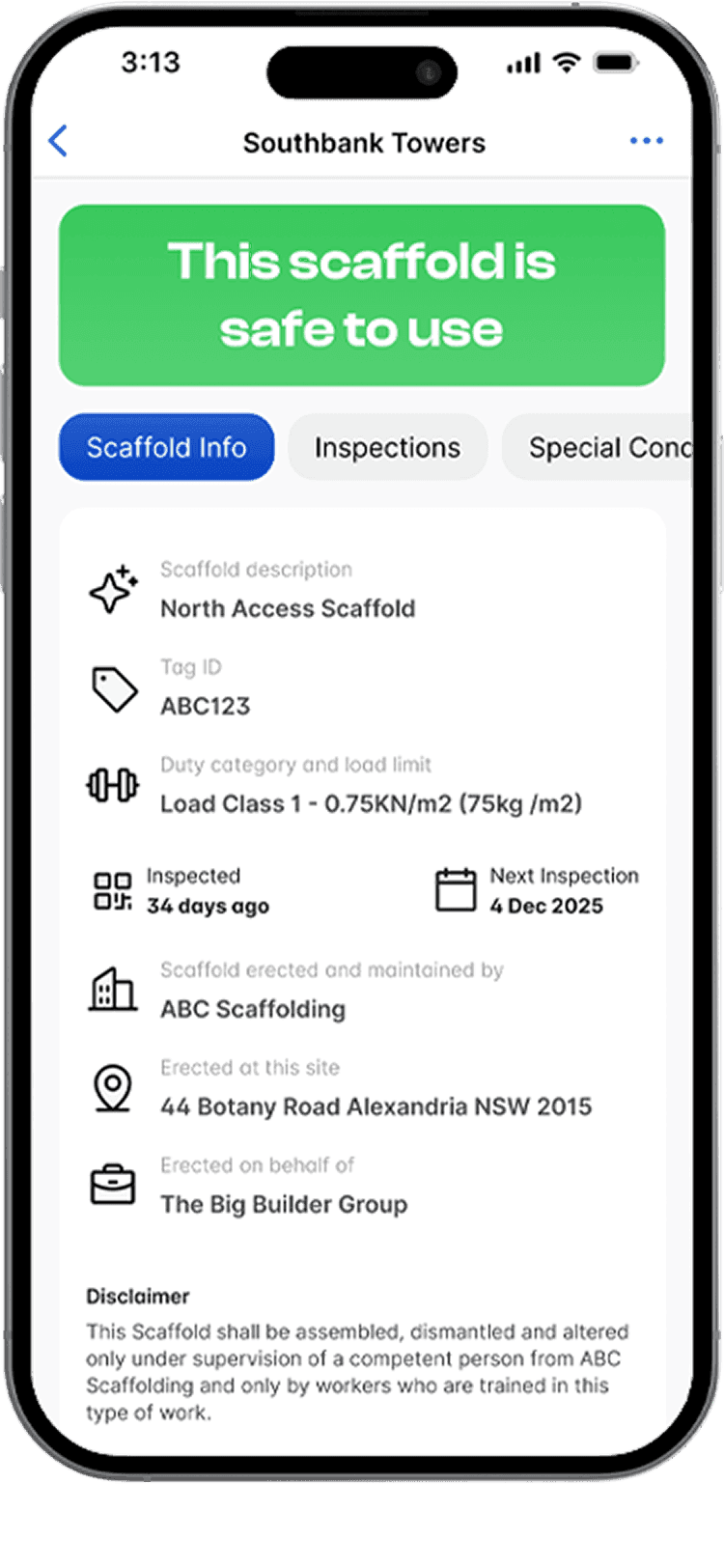
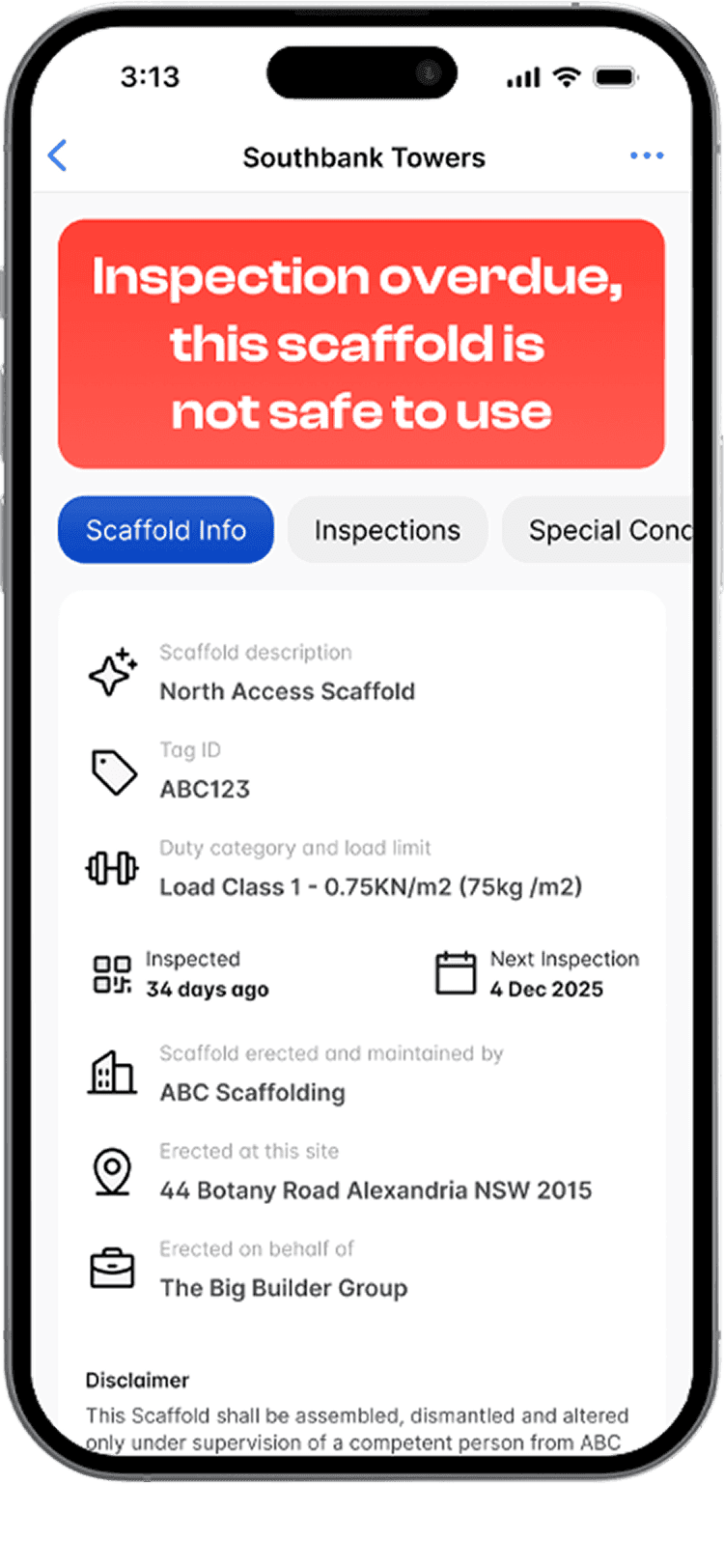
Manage scaffold inspections, QR tags, handovers and site records on Saudi construction and industrial projects. Configure your client’s checklist and keep each scaffold’s history together.
On site with Scafflinq
Set up the project once.
Keep the site records together.
Match the client’s procedure
Agree the inspection questions, scaffold identification and certificate recipients with your project team. Put those questions into a custom checklist and review a sample inspection before rollout.
Identify the work area
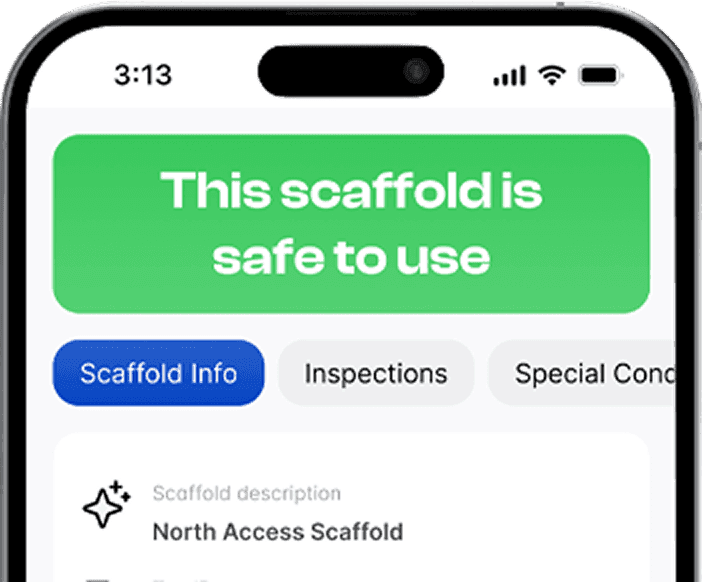
Record the scaffold’s location and description so the crew can find the right structure. Name additional tags for stairs and ladders on larger scaffolds.
Record work as it happens
Use inspections for condition checks and handovers, day dockets for extra work, and site records for toolbox talks and tie movements. Keep the records available to the team in the web portal.
Saudi guidance and project procedures
Start with the site’s
inspection requirements
The National Council for Occupational Safety and Health publishes scaffold guidance through HRSD. Use it alongside the applicable requirements and your client’s site procedure.
Include checks before the shift
NCOSH’s construction precautions guide calls for checking scaffolds and components before each work shift and after accidents or near misses. Build those checks into the work plan, alongside any scheduled inspections.1
Keep the required physical tags
The same guidance describes scaffold identification tags and says untagged scaffolds must remain out of use until inspected and tagged. Confirm the physical tagging arrangement before adding digital records.1
Use the right scaffold procedure
NCOSH’s scaffold-use guide treats modular, mobile and frame scaffolds separately. It calls for following the manufacturer’s instructions. Select inspection questions that match the scaffold and the work.2
Review the client checklist
Put your project’s inspection questions into Scafflinq, then have the responsible team check a completed sample and its PDF. Agree how it fits the client’s record and handover process.3
All in one app
From scaffold inspection
to the project office
- Scaffold inspectionsCreate inspection question groups in the web portal and assign the checklist to your projects. Each inspection captures the answers, photos and sign-off.
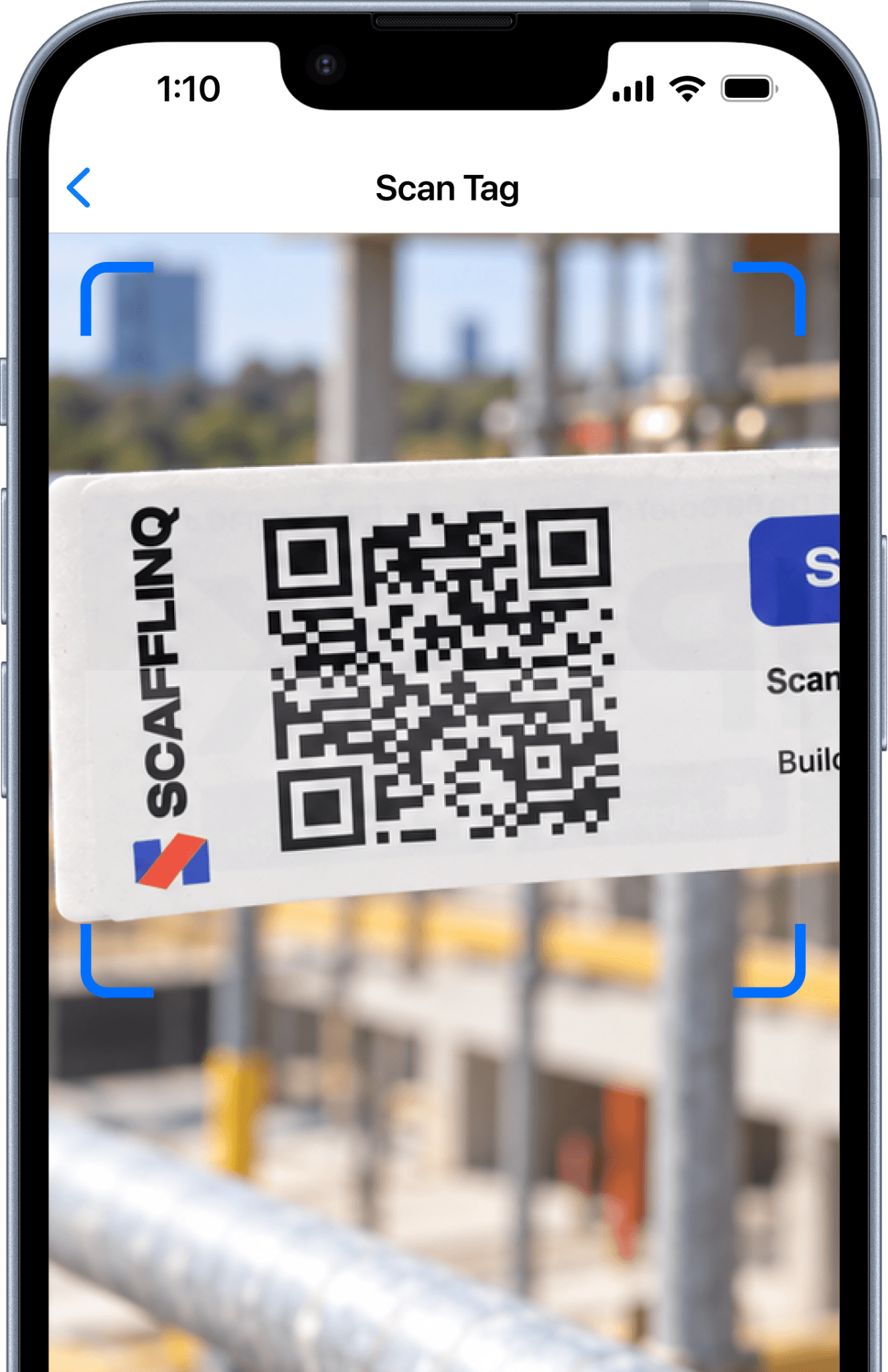
- QR scaffold tagsAdd tags for separate stairs or ladders on the same scaffold. Every scan opens its shared inspection history and current recorded status.
- Handover certificatesGenerate a PDF from the inspection with your company logo and wording. Email it from site, with client sign-off where you need it.
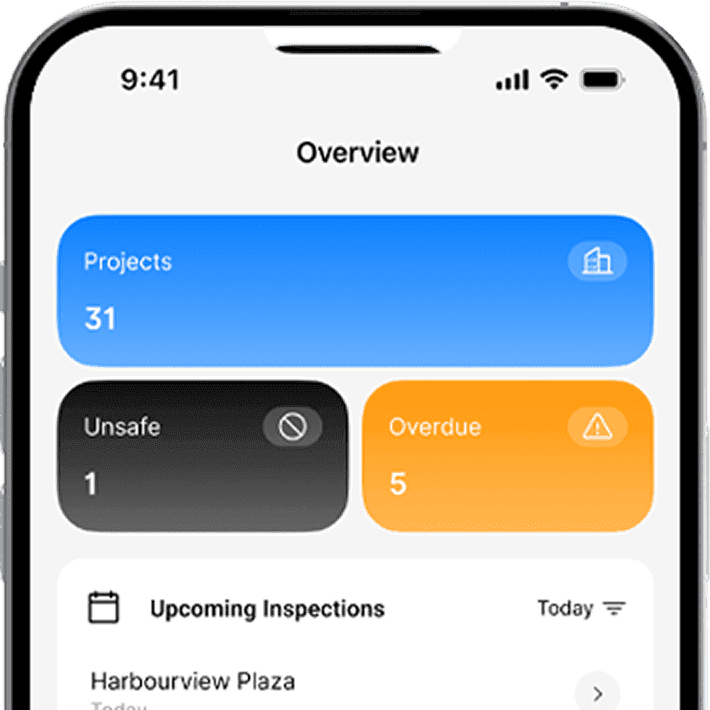
- Scaffold registerSee scaffold locations, inspections and status in the web portal. Export the register to Excel for your project records.
- Day docketsRecord instructed work, crew hours, materials and customer sign-off. The signed PDF gives the office a record of the work completed on site.
- Maya AI assistantDescribe your inspection observations aloud. Maya suggests checklist answers for the inspector to review before signing off.
Local terms
A shared record
for each scaffold
- Project checklist
- Create the questions your team needs for the client and work type, then assign the checklist to the relevant project.
- Additional Access Tag
- An extra QR tag on the same scaffold. It opens the existing scaffold record, so another access point does not create a separate inspection history.
- Site records
- Record toolbox talks, incidents, day dockets, hop-up movements and tie movements alongside your scaffold work.
Testimonials
What teams say
about Scafflinq
Vicky Amato
Australian Scaffold
Scafflinq has made our inspection and compliance processes faster, clearer, and far more efficient. It’s been a great tool for improving visibility across our projects and ensuring everything stays up to date.
Daniel Lake
Elevate Access Solutions
Scafflinq has been a game changer for our Inspections and Handovers, all our scaffolds on one platform makes it very easy to manage. Our customers love it, it makes our operation a lot more efficient.
Andres Van der Welt
Rohrig Constructions
Thanks to Scafflinq, we never have to worry about losing inspection records again. It’s always there, ready for us to access.
Shane Youssef
FC Building
Scafflinq has revolutionized the way we track scaffold inspections. It’s simple, easy to use, and gives us complete peace of mind.
Kate Paterson
Melbourne Scaffold Solutions
This innovation allows us to efficiently hand over scaffolds and keep meticulous track of inspections.
Isi Talanoa
Proview Scaffolding
Scafflinq has made scaffold handovers more efficient and helps us keep accurate, up-to-date records of every inspection.
Al Ibrahim
Buildum Construction
Scafflinq is a must-have for any builder serious about safety. It’s easy to use and gives us complete visibility into our scaffolding structures.
Mohamed Trad
Phoenix Developments
Scafflinq has made our scaffolding site safer than ever. It’s a reliable solution that we can trust.
Roi Cifti
Richard Crookes
With Scafflinq, I can access scaffold inspection history from anywhere, anytime. It’s a game-changer for our business.
Kurt Vengers
Dartanyon Developments
Scafflinq has saved us countless hours of paperwork and admin. We can now focus on our core business knowing that our scaffolding is always safe and compliant.


Vicky Amato
Australian Scaffold
Scafflinq has made our inspection and compliance processes faster, clearer, and far more efficient. It’s been a great tool for improving visibility across our projects and ensuring everything stays up to date.
Daniel Lake
Elevate Access Solutions
Scafflinq has been a game changer for our Inspections and Handovers, all our scaffolds on one platform makes it very easy to manage. Our customers love it, it makes our operation a lot more efficient.
Andres Van der Welt
Rohrig Constructions
Thanks to Scafflinq, we never have to worry about losing inspection records again. It’s always there, ready for us to access.
Shane Youssef
FC Building
Scafflinq has revolutionized the way we track scaffold inspections. It’s simple, easy to use, and gives us complete peace of mind.
Kate Paterson
Melbourne Scaffold Solutions
This innovation allows us to efficiently hand over scaffolds and keep meticulous track of inspections.
Isi Talanoa
Proview Scaffolding
Scafflinq has made scaffold handovers more efficient and helps us keep accurate, up-to-date records of every inspection.
Al Ibrahim
Buildum Construction
Scafflinq is a must-have for any builder serious about safety. It’s easy to use and gives us complete visibility into our scaffolding structures.
Mohamed Trad
Phoenix Developments
Scafflinq has made our scaffolding site safer than ever. It’s a reliable solution that we can trust.
Roi Cifti
Richard Crookes
With Scafflinq, I can access scaffold inspection history from anywhere, anytime. It’s a game-changer for our business.
Kurt Vengers
Dartanyon Developments
Scafflinq has saved us countless hours of paperwork and admin. We can now focus on our core business knowing that our scaffolding is always safe and compliant.
Pricing & setup
Pricing and getting started
in Saudi Arabia
First 5 active tags free
Estimates in SAR. All plans billed in AUD.
- Primary tagOne for each separate scaffold
- 3.73 SARper active tag / week
Extra access points on one scaffold?
Useful for industrial scaffolds with several access points. Optional Additional Access Tags open the same scaffold record.
- Additional Access TagExtra access points on the same scaffold only
- 0.62 SARper active tag / week
Start with one project
Sign up and order tags
Create your company account and order your first boxes of tags during sign-up.
Set up your first project
Review your inspection settings, invite your team and create a project.
Add and inspect your scaffold
Once your tags arrive, scan a tag in the mobile app, enter the scaffold details and complete your first inspection.
Exchange rates published . Prices exclude GST.
FAQs
Frequently asked questions
Practical answers for Saudi scaffold contractors and project teams.
Yes. Review the checklist, handover PDF, required physical tags and internet access with the project team before rollout. Client acceptance and site procedures still need to be agreed for the particular job.
Prepare your Saudi project workflow

Bring your Saudi project checklist to a demo
Walk through the inspection, tags and handover process, or start with 5 free tags.